
Table orders
Organise open orders by table with item quantities and notes.
Custom-built solution
Coordinate front-of-house and kitchen work.
A system we can develop and tailor to your business, with features and delivery arrangements agreed together.
Discuss this solutionSample interface with fictional records. This illustrates a possible layout, not an existing product or a confirmed feature set.
Restaurant software should give front-of-house and kitchen staff a shared understanding of each order. Table items, preparation notes and serving states need to stay connected so the bill reflects the recorded order and changes reach the right team.
A server opens Table 04, records two main dishes and notes one requested change. The kitchen marks the dishes ready, the server records service and the cashier reviews the bill before closing the table.
Illustrative concept screens, not live software demos. The examples use fictional data. Final screens and functionality depend on the agreed project scope.
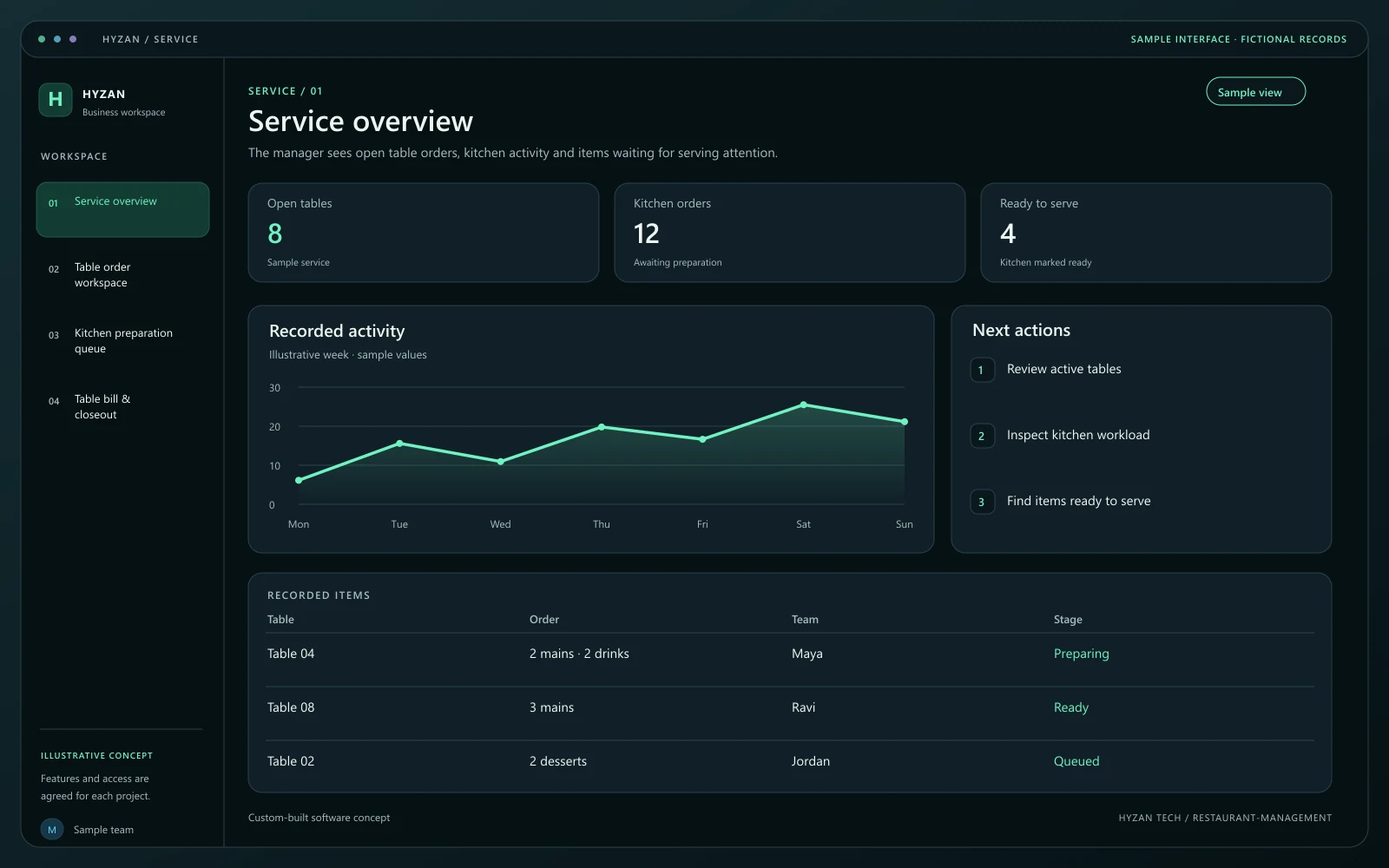
The manager sees open table orders, kitchen activity and items waiting for serving attention.
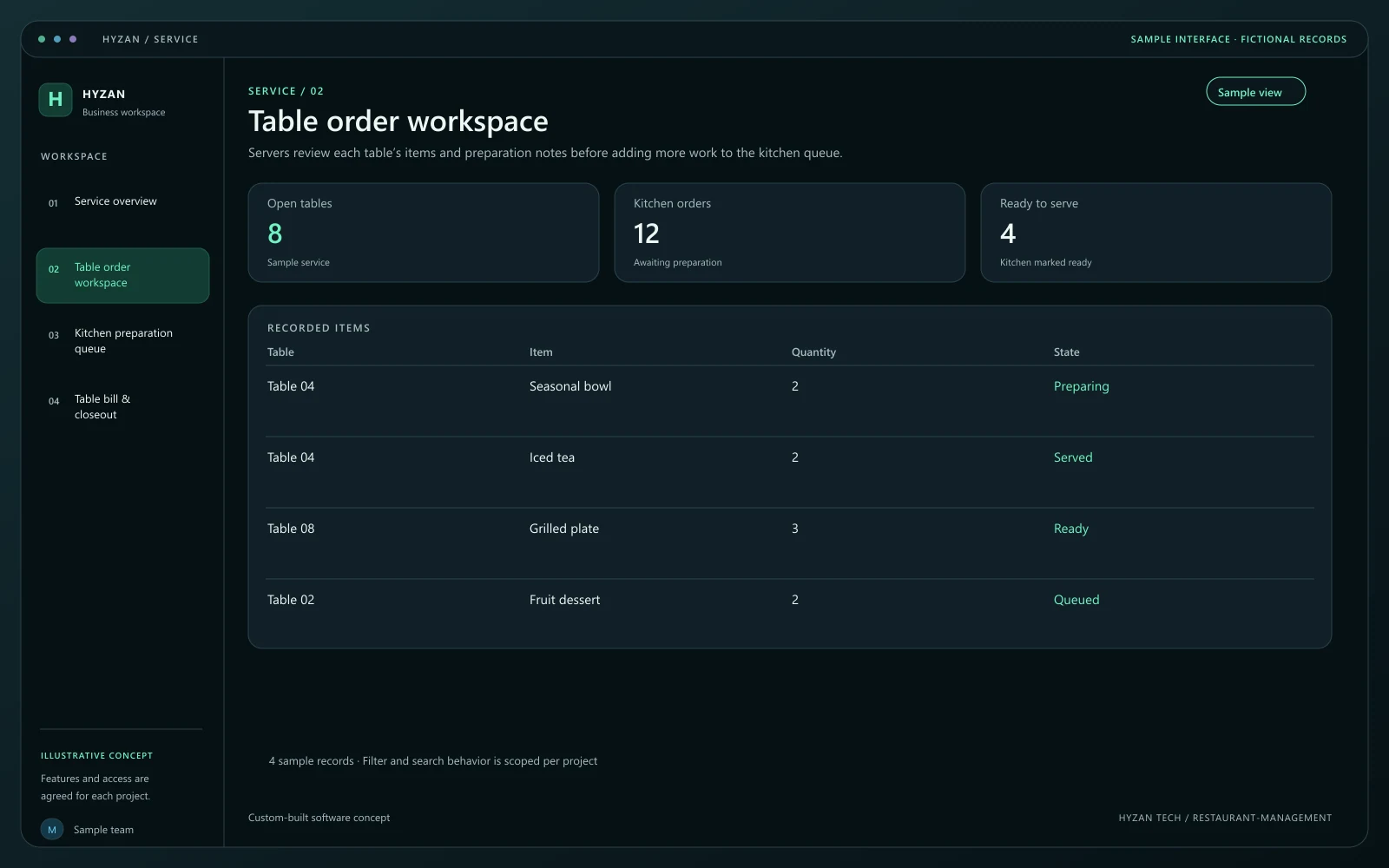
Servers review each table’s items and preparation notes before adding more work to the kitchen queue.
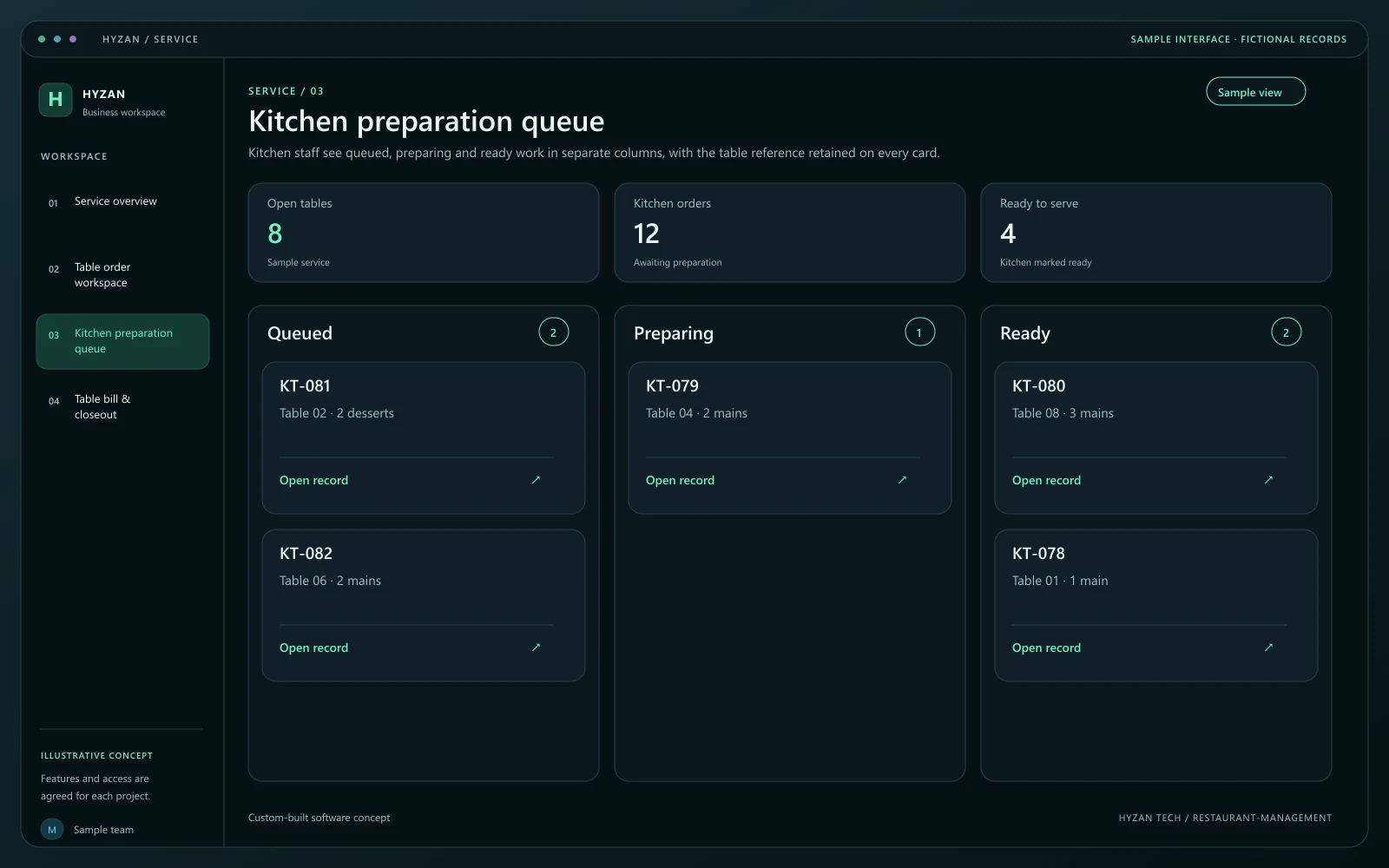
Kitchen staff see queued, preparing and ready work in separate columns, with the table reference retained on every card.
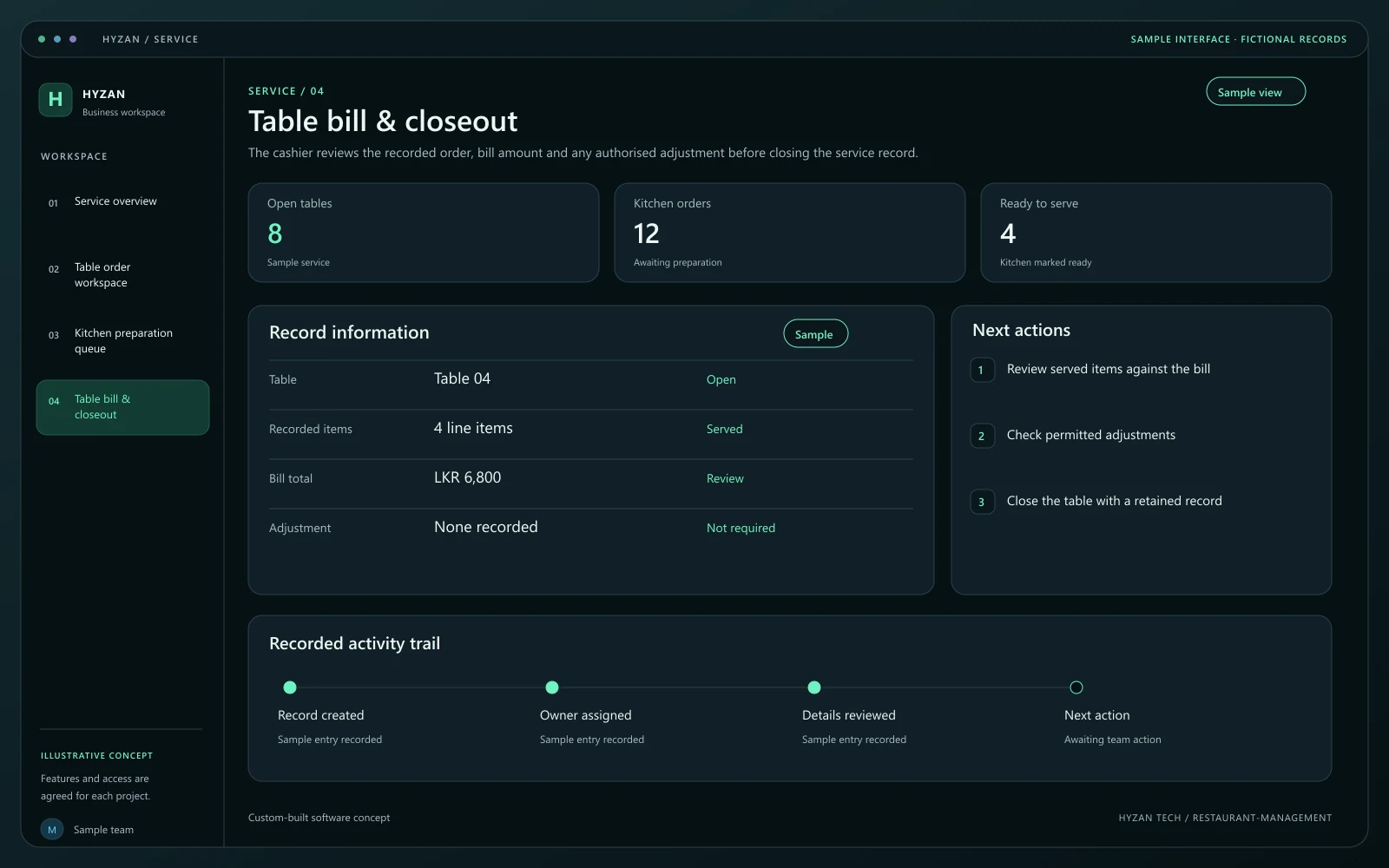
The cashier reviews the recorded order, bill amount and any authorised adjustment before closing the service record.
Table orders are difficult to coordinate with the kitchen.
Changes to an order get lost in the handoff.
The billing team lacks a clear record of served items.
Organise open orders by table with item quantities and notes.
Give the kitchen a clear preparation queue and order states.
Prepare bills from the recorded order details.
Maintain menu items and their agreed availability.
Choose the table and record item quantities and preparation notes. Confirm that the menu items are available before sending the order forward.
Present the kitchen with a clear order queue. Changes to an accepted order should be visible and acknowledged in the agreed workflow.
Mark prepared items ready and record what has been served. Keep additional items attached to the same table order.
Prepare the bill from the recorded items. Apply only permitted adjustments and retain the completed order when the table is closed.
We agree the features, user access, data handling, integrations and delivery arrangements before work begins. External integrations depend on available access and setup confirmed during scoping. Pricing, timing and ongoing support are agreed for your project.
The right screens depend on who uses them. These example responsibilities help define the access and decisions to agree before development.
Record table orders, notes and serving progress.
Review the preparation queue and update readiness.
Review bills, adjustments and completed service records.
Bring a few examples from your current process. They help us agree the records, permissions and first release.
Related software options to consider as your requirements take shape.
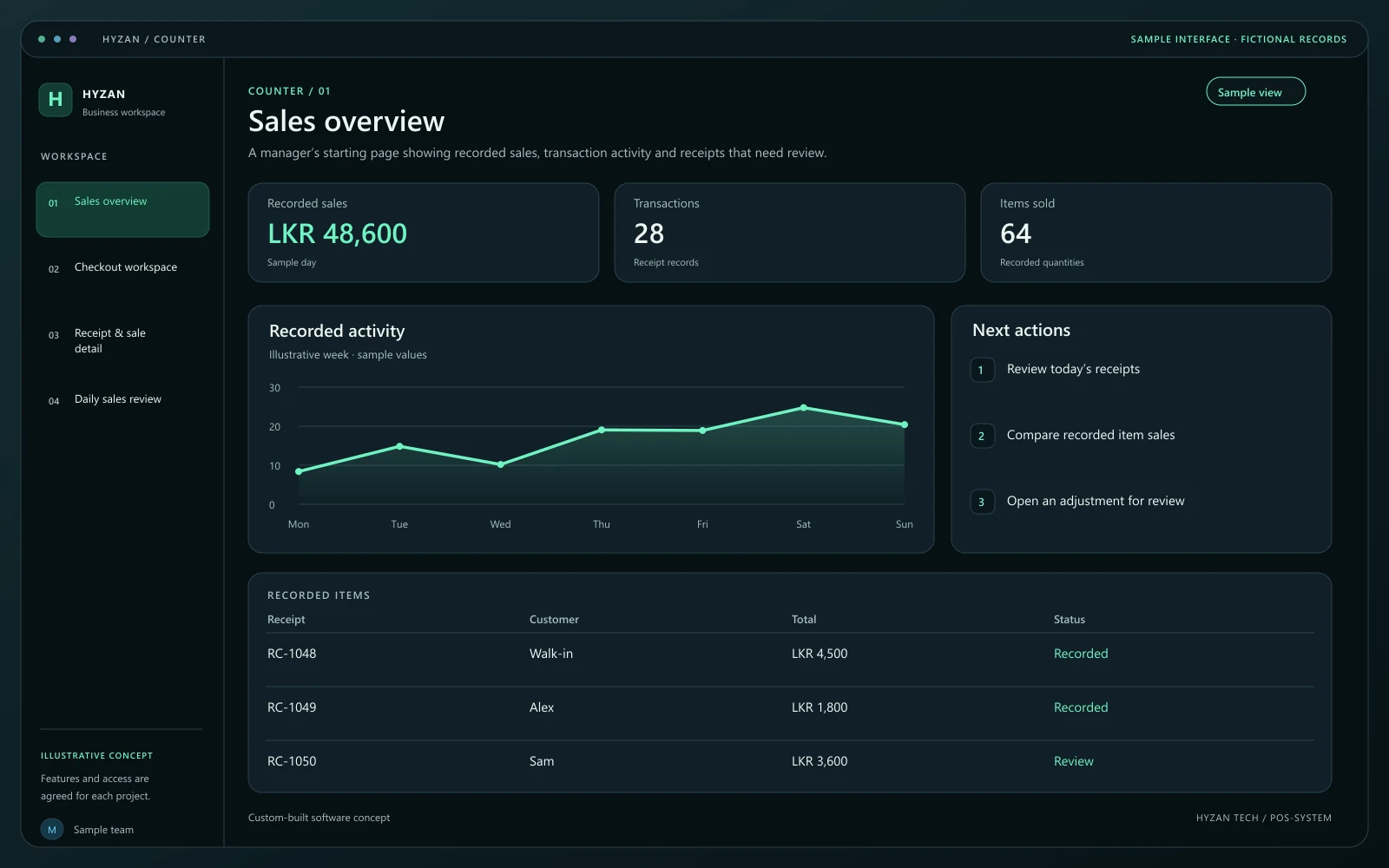 Dashboard + 3 working screens
Custom-built solution
Manage checkout and understand daily sales.
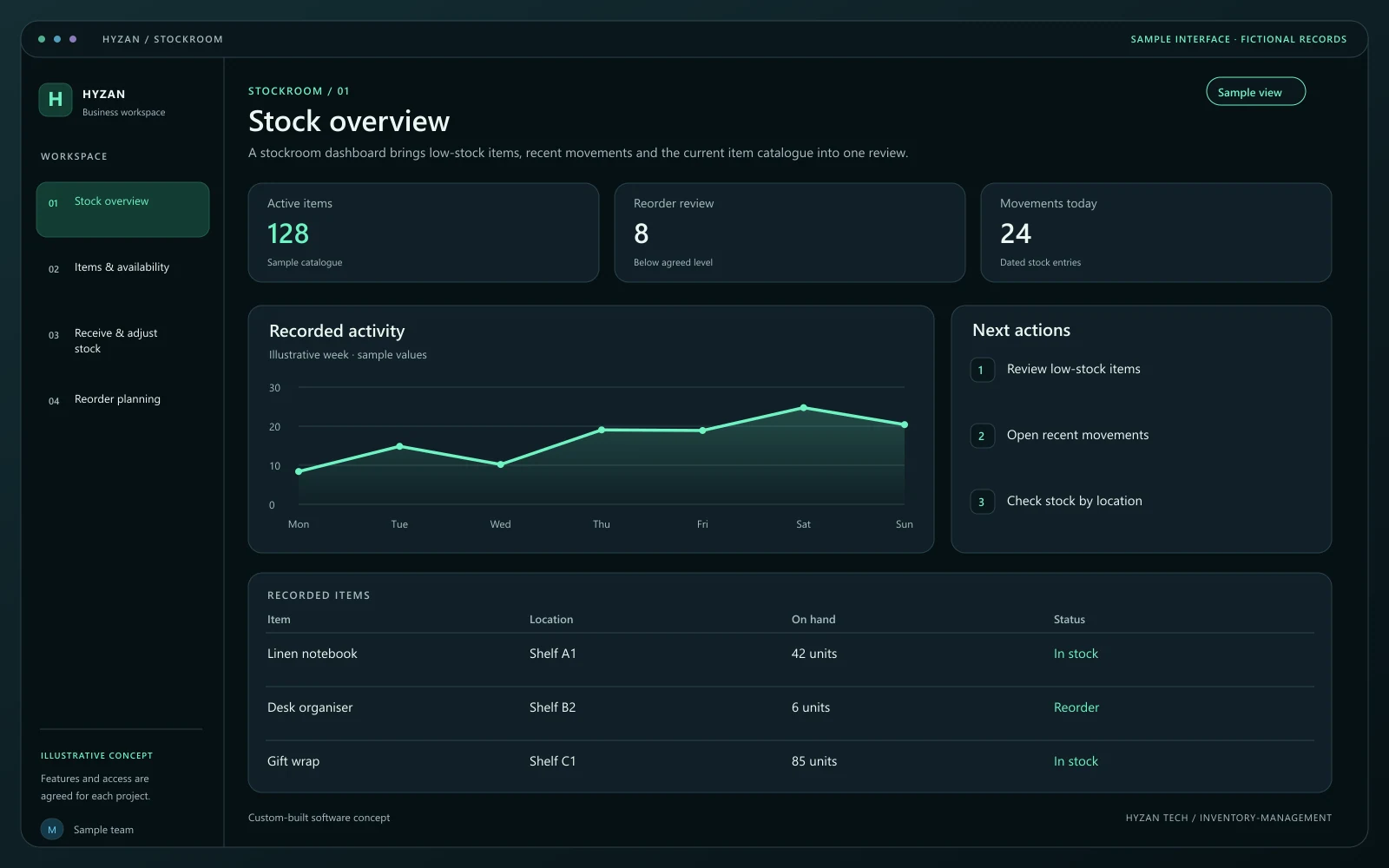 Dashboard + 3 working screens
Custom-built solution
Keep stock and purchasing organized.
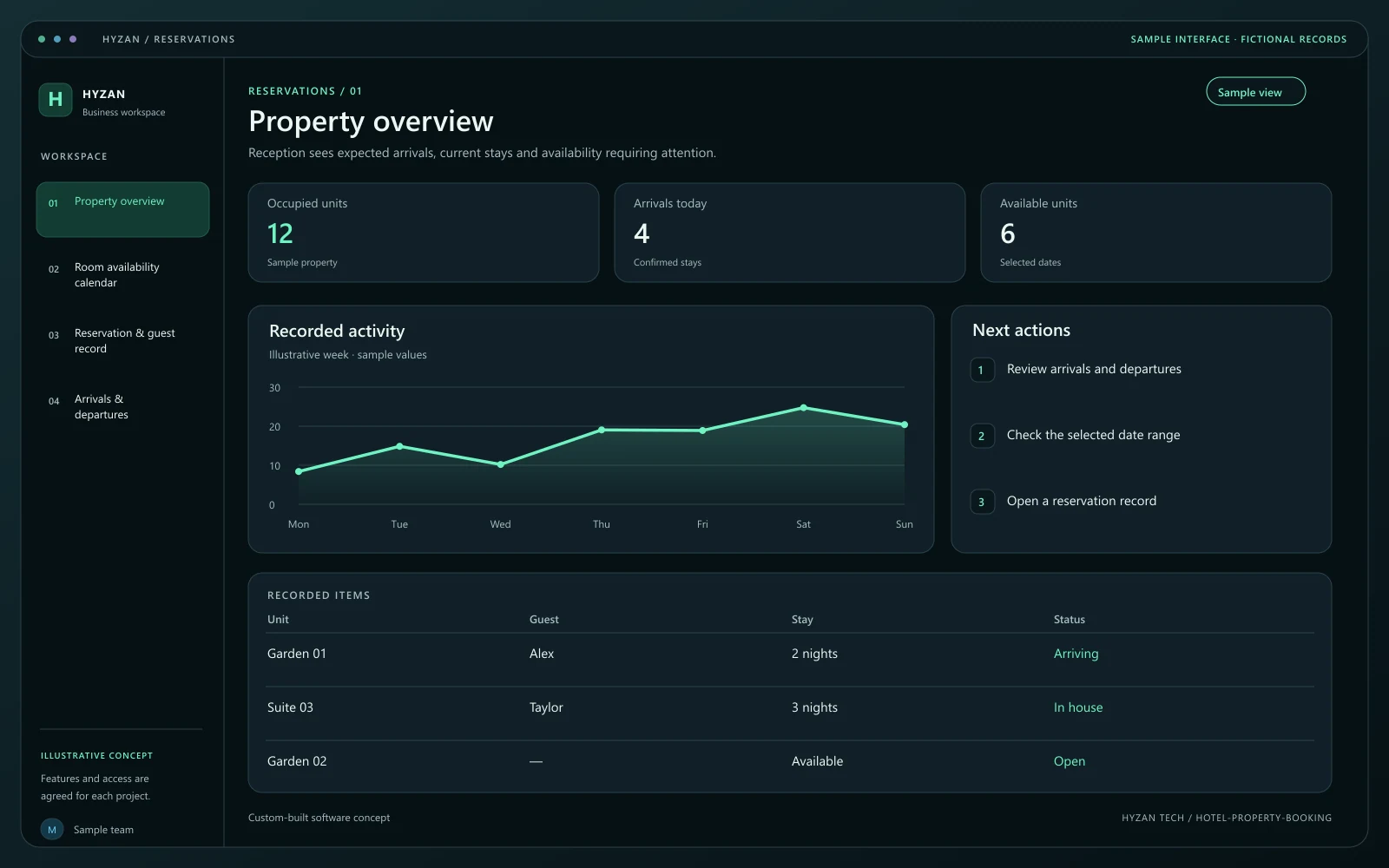 Dashboard + 3 working screens
Custom-built solution
Organize availability and reservations.
Tell us how your team works today and what you want to improve. Your selected solution will be included in the enquiry.
Discuss this solution