
Billing and receipts
Build a clear checkout flow with itemised totals and receipt records.
Custom-built solution
Manage checkout and understand daily sales.
A system we can develop and tailor to your business, with features and delivery arrangements agreed together.
Discuss this solutionSample interface with fictional records. This illustrates a possible layout, not an existing product or a confirmed feature set.
A POS should give the person at the counter a clear way to build a sale, check totals and record the outcome. The same transaction should then appear in the manager’s sales review, with discounts and returns traceable to the original receipt.
A customer buys two notebooks, a desk organiser and gift wrap. The cashier reviews the basket, records how the sale was paid and prepares the receipt. At closing, the manager reviews the recorded transactions and any adjustments.
Illustrative concept screens, not live software demos. The examples use fictional data. Final screens and functionality depend on the agreed project scope.
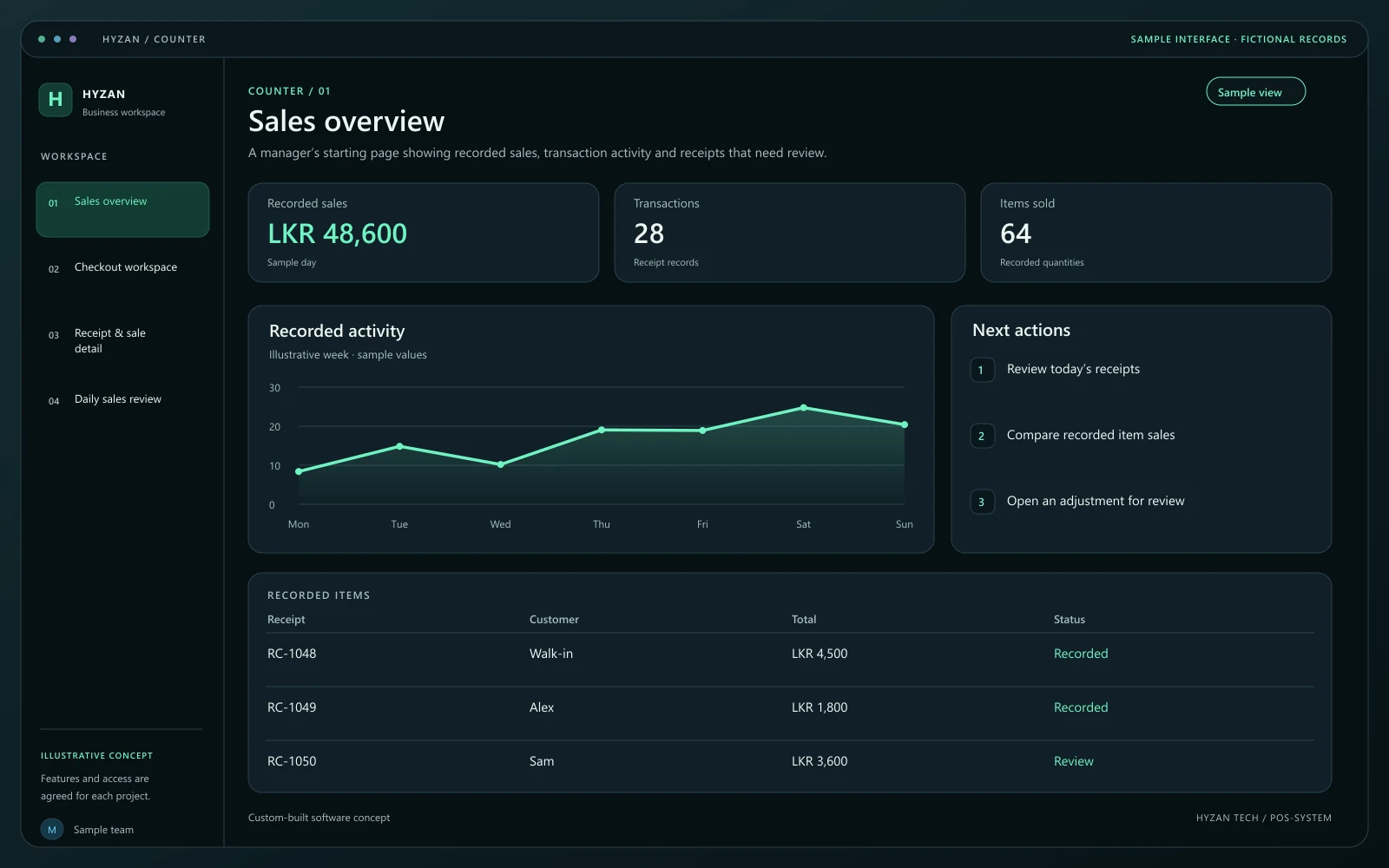
A manager’s starting page showing recorded sales, transaction activity and receipts that need review.
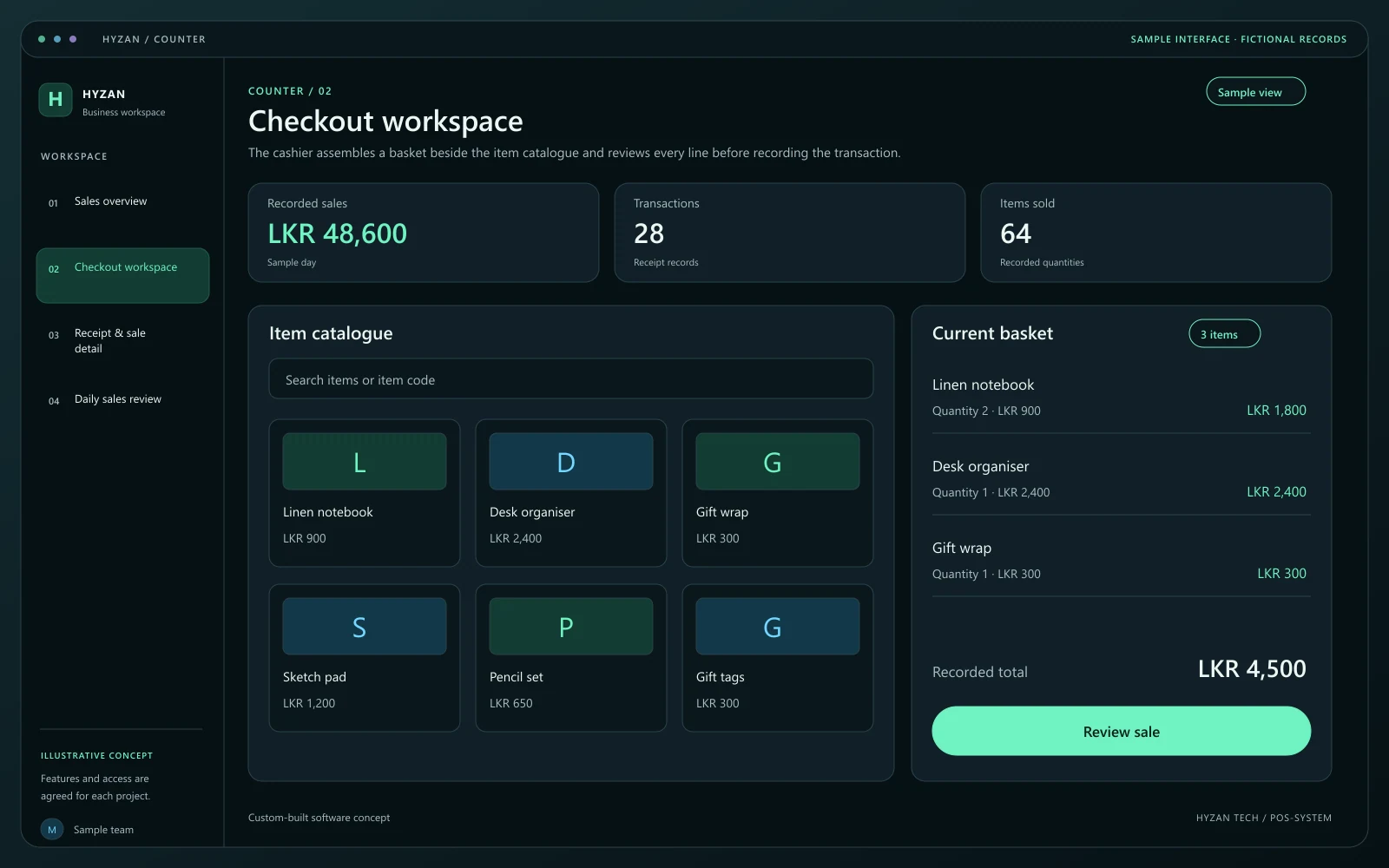
The cashier assembles a basket beside the item catalogue and reviews every line before recording the transaction.
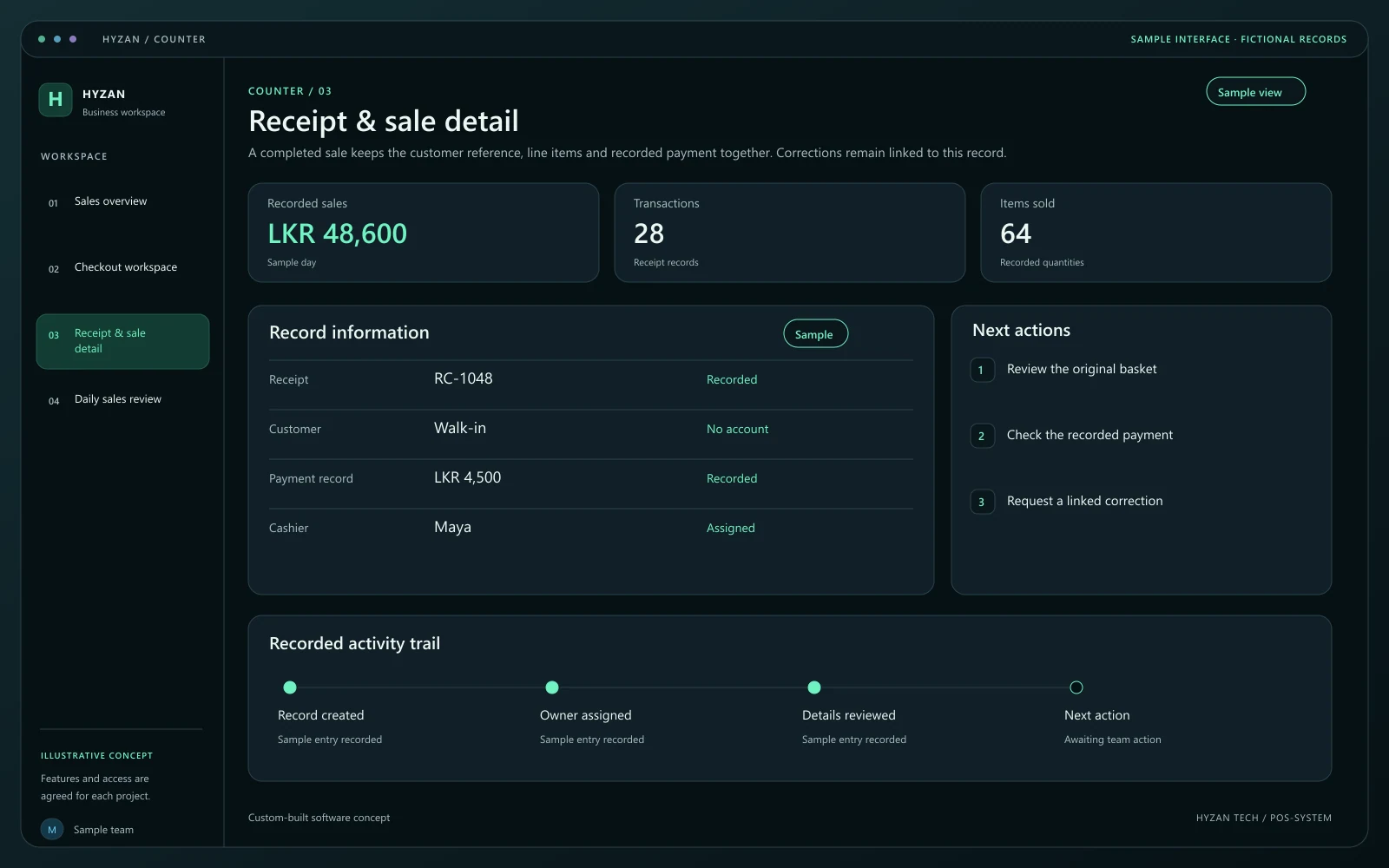
A completed sale keeps the customer reference, line items and recorded payment together. Corrections remain linked to this record.
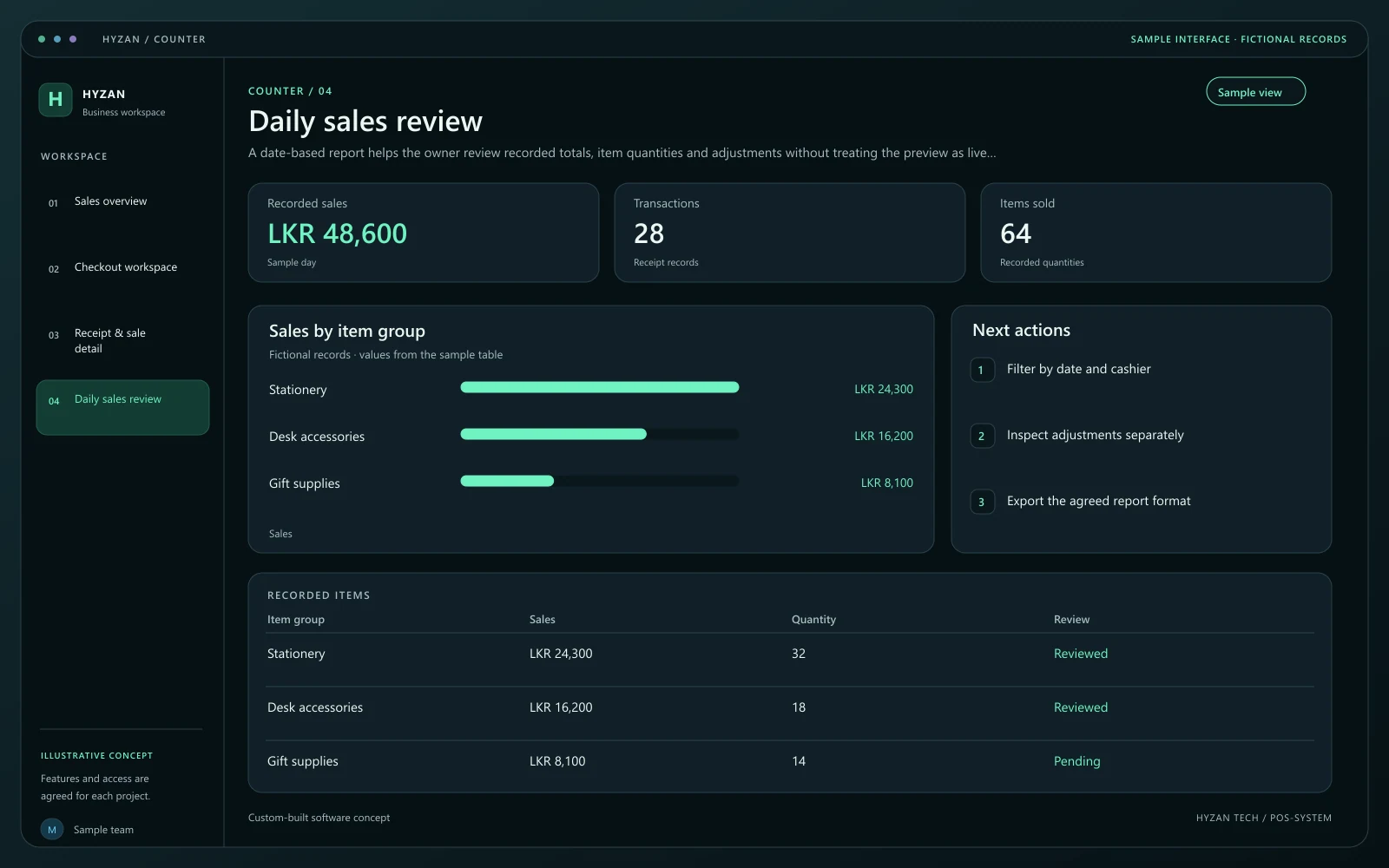
A date-based report helps the owner review recorded totals, item quantities and adjustments without treating the preview as live financial data.
Checkout totals are worked out manually.
Discounts and returns are difficult to review.
Daily sales records are spread across notebooks and sheets.
Build a clear checkout flow with itemised totals and receipt records.
Define agreed discount rules and make adjustments visible to the team.
Review recorded sales by date, item or staff member.
Record returned items and their relationship to the original sale.
Search the item catalogue, add quantities and confirm the displayed price. Keep the basket editable until the cashier is ready to record the sale.
Show each line, any agreed discount and the final total together. An adjustment outside the cashier’s permission should go to a supervisor.
Save one transaction with a unique receipt reference and a recorded payment method. Receipt printing, payment processing and hardware support require separate scoping.
Review sales by receipt, item or staff member. A correction or return should reference the original transaction instead of silently replacing it.
We agree the features, user access, data handling, integrations and delivery arrangements before work begins. External integrations depend on available access and setup confirmed during scoping. Pricing, timing and ongoing support are agreed for your project.
The right screens depend on who uses them. These example responsibilities help define the access and decisions to agree before development.
Build baskets, review totals and record sales within agreed permissions.
Review discounts, corrections and returns that need approval.
Review recorded sales and identify items that need attention.
Bring a few examples from your current process. They help us agree the records, permissions and first release.
Related software options to consider as your requirements take shape.
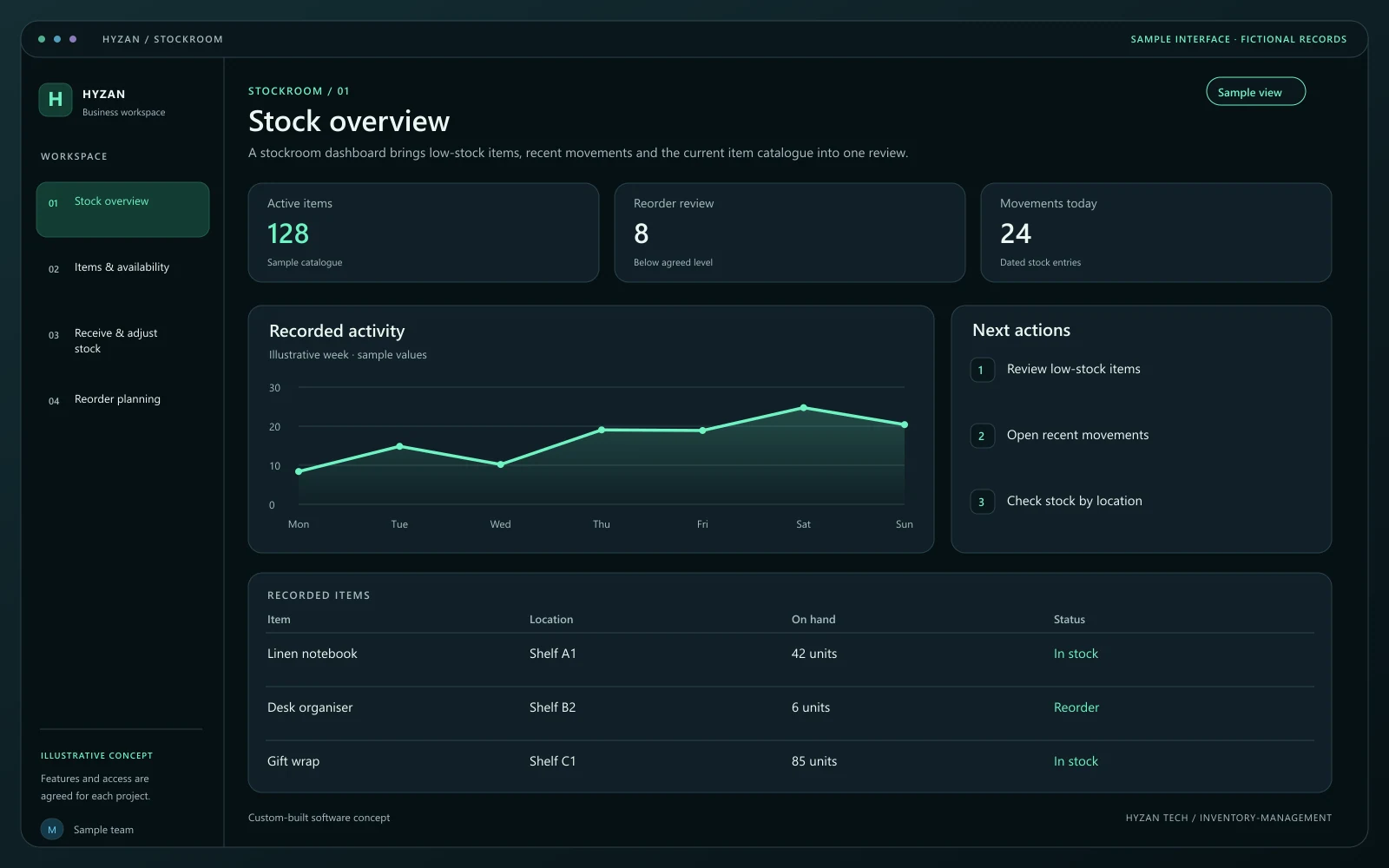 Dashboard + 3 working screens
Custom-built solution
Keep stock and purchasing organized.
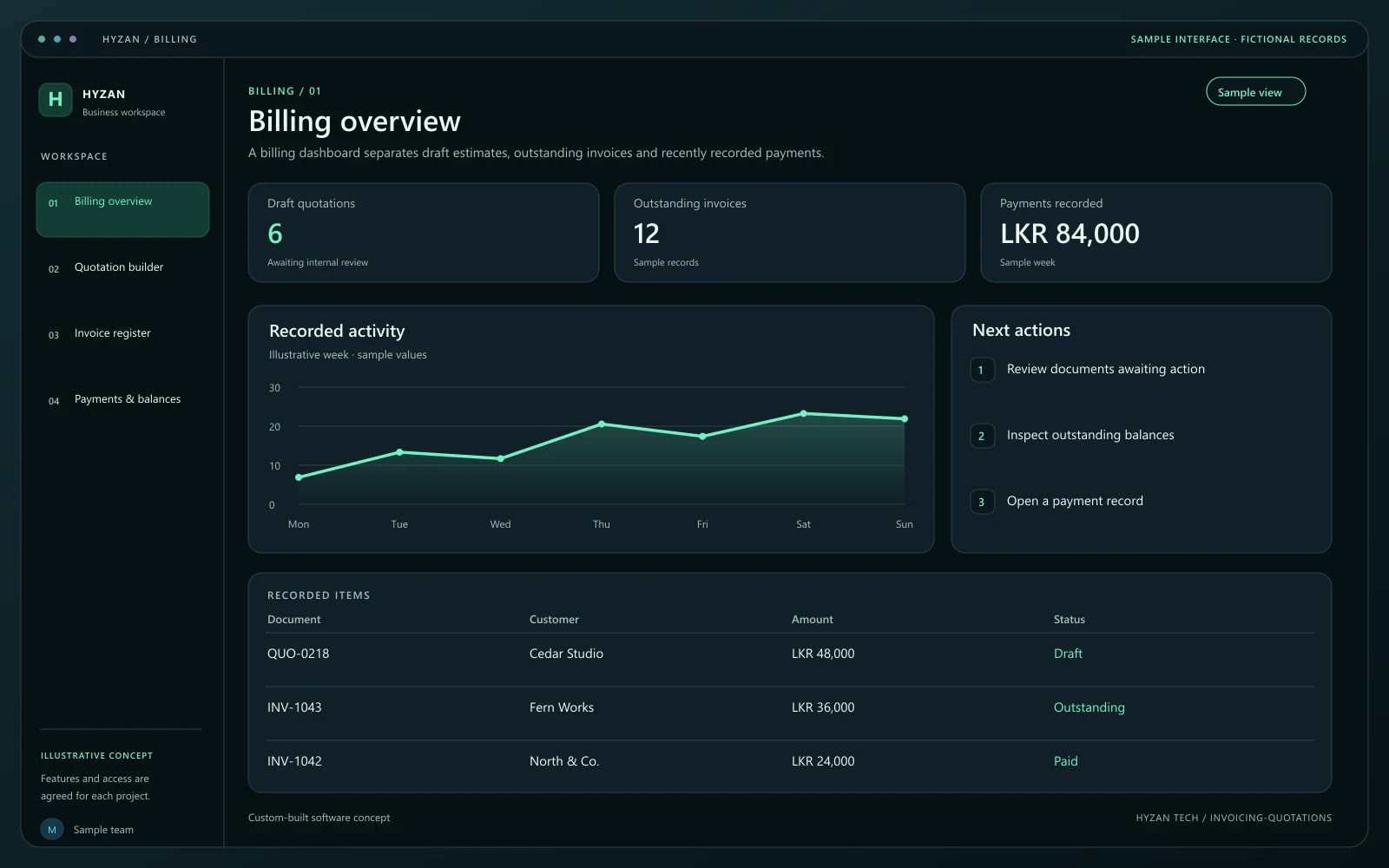 Dashboard + 3 working screens
Custom-built solution
Prepare estimates and track customer payments.
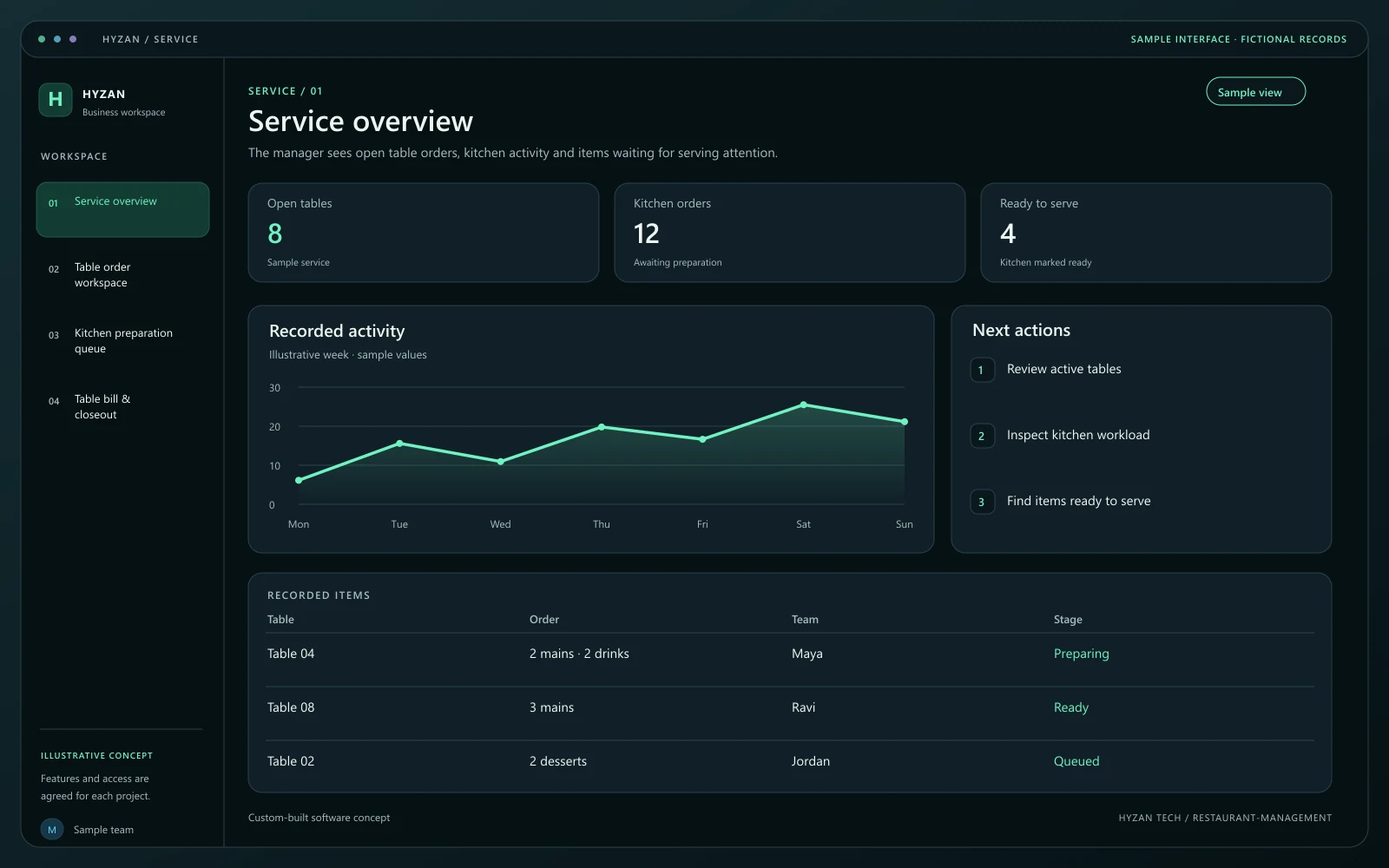 Dashboard + 3 working screens
Custom-built solution
Coordinate front-of-house and kitchen work.
Tell us how your team works today and what you want to improve. Your selected solution will be included in the enquiry.
Discuss this solution