
Stock movements
Record incoming stock, adjustments and outgoing quantities.
Custom-built solution
Keep stock and purchasing organized.
A system we can develop and tailor to your business, with features and delivery arrangements agreed together.
Discuss this solutionSample interface with fictional records. This illustrates a possible layout, not an existing product or a confirmed feature set.
Inventory software should explain why a stock balance changed, not only show the latest number. Item records, supplier references and dated movements create a shared picture of what is available, where it is kept and what may need reordering.
A delivery of notebooks arrives from a supplier. A team member records the received quantity, the balance updates and the owner reviews items that remain below their agreed reorder level.
Illustrative concept screens, not live software demos. The examples use fictional data. Final screens and functionality depend on the agreed project scope.
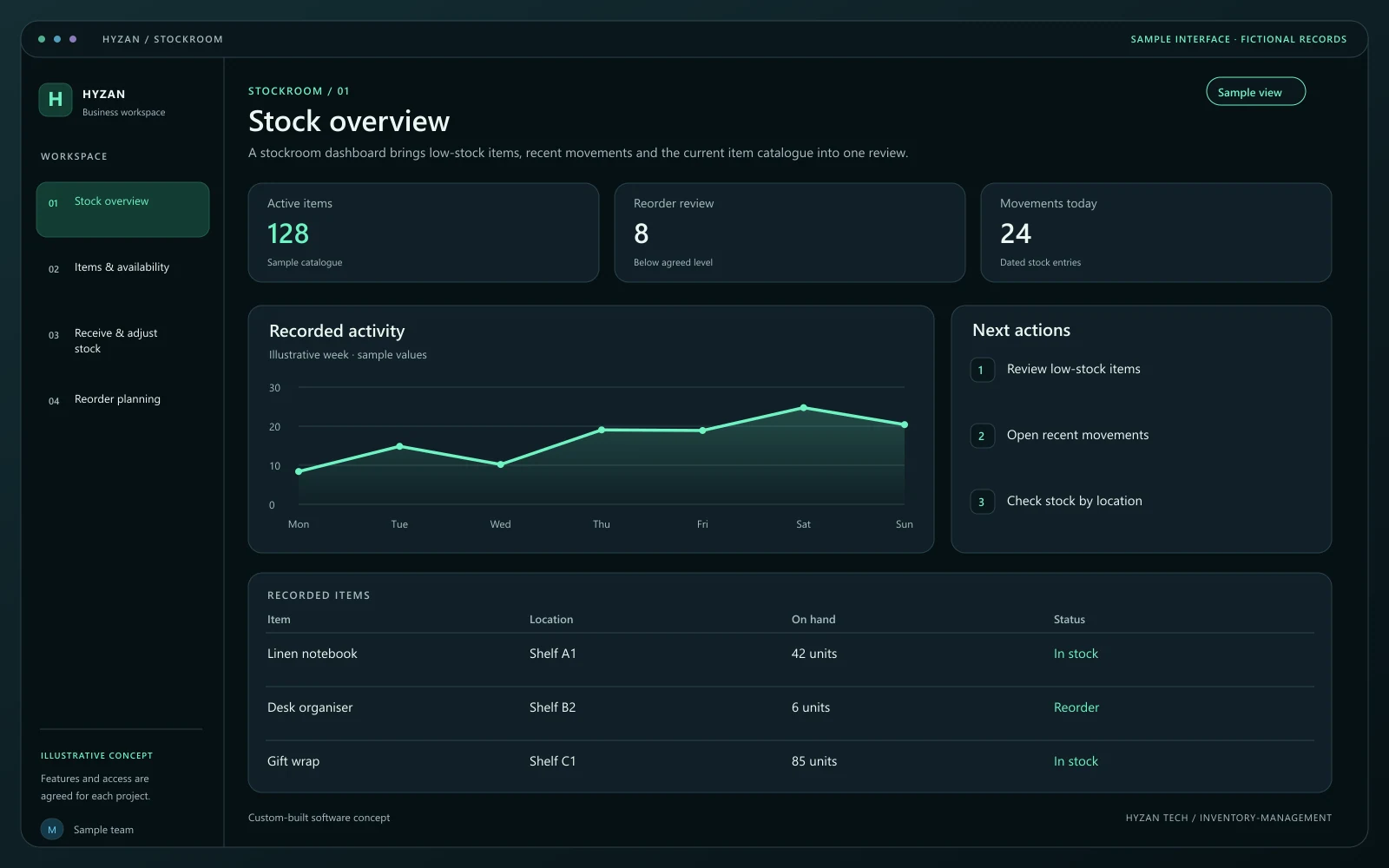
A stockroom dashboard brings low-stock items, recent movements and the current item catalogue into one review.
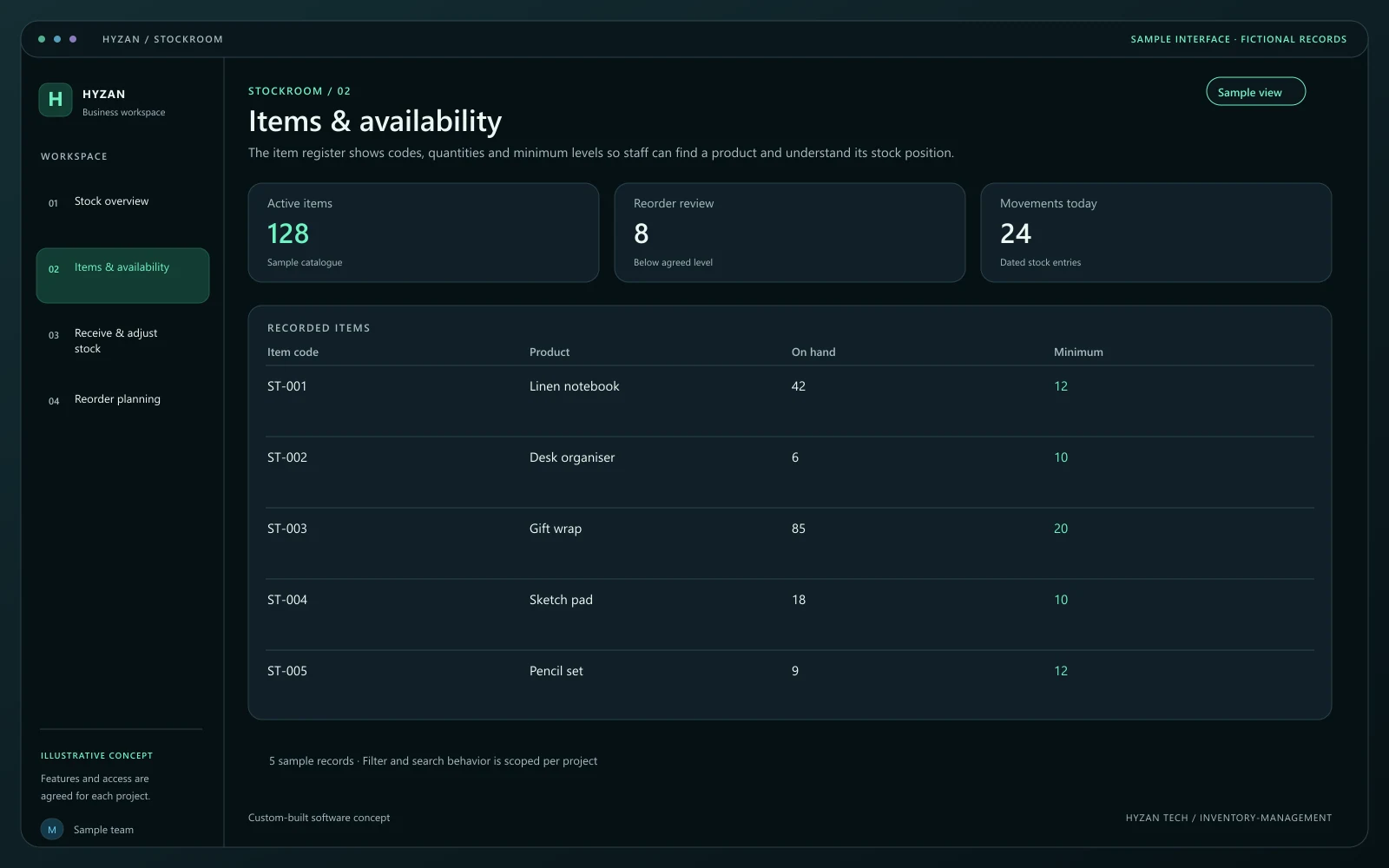
The item register shows codes, quantities and minimum levels so staff can find a product and understand its stock position.
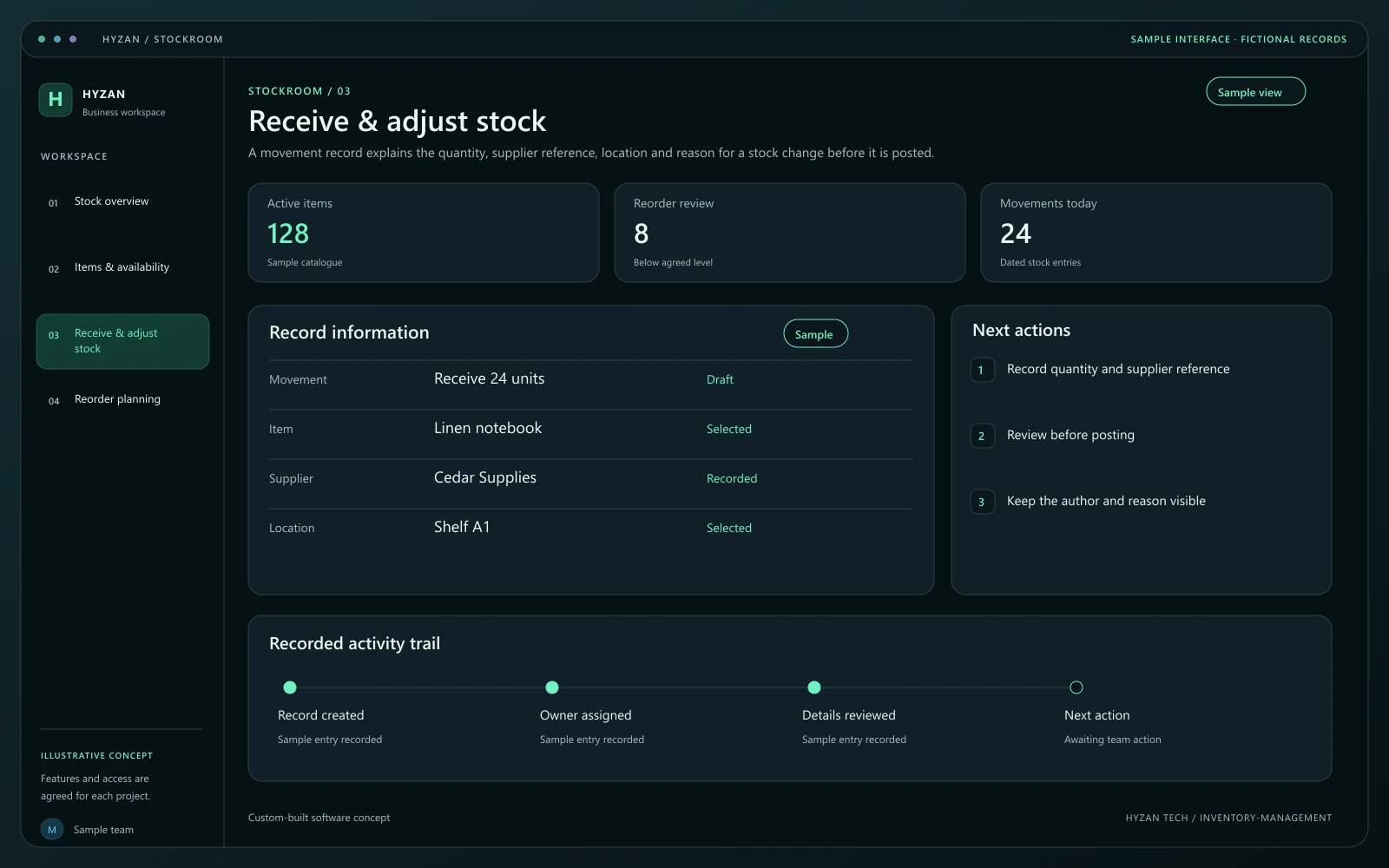
A movement record explains the quantity, supplier reference, location and reason for a stock change before it is posted.
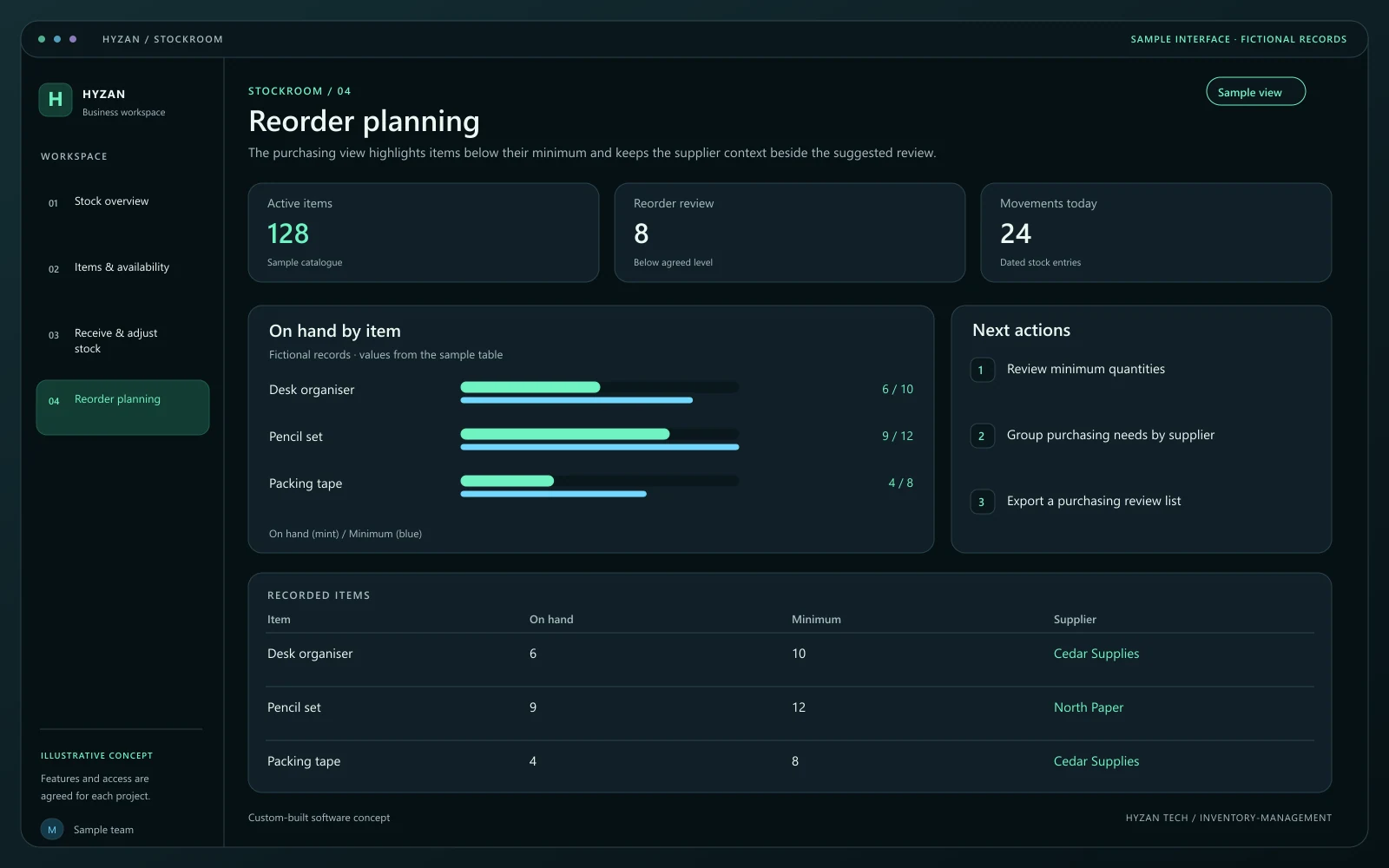
The purchasing view highlights items below their minimum and keeps the supplier context beside the suggested review.
Stock counts differ between records.
Purchasing decisions happen after an item runs out.
Supplier details and stock movements are hard to trace.
Record incoming stock, adjustments and outgoing quantities.
Keep supplier details and item purchasing references together.
Highlight items that reach agreed minimum quantities.
Organise item codes, categories and storage locations.
Create a unique item code, unit, category and storage location. Agree how variants and opening balances should be represented.
Link incoming stock to a supplier reference or record an issue with a reason. Each movement should retain its date and responsible user.
Compare a physical count with the recorded balance. Differences should become reasoned adjustments with the appropriate approval.
Review items below the chosen minimum and prepare a purchasing list. An alert is a decision aid; it does not place an order automatically.
We agree the features, user access, data handling, integrations and delivery arrangements before work begins. External integrations depend on available access and setup confirmed during scoping. Pricing, timing and ongoing support are agreed for your project.
The right screens depend on who uses them. These example responsibilities help define the access and decisions to agree before development.
Record receipts, issues and physical-count observations.
Maintain supplier references and review reorder needs.
Review stock positions, adjustments and purchasing priorities.
Bring a few examples from your current process. They help us agree the records, permissions and first release.
Related software options to consider as your requirements take shape.
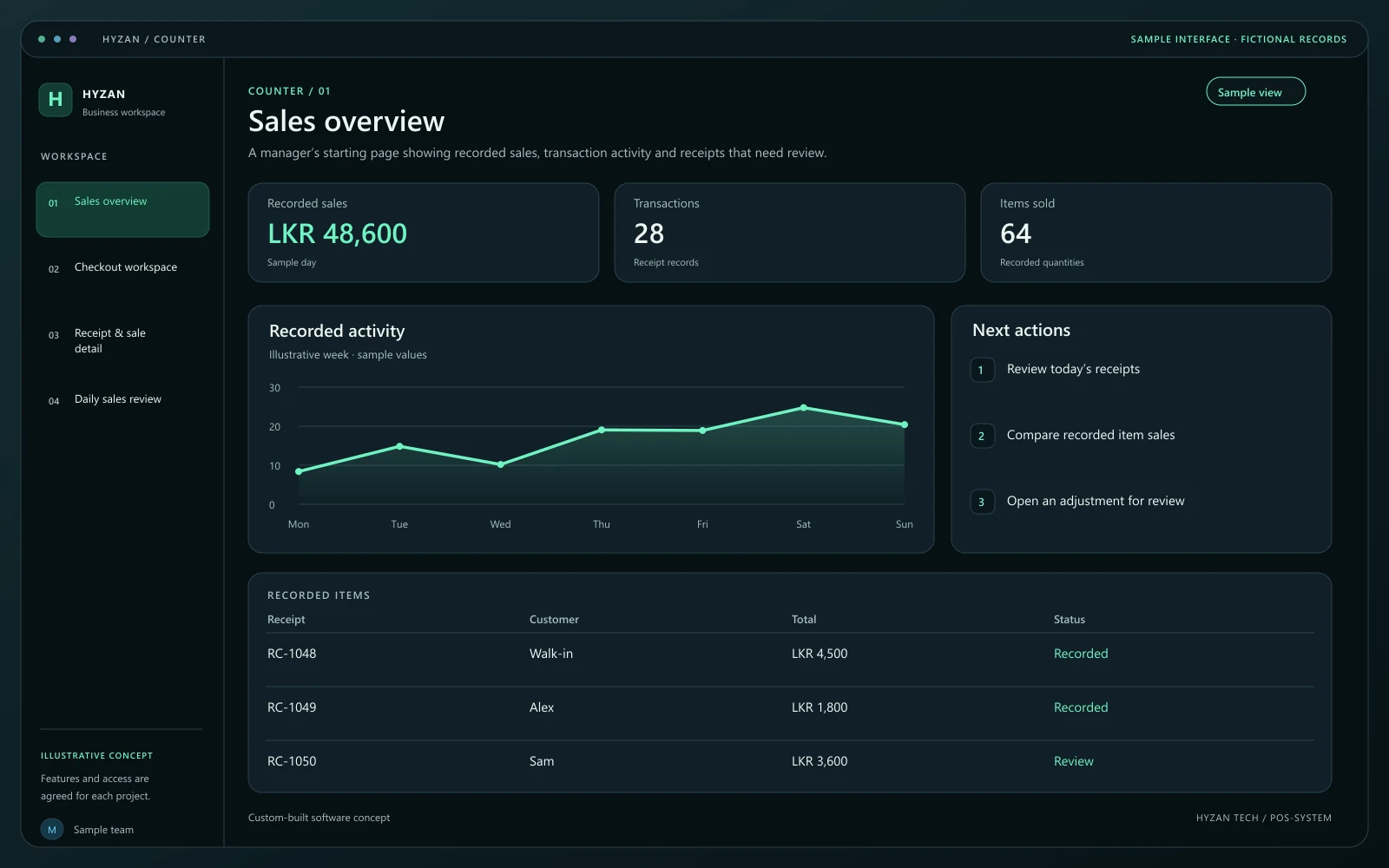 Dashboard + 3 working screens
Custom-built solution
Manage checkout and understand daily sales.
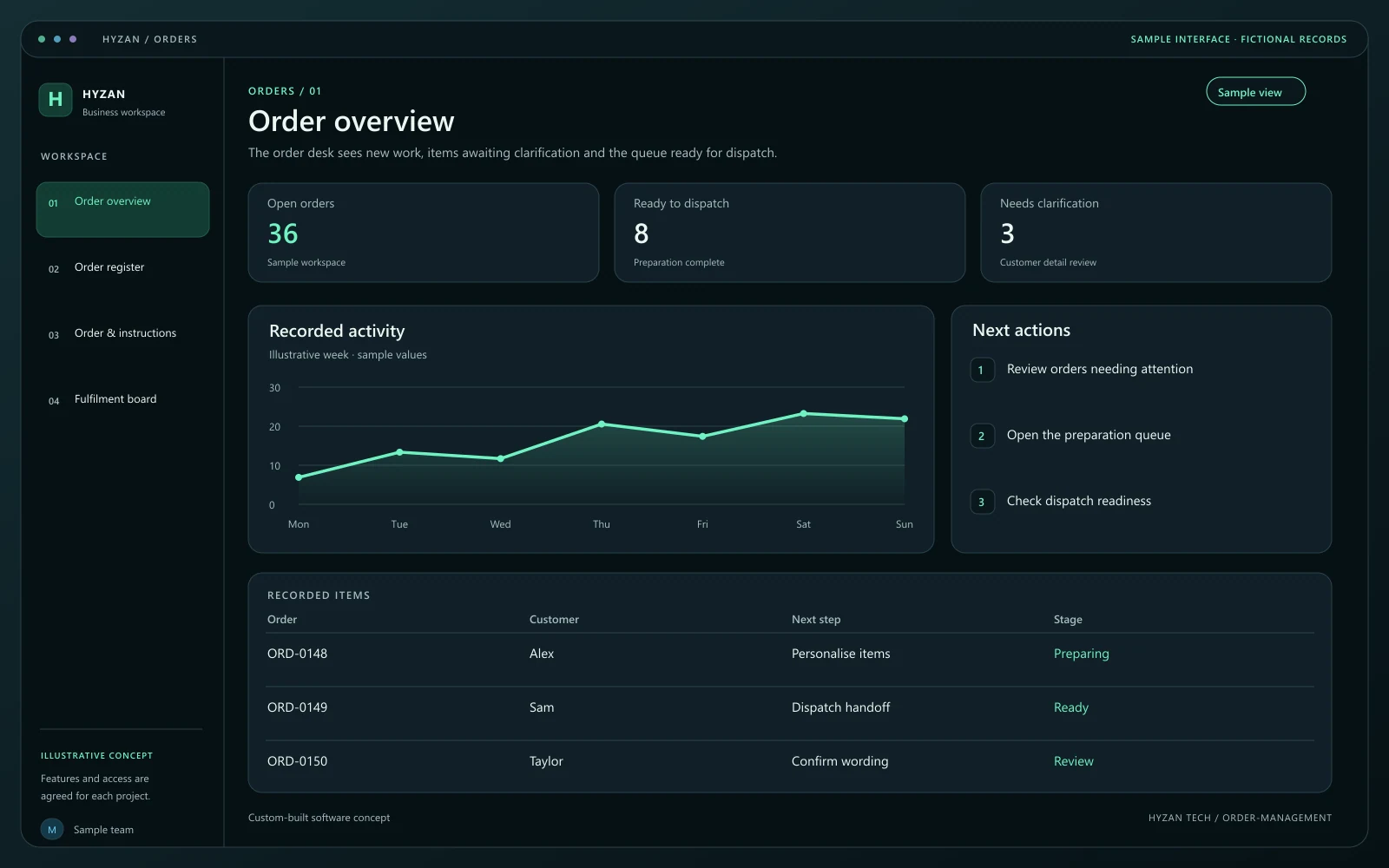 Dashboard + 3 working screens
Custom-built solution
Follow orders from enquiry to fulfilment.
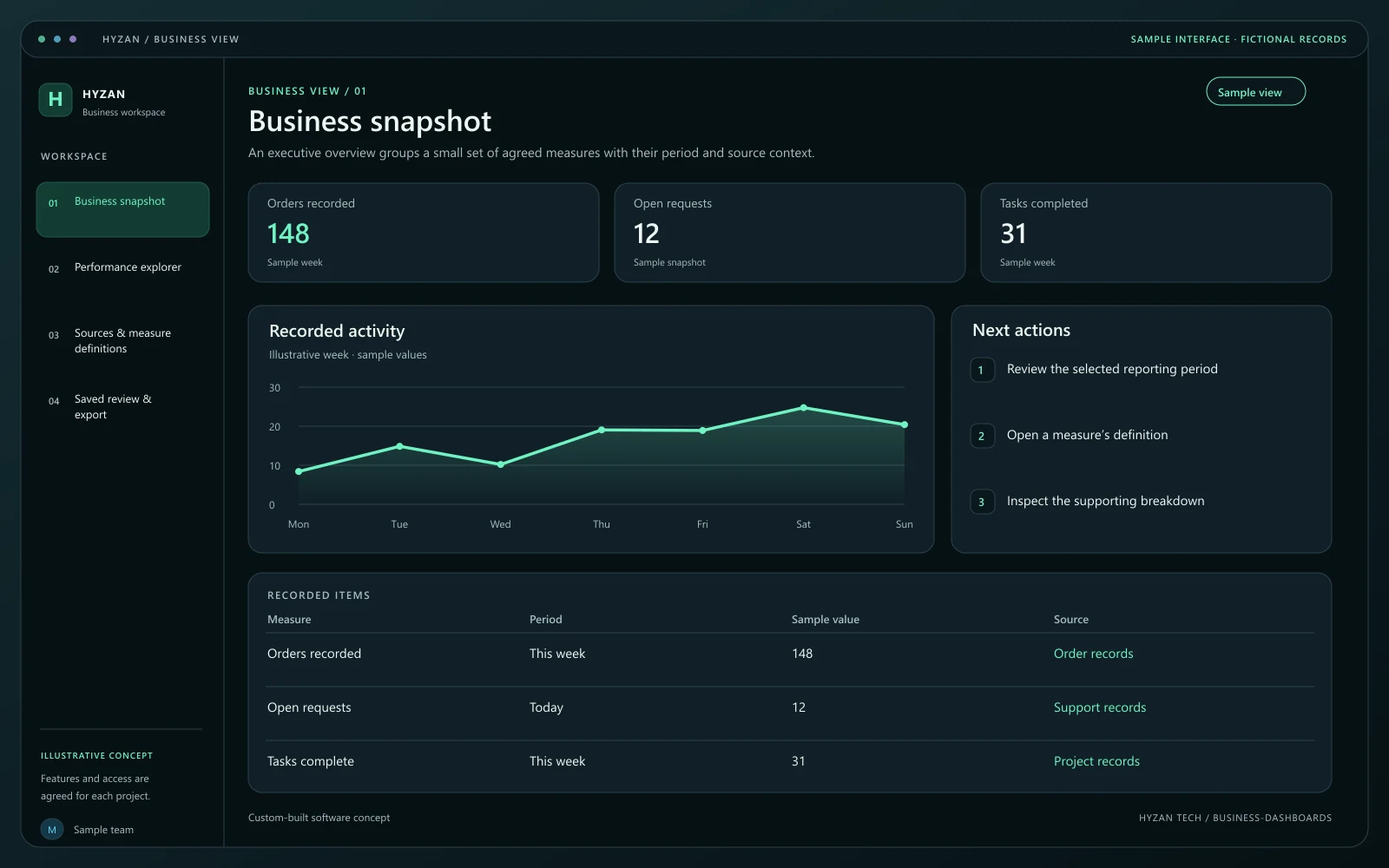 Dashboard + 3 working screens
Custom-built solution
Bring important business information together.
Tell us how your team works today and what you want to improve. Your selected solution will be included in the enquiry.
Discuss this solution