
Course content
Structure lessons and resources into clear learning modules.
Custom-built solution
Organize lessons and learner progress.
A system we can develop and tailor to your business, with features and delivery arrangements agreed together.
Discuss this solutionSample interface with fictional records. This illustrates a possible layout, not an existing product or a confirmed feature set.
An LMS should give learners a clear route through lessons, activities and feedback. Instructors need to organise content and review submissions, while course administrators need a consistent view of enrolment and recorded progress.
A learner opens the next design lesson, reads the resources and submits an assignment. The instructor reviews that submission, adds feedback and updates the recorded completion state.
Illustrative concept screens, not live software demos. The examples use fictional data. Final screens and functionality depend on the agreed project scope.
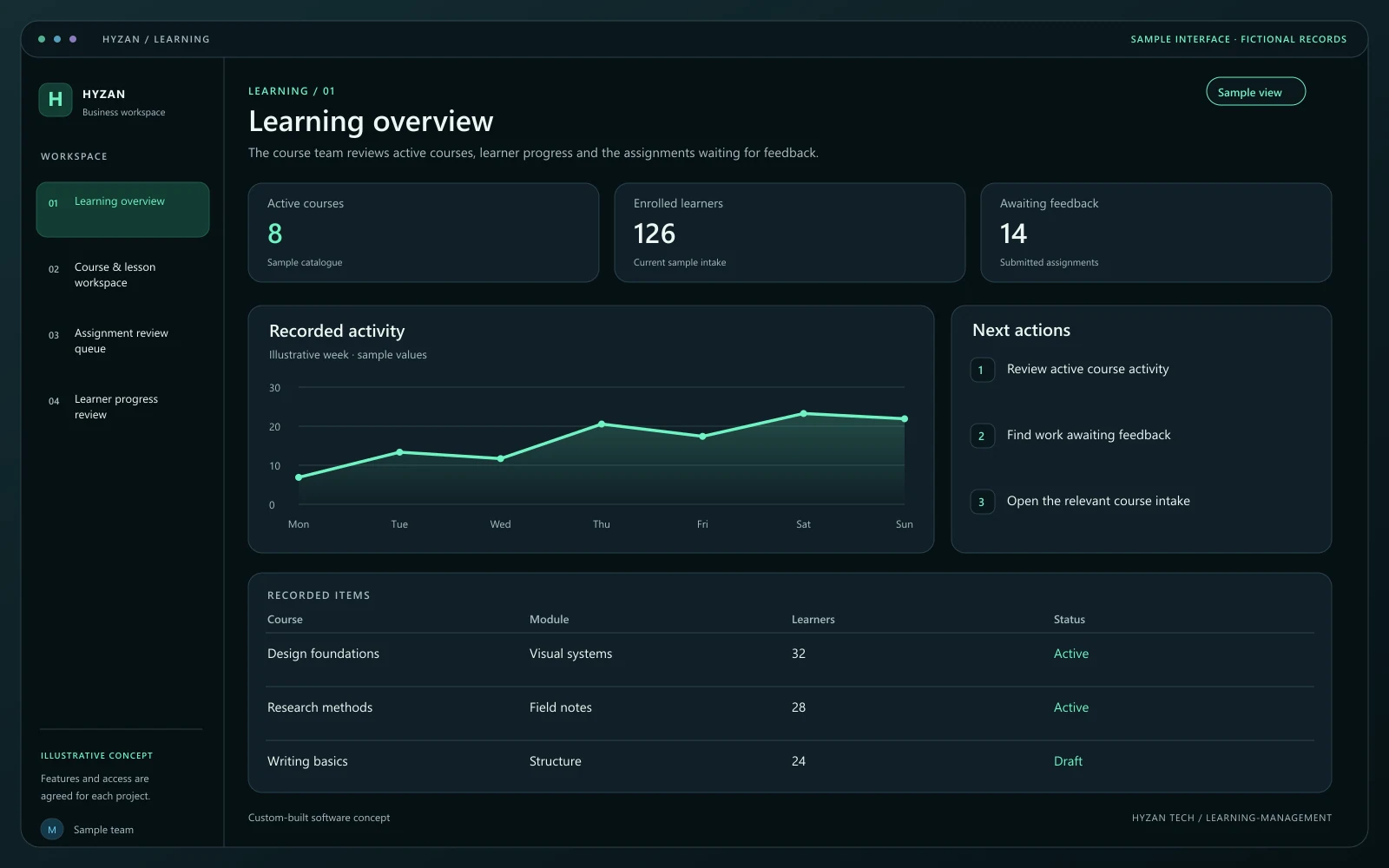
The course team reviews active courses, learner progress and the assignments waiting for feedback.
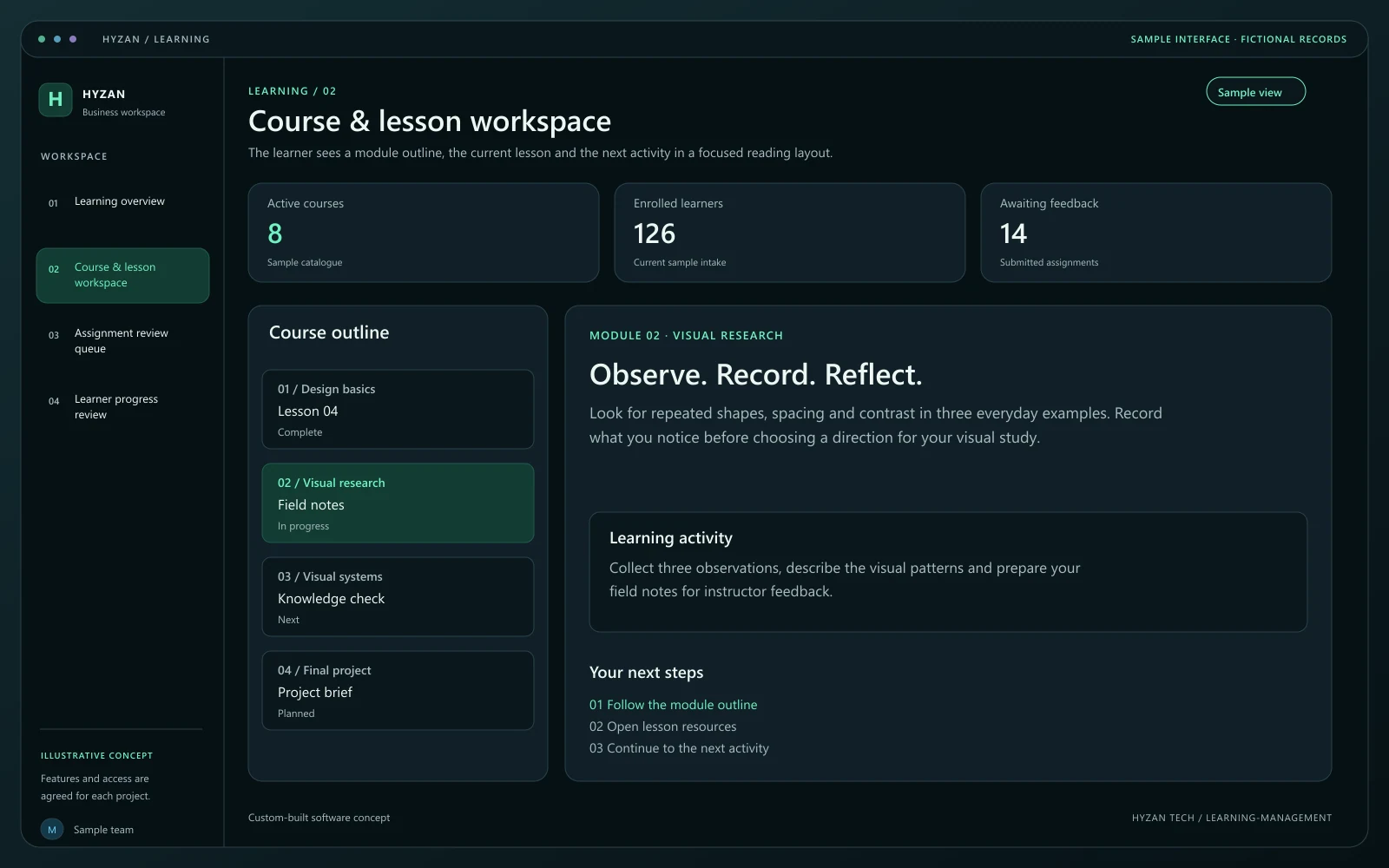
The learner sees a module outline, the current lesson and the next activity in a focused reading layout.
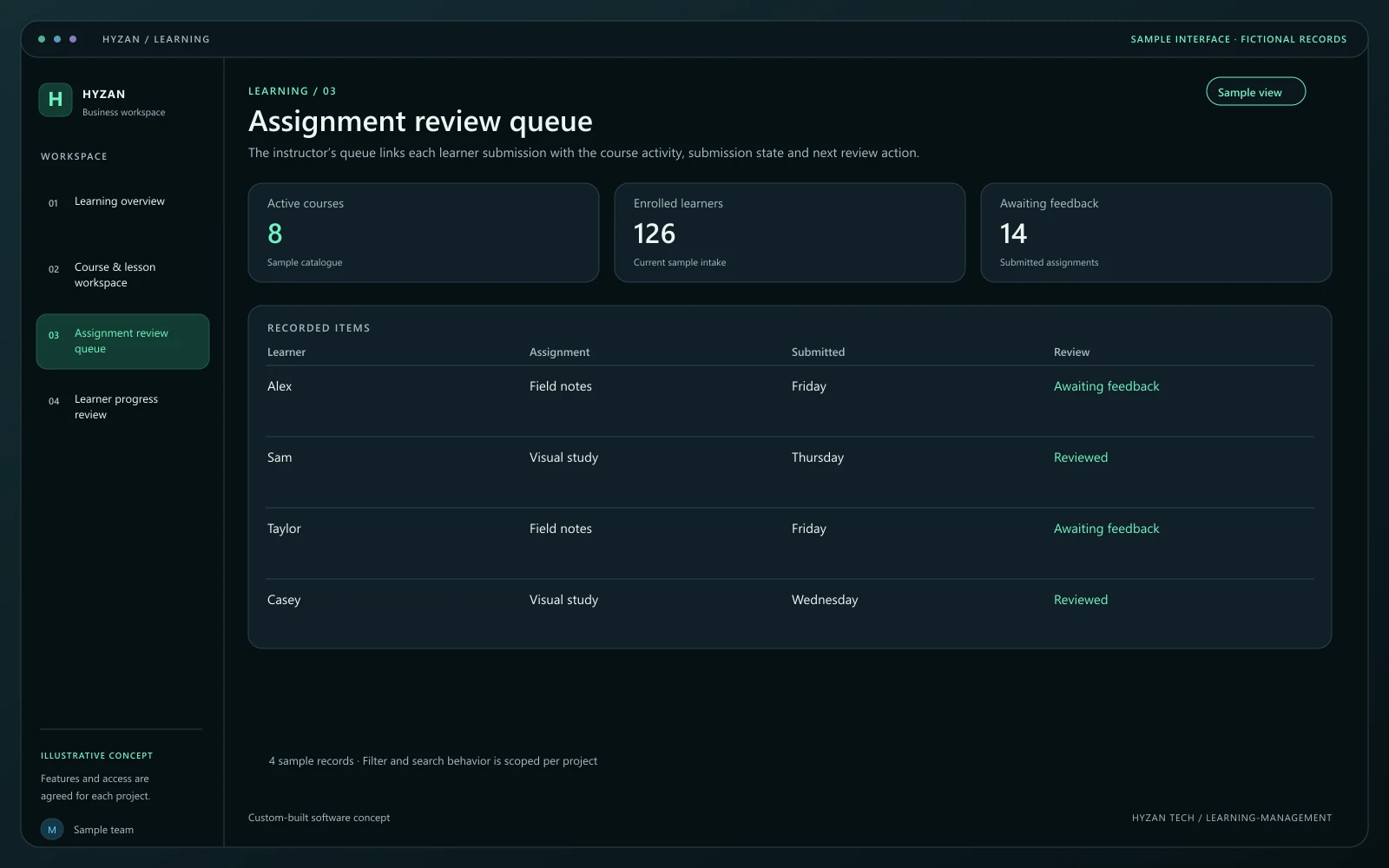
The instructor’s queue links each learner submission with the course activity, submission state and next review action.
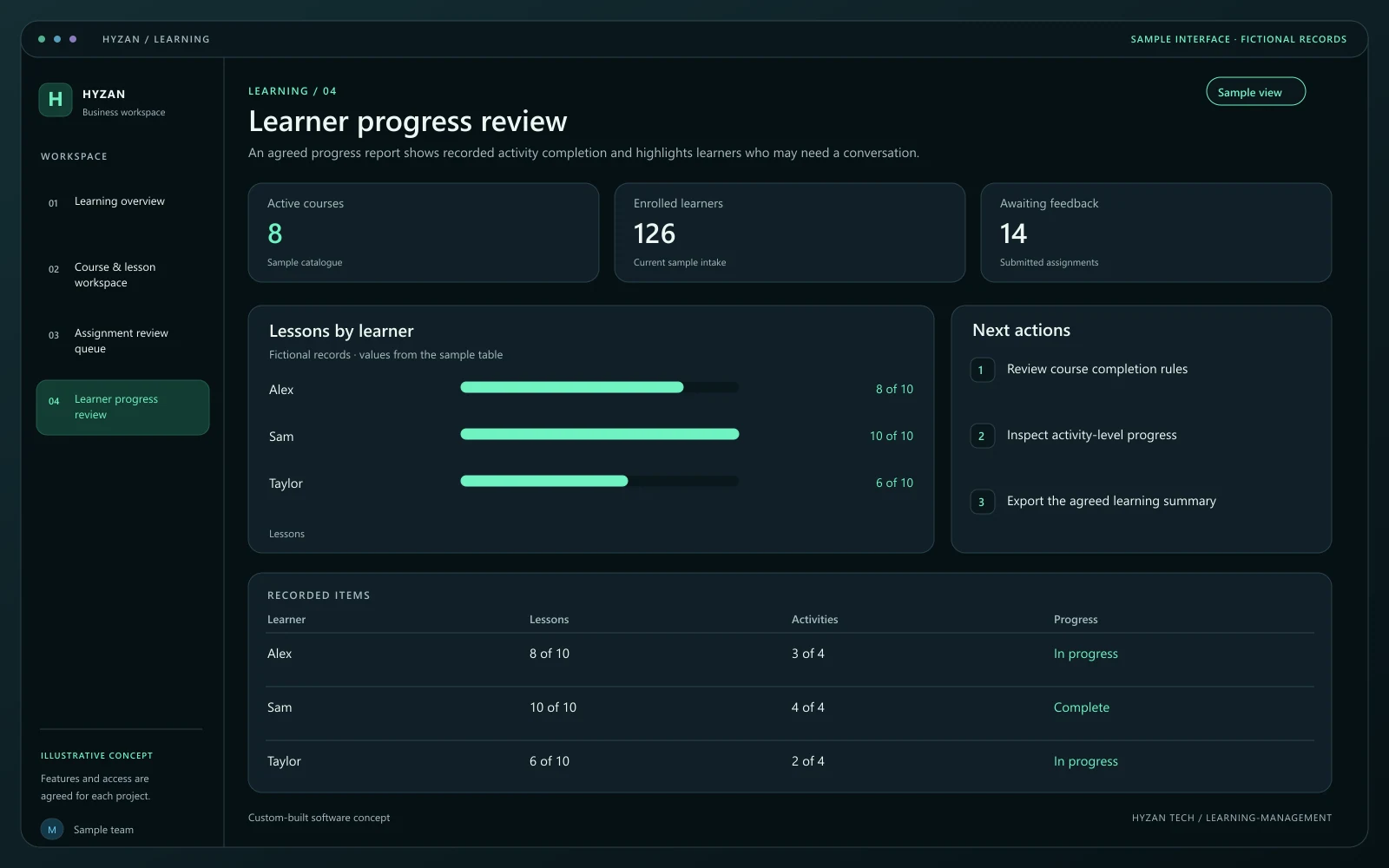
An agreed progress report shows recorded activity completion and highlights learners who may need a conversation.
Learners search multiple channels for course material.
Assignment submissions are difficult to organise.
Teachers lack a clear view of course progress.
Structure lessons and resources into clear learning modules.
Organise submission deadlines, learner work and feedback.
Build scoped question formats and review recorded responses.
Show completed activities and remaining course work.
Organise lessons into modules and define the activities that count toward progress. Confirm the types of files and media the course needs.
Give the learner access to the correct course and intake. Show the next activity without exposing other learners’ private work.
Keep assignments and quiz responses linked to the learner and activity. Preserve submission time and the instructor’s feedback.
Update progress according to the agreed rules. A completed activity and a completed course should remain separate, understandable states.
We agree the features, user access, data handling, integrations and delivery arrangements before work begins. External integrations depend on available access and setup confirmed during scoping. Pricing, timing and ongoing support are agreed for your project.
The right screens depend on who uses them. These example responsibilities help define the access and decisions to agree before development.
Open enrolled lessons, complete activities and review feedback.
Publish course material and review learner work.
Manage enrolment and the agreed progress rules.
Bring a few examples from your current process. They help us agree the records, permissions and first release.
Related software options to consider as your requirements take shape.
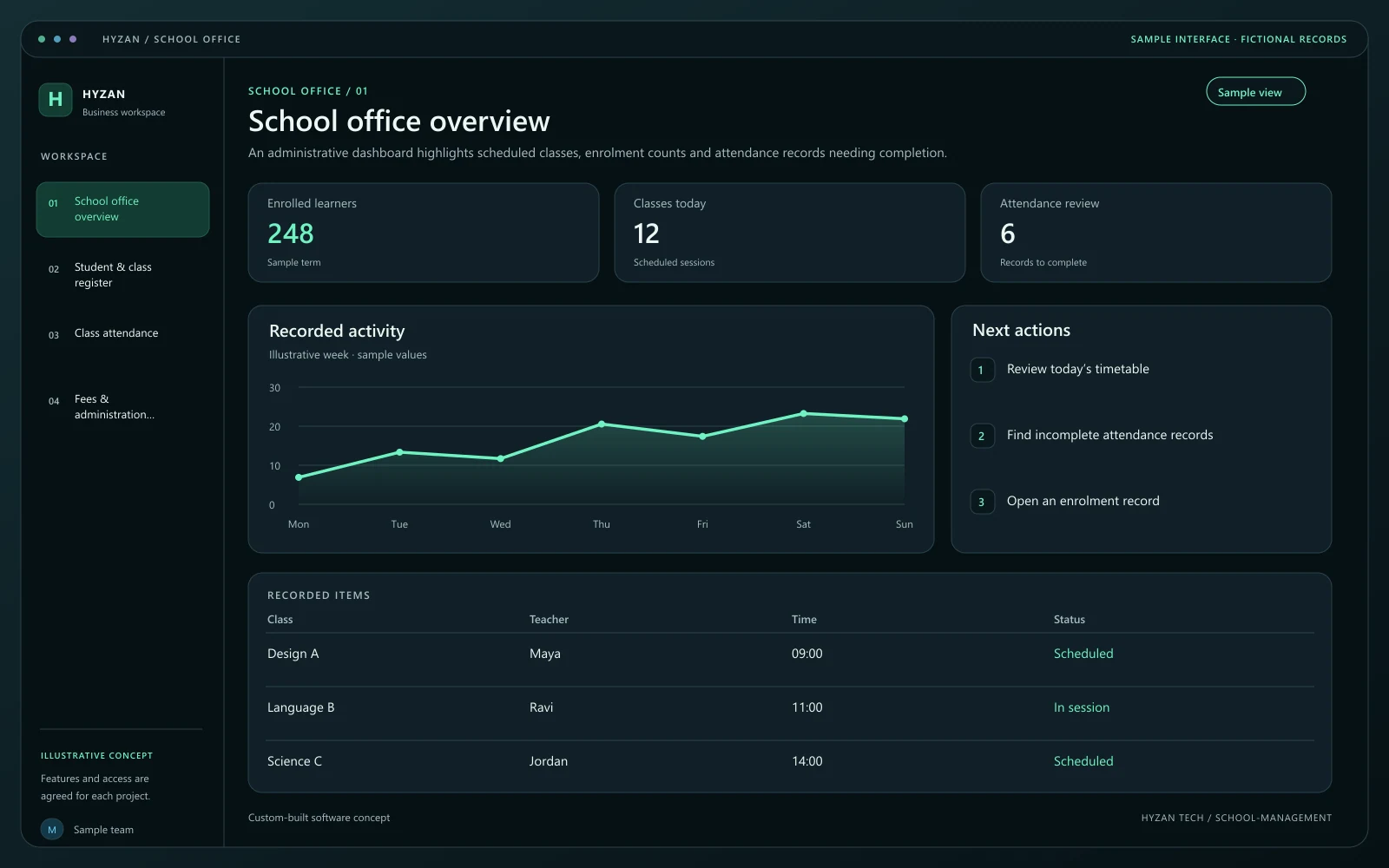 Dashboard + 3 working screens
Custom-built solution
Bring school administration into one system.
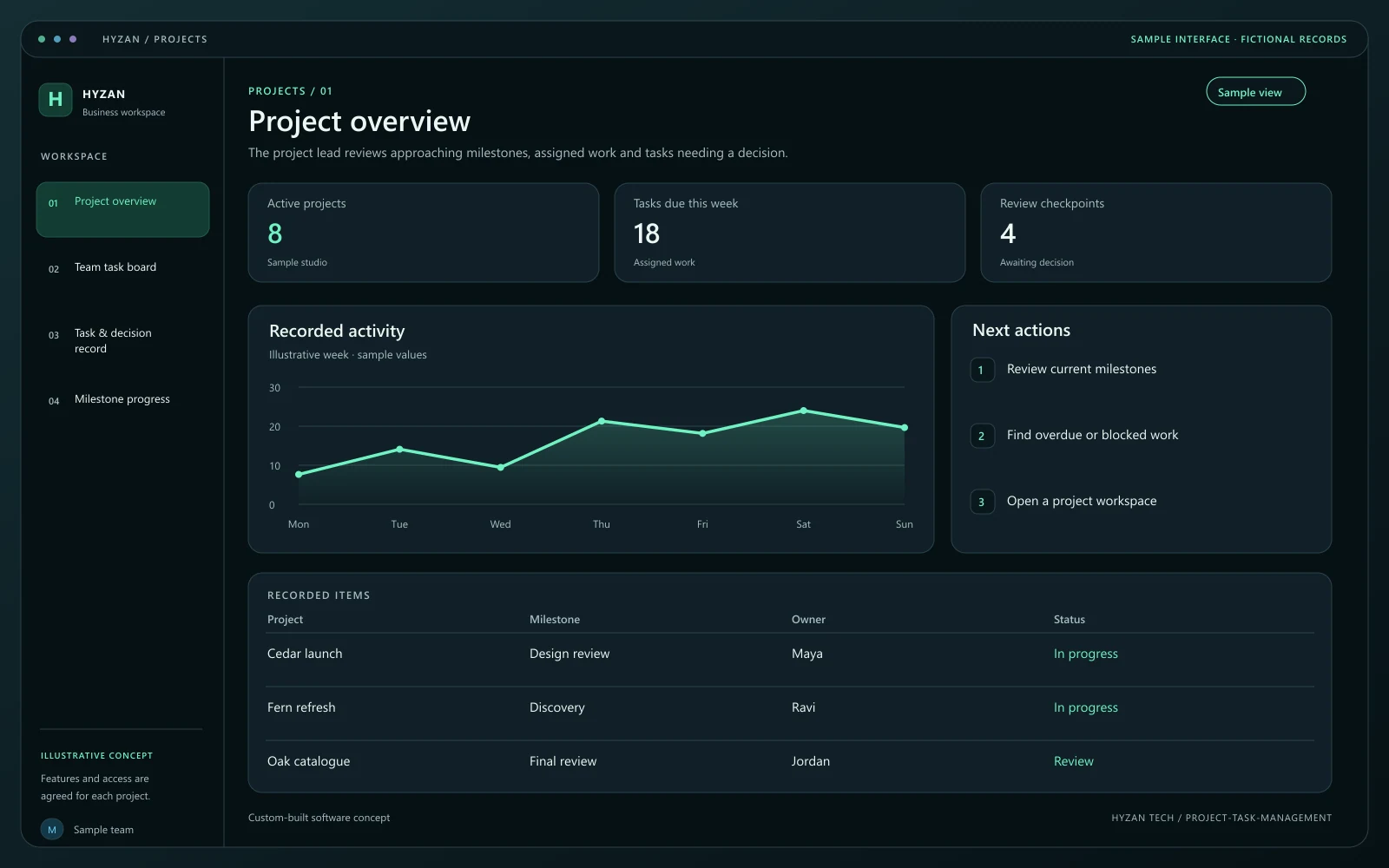 Dashboard + 3 working screens
Custom-built solution
Make responsibilities and deadlines visible.
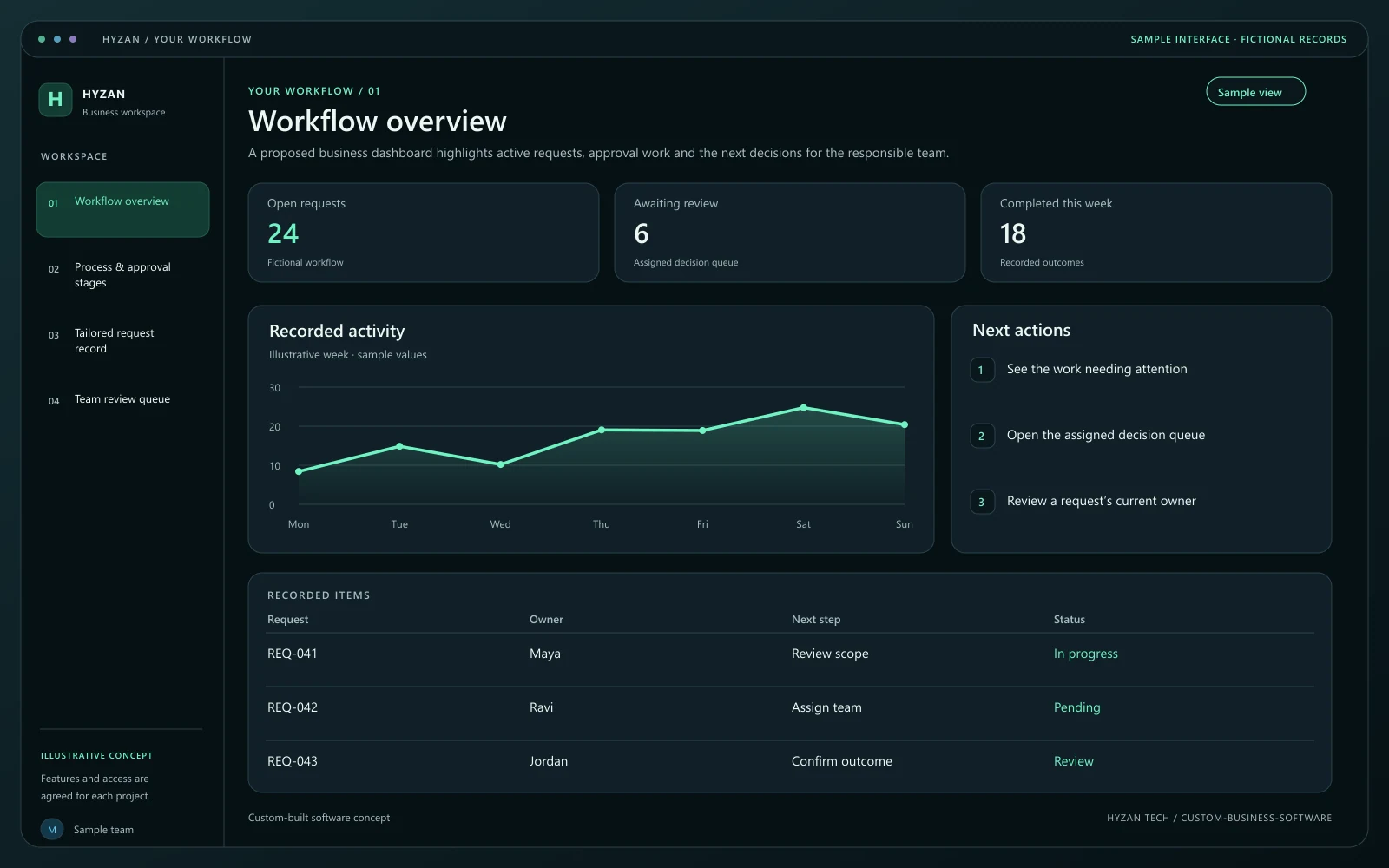 Dashboard + 3 working screens
Custom-built solution
Build a system around a specific workflow.
Tell us how your team works today and what you want to improve. Your selected solution will be included in the enquiry.
Discuss this solution