
Task assignments
Give each task an owner, due date and clear description.
Custom-built solution
Make responsibilities and deadlines visible.
A system we can develop and tailor to your business, with features and delivery arrangements agreed together.
Discuss this solutionSample interface with fictional records. This illustrates a possible layout, not an existing product or a confirmed feature set.
Project software should translate an agreed outcome into milestones, owned tasks and visible progress. The team needs a place for decisions and blockers so a status update reflects recorded work instead of a separate reporting exercise.
A studio starts a launch project. The lead defines discovery, design and review milestones, assigns tasks to the team and records feedback before marking the milestone complete.
Illustrative concept screens, not live software demos. The examples use fictional data. Final screens and functionality depend on the agreed project scope.
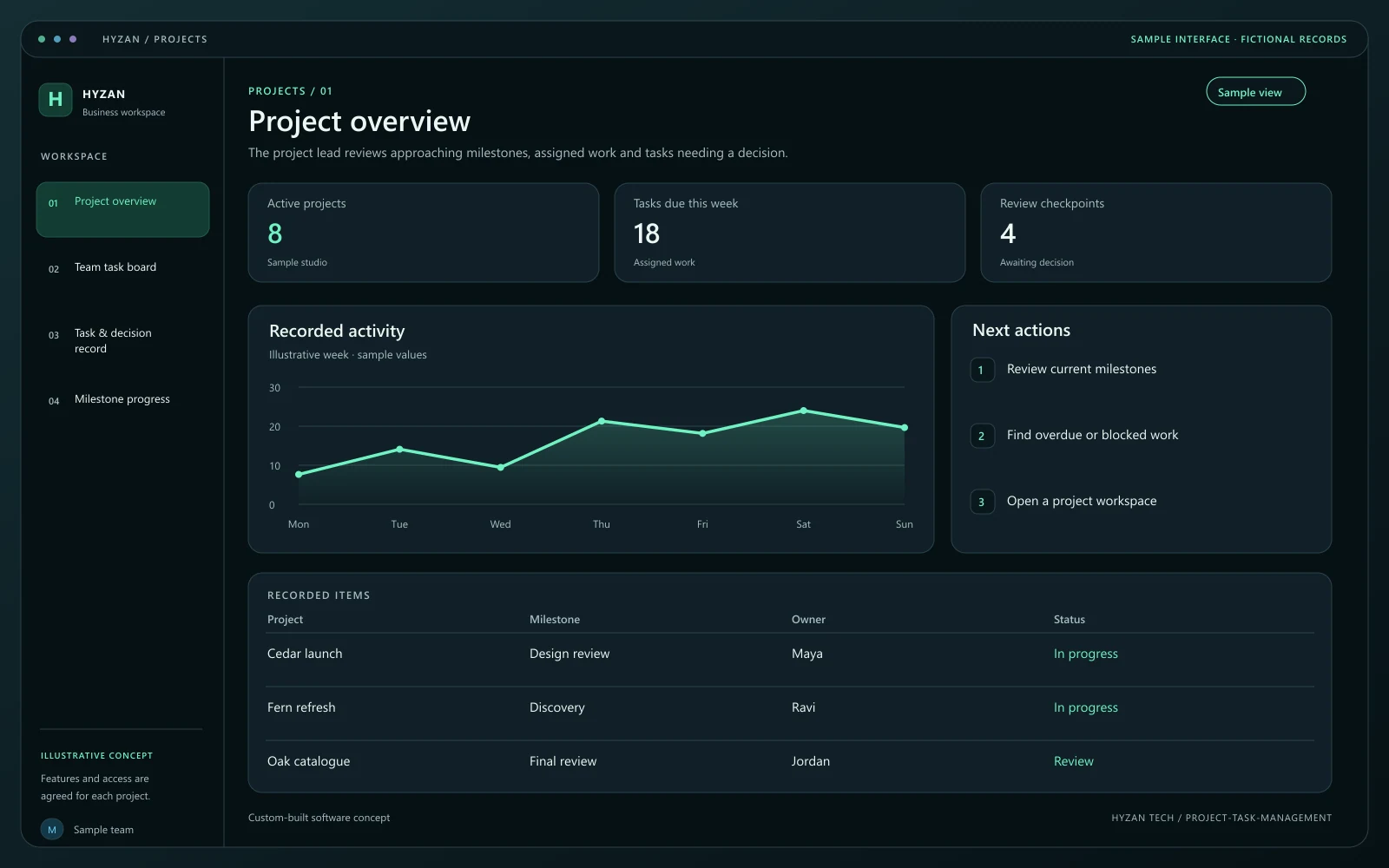
The project lead reviews approaching milestones, assigned work and tasks needing a decision.
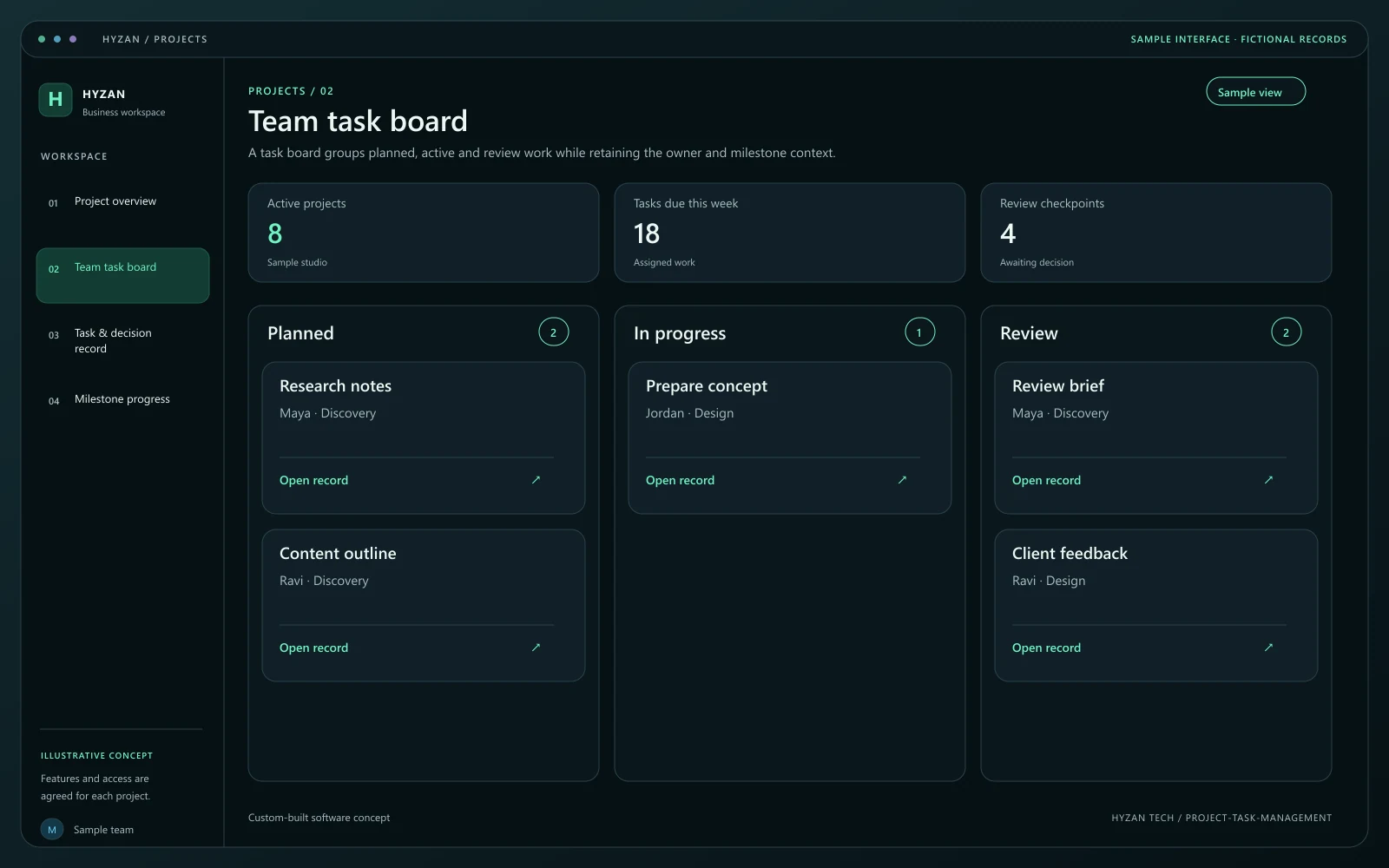
A task board groups planned, active and review work while retaining the owner and milestone context.
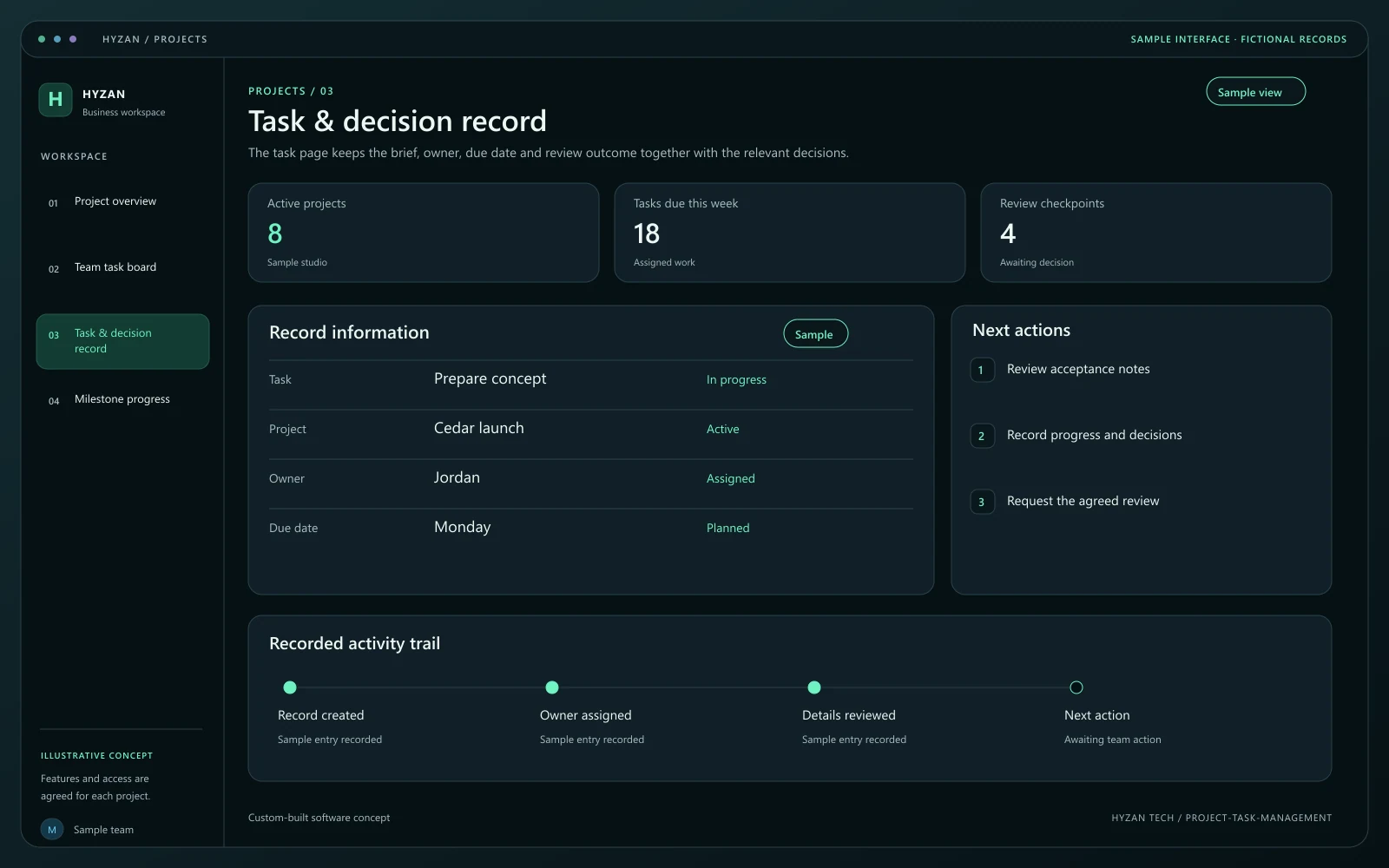
The task page keeps the brief, owner, due date and review outcome together with the relevant decisions.
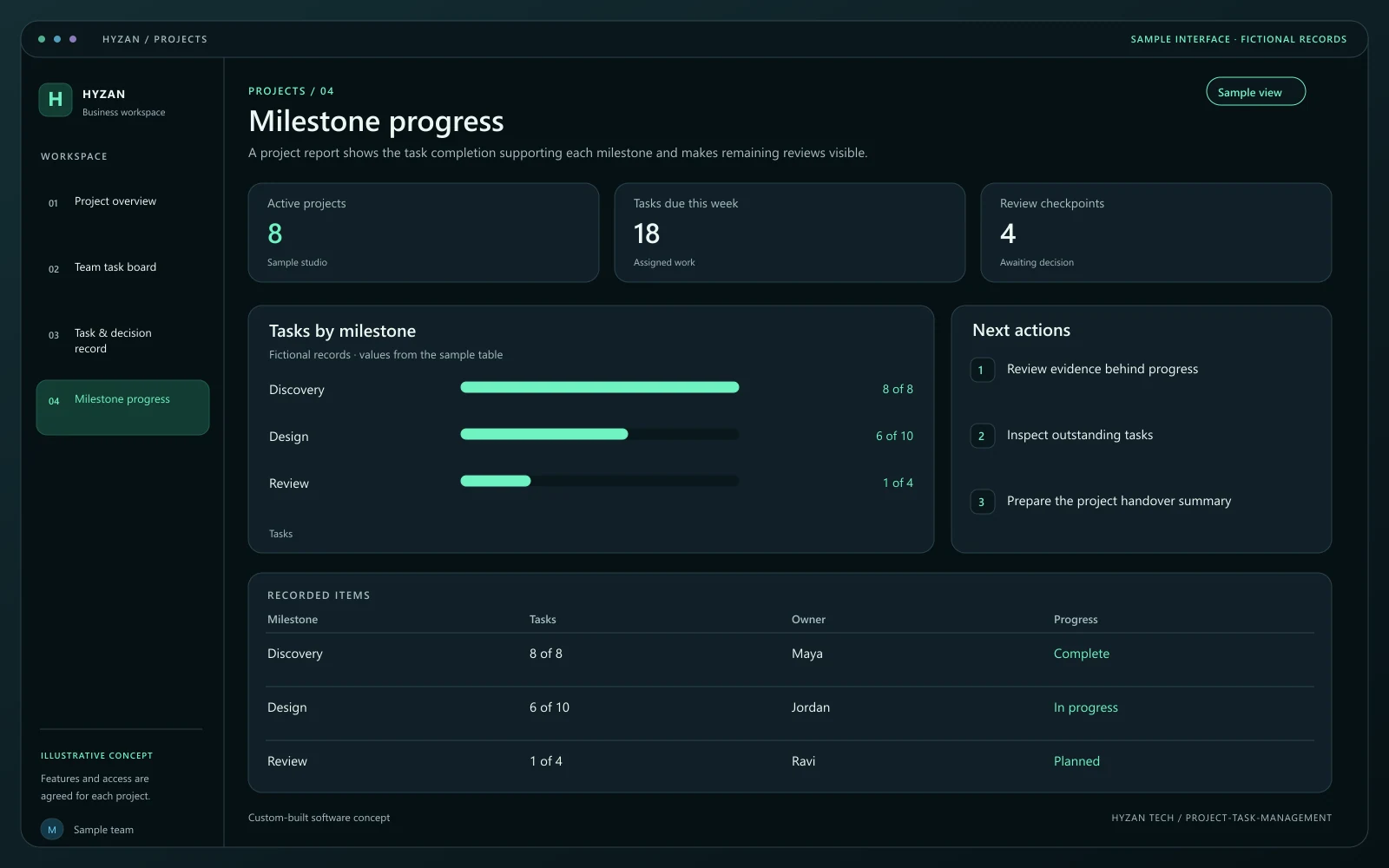
A project report shows the task completion supporting each milestone and makes remaining reviews visible.
Tasks are discussed without a clear owner.
Milestone dates are hard to track across projects.
Progress updates require repeated status meetings.
Give each task an owner, due date and clear description.
Group work around meaningful delivery checkpoints.
Review agreed task states across active projects.
Keep decisions and work references beside the relevant task.
Create the project and agree the milestones that demonstrate progress. Give the project a responsible lead and a clear scope reference.
Break each milestone into tasks with owners, dates and acceptance notes. Make dependencies and blockers explicit where required.
Record progress and decisions on the relevant task. A blocked item should show the reason and the person responsible for the next action.
Review work against the agreed acceptance notes before completing the milestone. Retain the decisions for handover and future work.
We agree the features, user access, data handling, integrations and delivery arrangements before work begins. External integrations depend on available access and setup confirmed during scoping. Pricing, timing and ongoing support are agreed for your project.
The right screens depend on who uses them. These example responsibilities help define the access and decisions to agree before development.
Define milestones, ownership and review checkpoints.
Update assigned tasks, decisions and blockers.
Review completed work and record the next decision.
Bring a few examples from your current process. They help us agree the records, permissions and first release.
Related software options to consider as your requirements take shape.
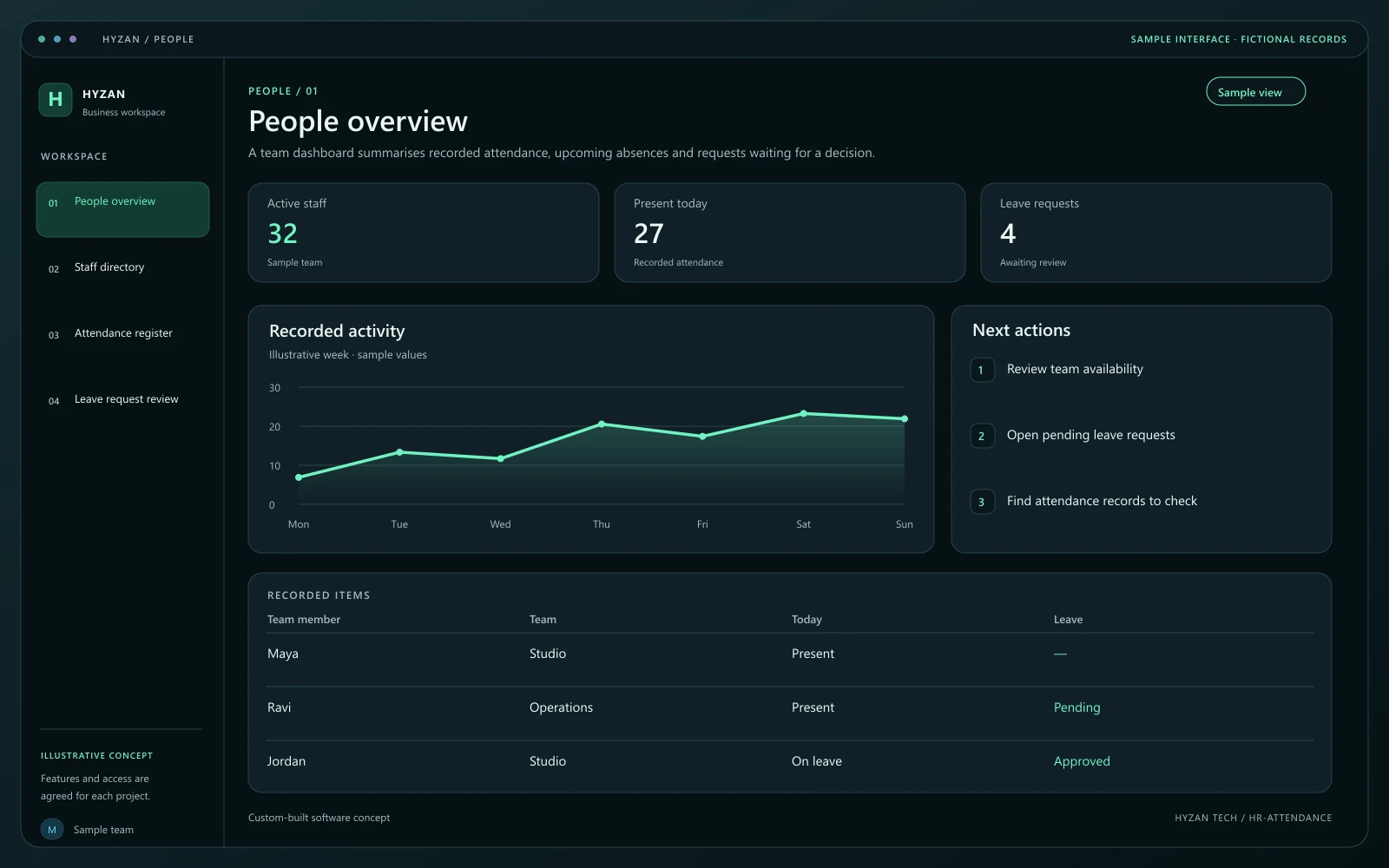 Dashboard + 3 working screens
Custom-built solution
Organize employee records and time off.
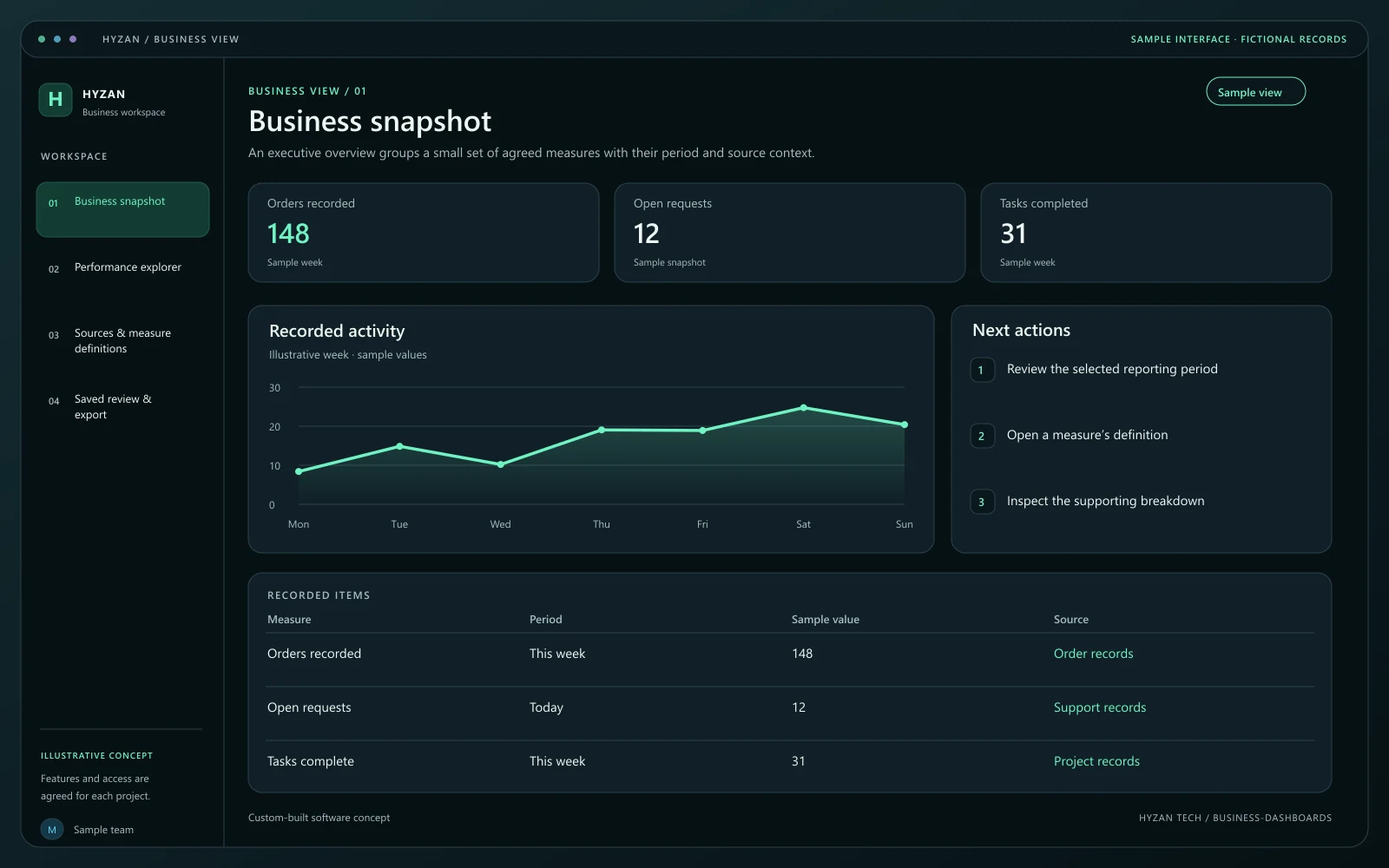 Dashboard + 3 working screens
Custom-built solution
Bring important business information together.
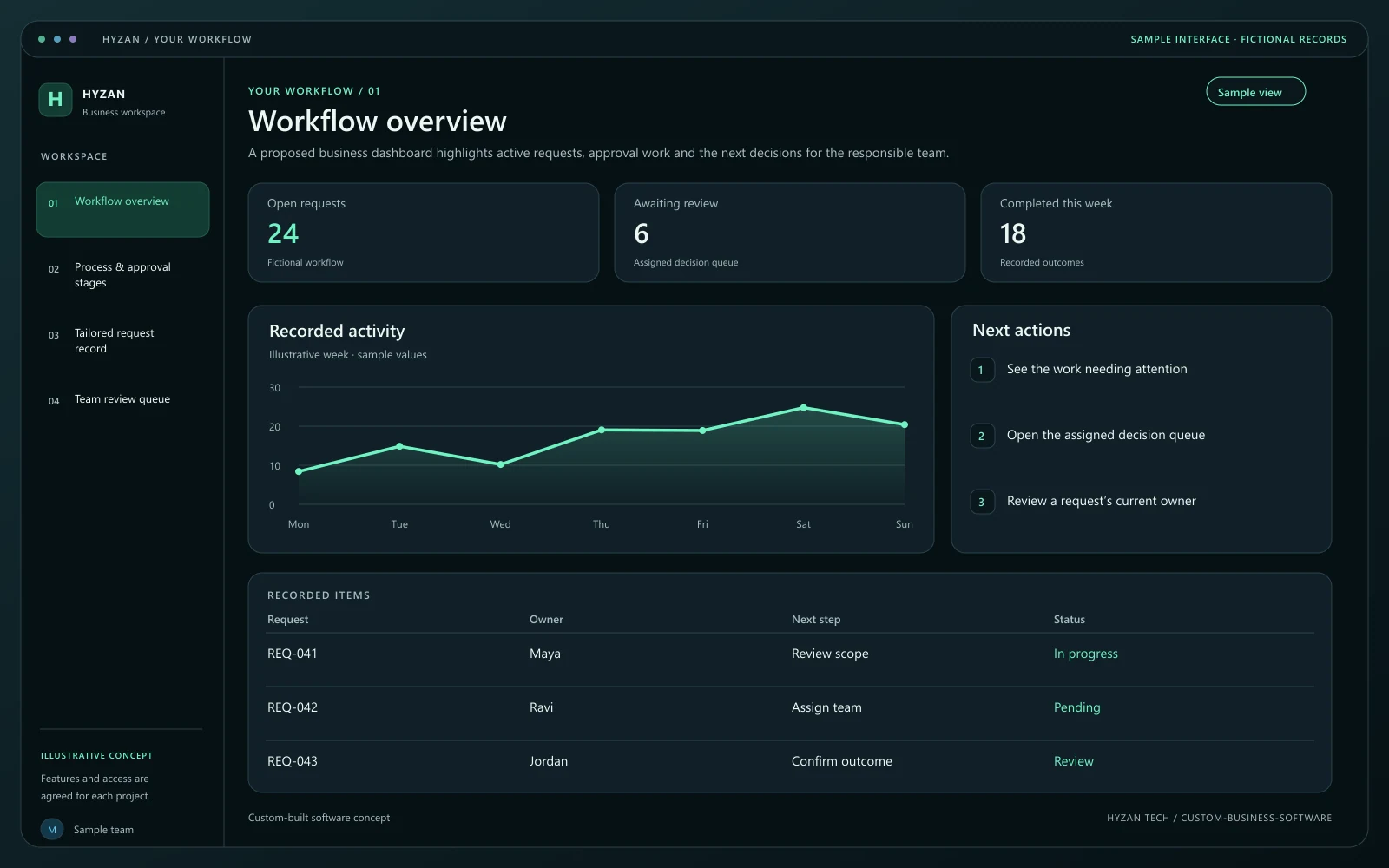 Dashboard + 3 working screens
Custom-built solution
Build a system around a specific workflow.
Tell us how your team works today and what you want to improve. Your selected solution will be included in the enquiry.
Discuss this solution