
Attendance
Record attendance by class and date with clear summaries.
Custom-built solution
Bring school administration into one system.
A system we can develop and tailor to your business, with features and delivery arrangements agreed together.
Discuss this solutionSample interface with fictional records. This illustrates a possible layout, not an existing product or a confirmed feature set.
A school administration system should connect students, classes, attendance and fee records while respecting different staff responsibilities. Teachers need a focused class view; office staff need reliable enrolment and payment records without maintaining separate versions of the same information.
The office enrols a learner in Design A. The teacher records attendance for the session, while authorised office staff update the learner’s fee record and review the class timetable.
Illustrative concept screens, not live software demos. The examples use fictional data. Final screens and functionality depend on the agreed project scope.
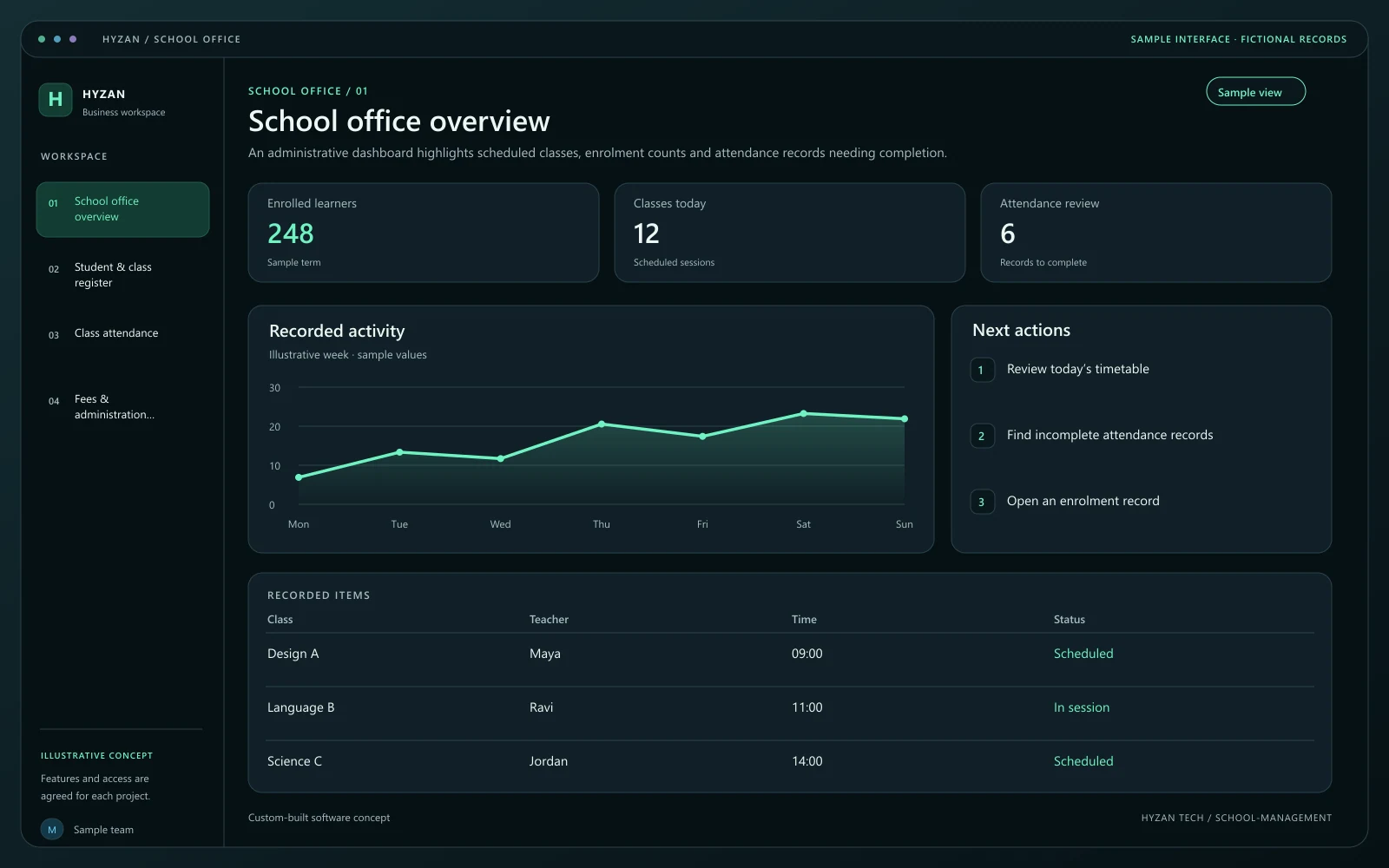
An administrative dashboard highlights scheduled classes, enrolment counts and attendance records needing completion.
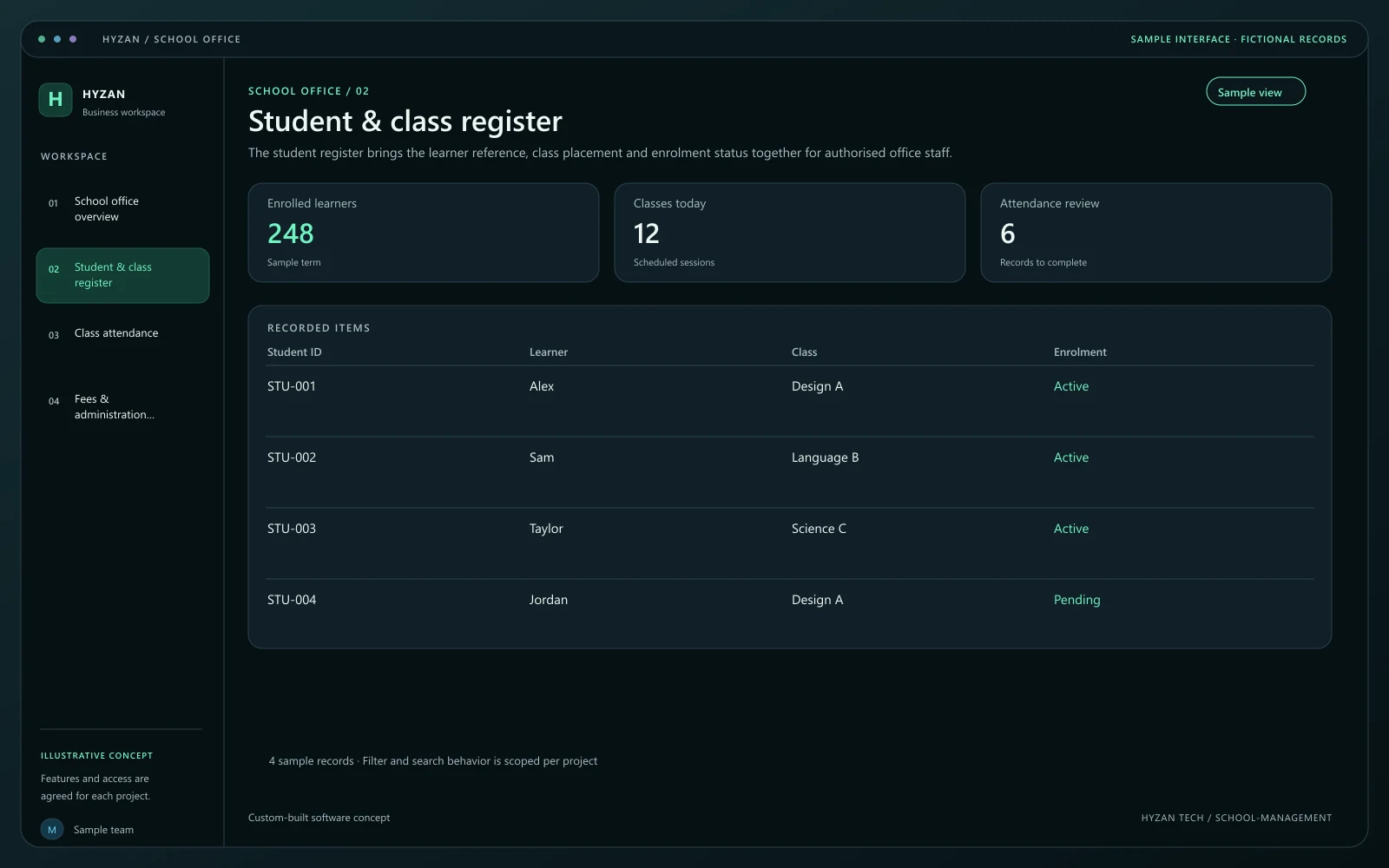
The student register brings the learner reference, class placement and enrolment status together for authorised office staff.
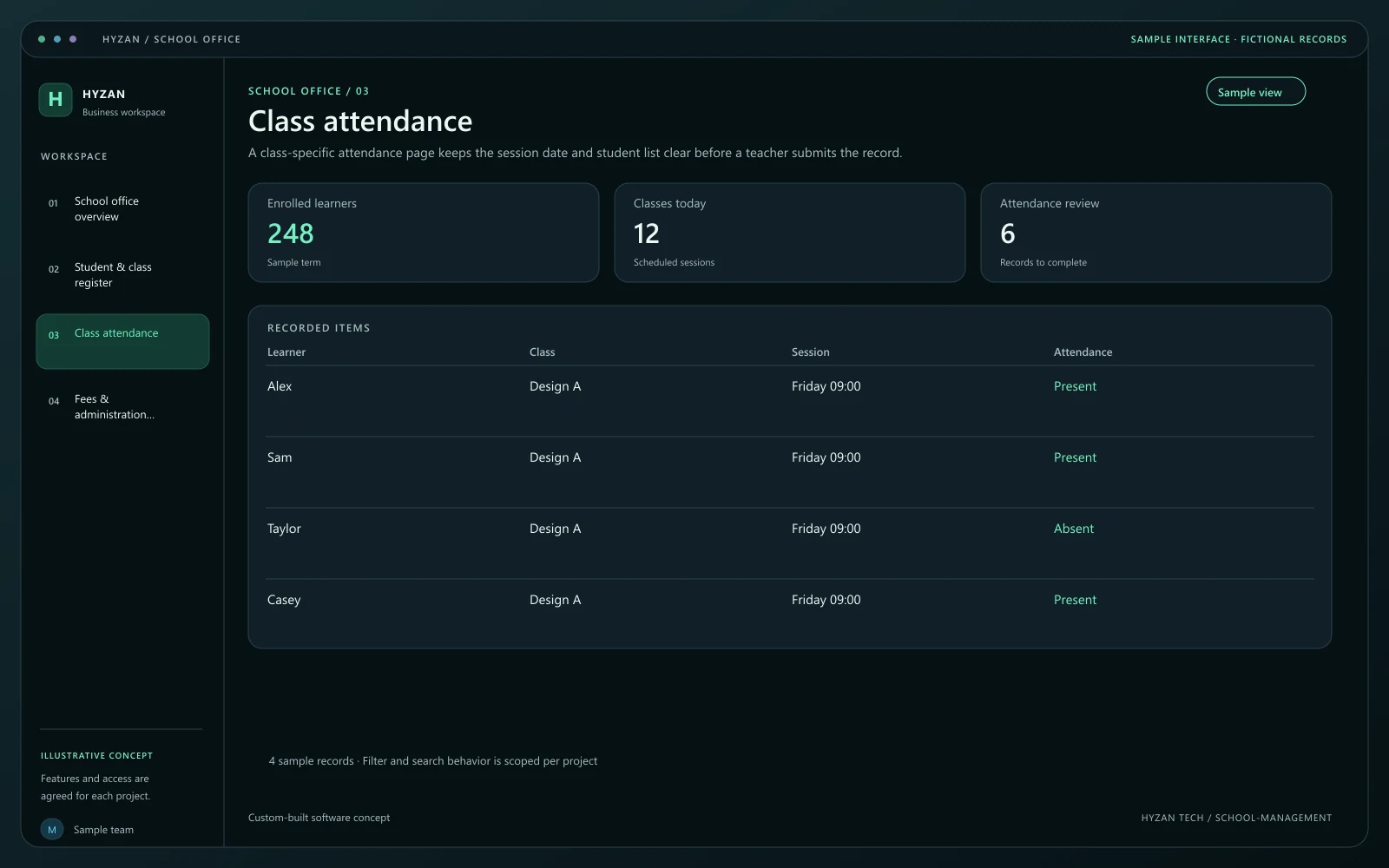
A class-specific attendance page keeps the session date and student list clear before a teacher submits the record.
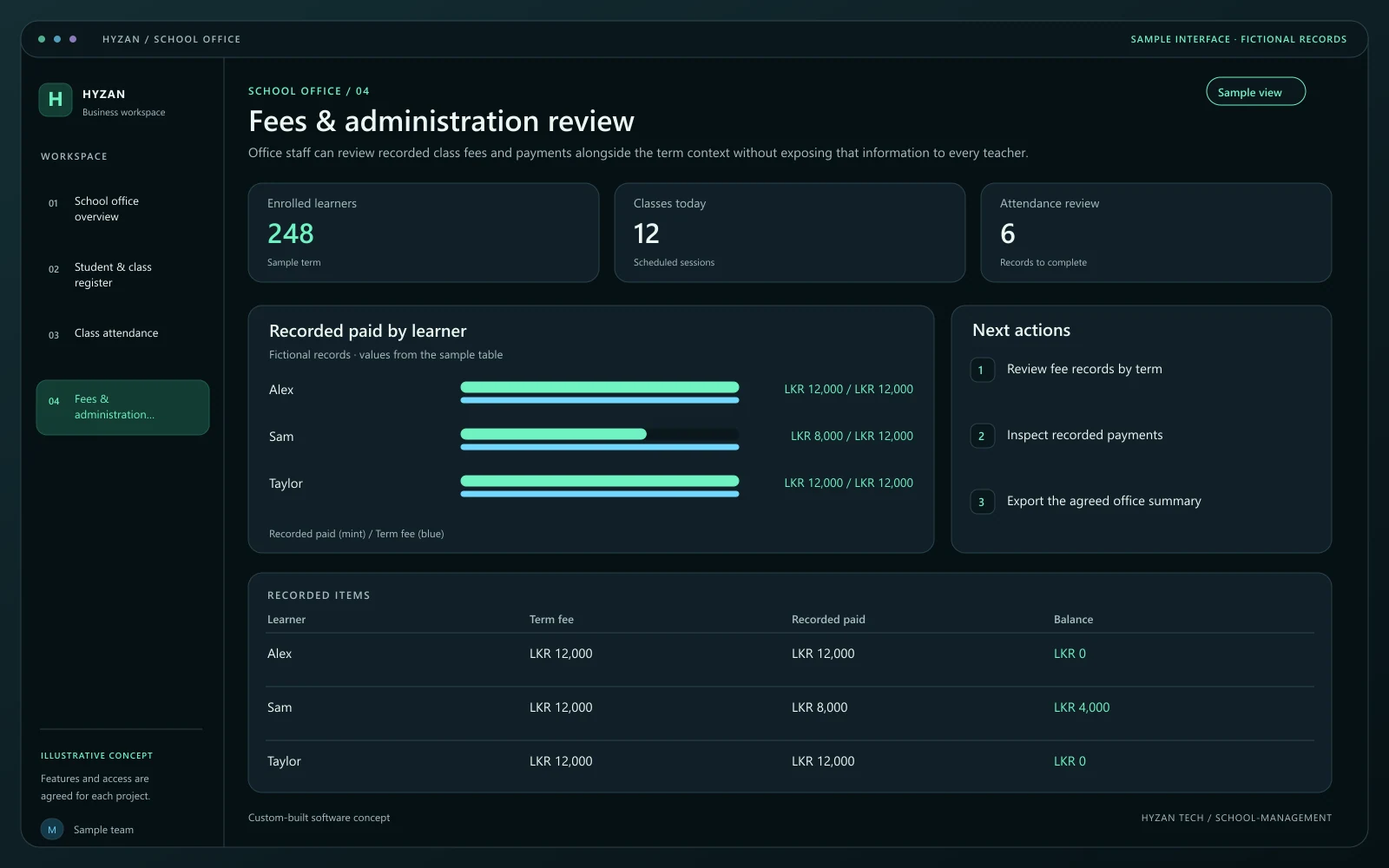
Office staff can review recorded class fees and payments alongside the term context without exposing that information to every teacher.
Attendance records are difficult to consolidate.
Fee records require repeated manual reconciliation.
Class schedules are maintained in separate documents.
Record attendance by class and date with clear summaries.
Organise agreed fees, recorded payments and balances.
Maintain class schedules and teaching assignments.
Keep enrolment and contact details organised with agreed access permissions.
Create a student record and place the learner in the agreed class and term. Check for an existing enrolment before creating another one.
Maintain the timetable with a teacher, room and session time. Conflicting assignments should be surfaced for office review.
Let the teacher mark the assigned class for the correct date. Changes after submission should retain the responsible user and reason.
Authorised staff review attendance summaries and fee balances separately. Access to student and contact information is agreed during discovery.
We agree the features, user access, data handling, integrations and delivery arrangements before work begins. External integrations depend on available access and setup confirmed during scoping. Pricing, timing and ongoing support are agreed for your project.
The right screens depend on who uses them. These example responsibilities help define the access and decisions to agree before development.
Maintain enrolment, class placement and agreed fee records.
Review assigned classes and record attendance.
Manage terms, permissions and school-level summaries.
Bring a few examples from your current process. They help us agree the records, permissions and first release.
Related software options to consider as your requirements take shape.
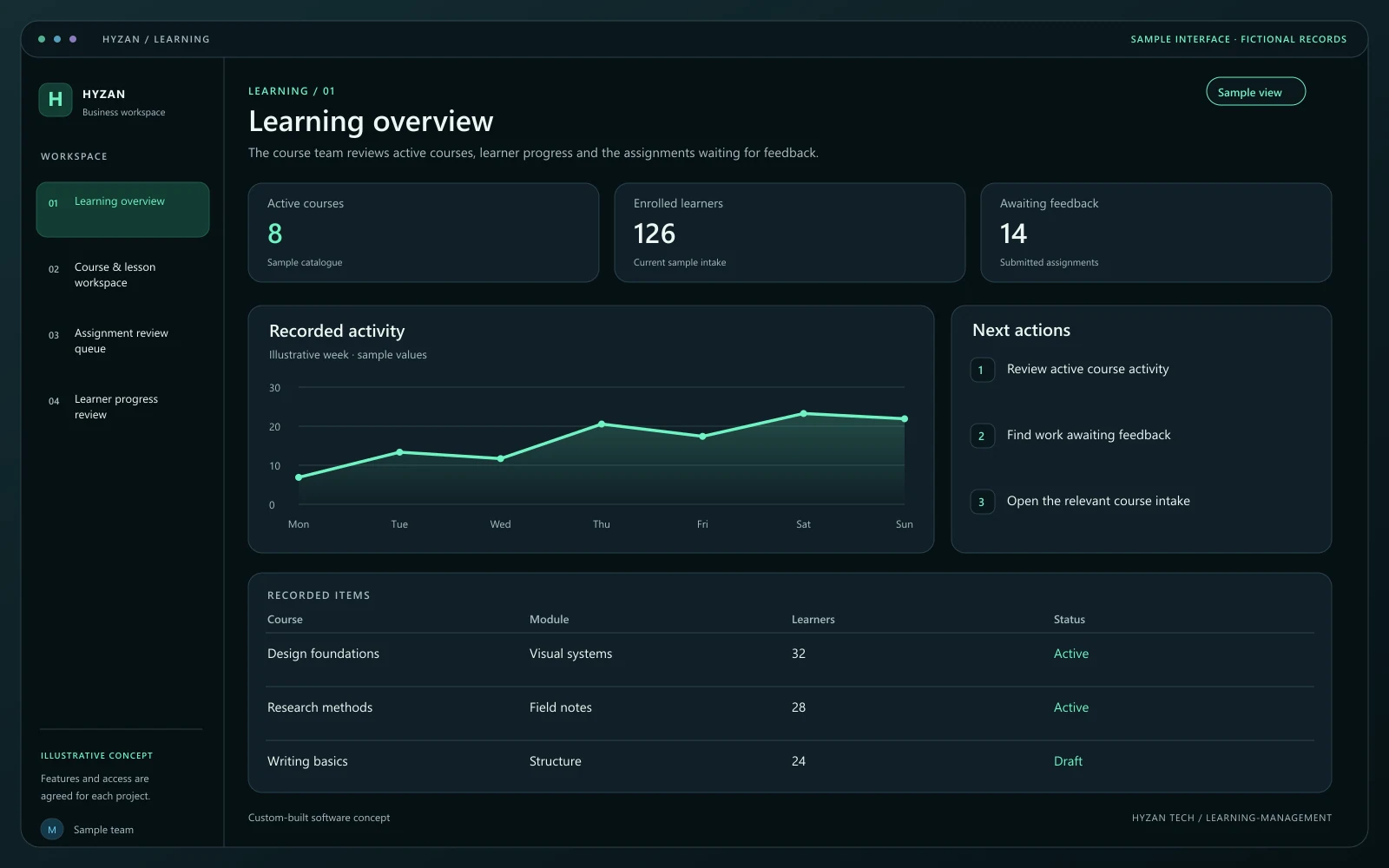 Dashboard + 3 working screens
Custom-built solution
Organize lessons and learner progress.
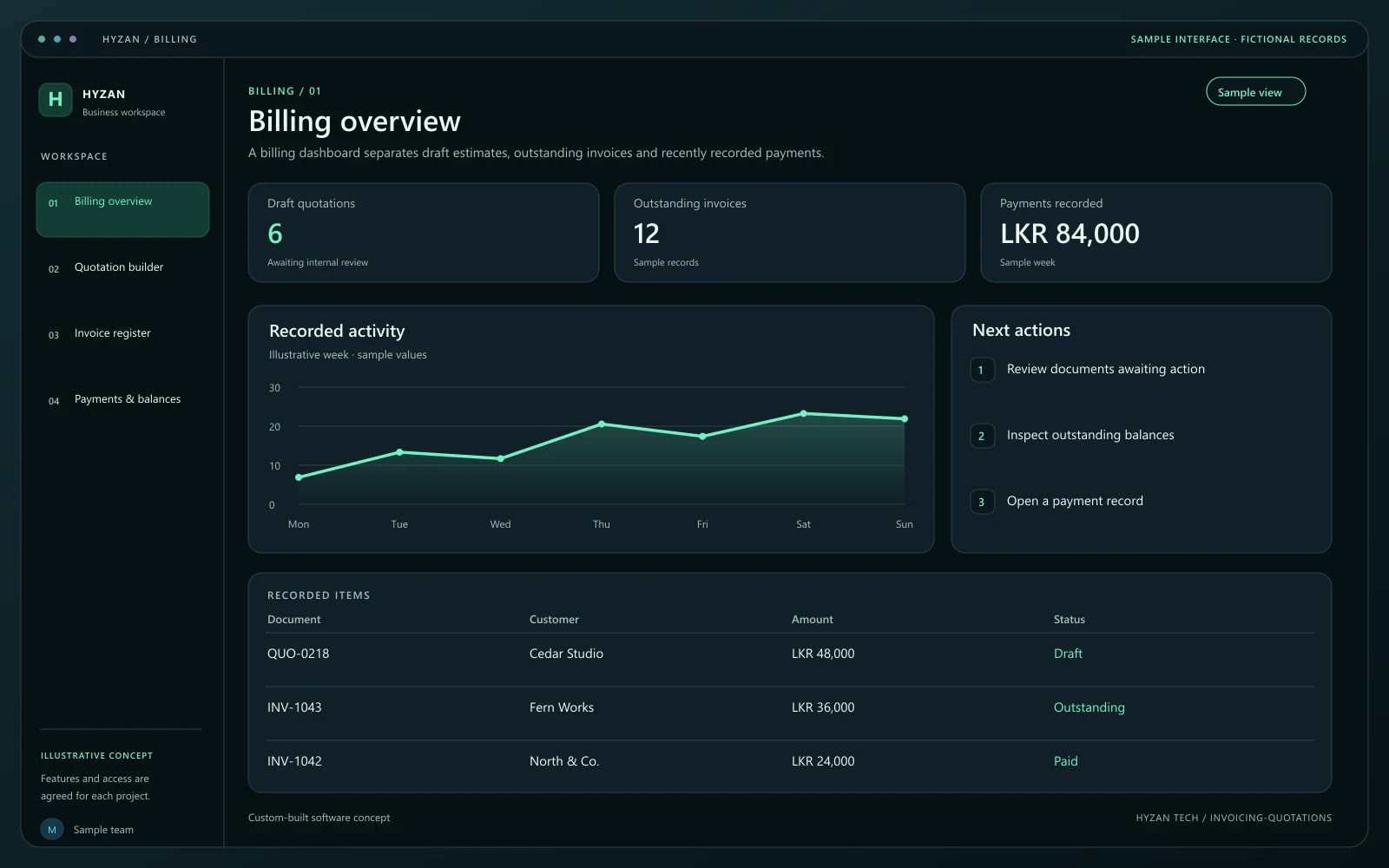 Dashboard + 3 working screens
Custom-built solution
Prepare estimates and track customer payments.
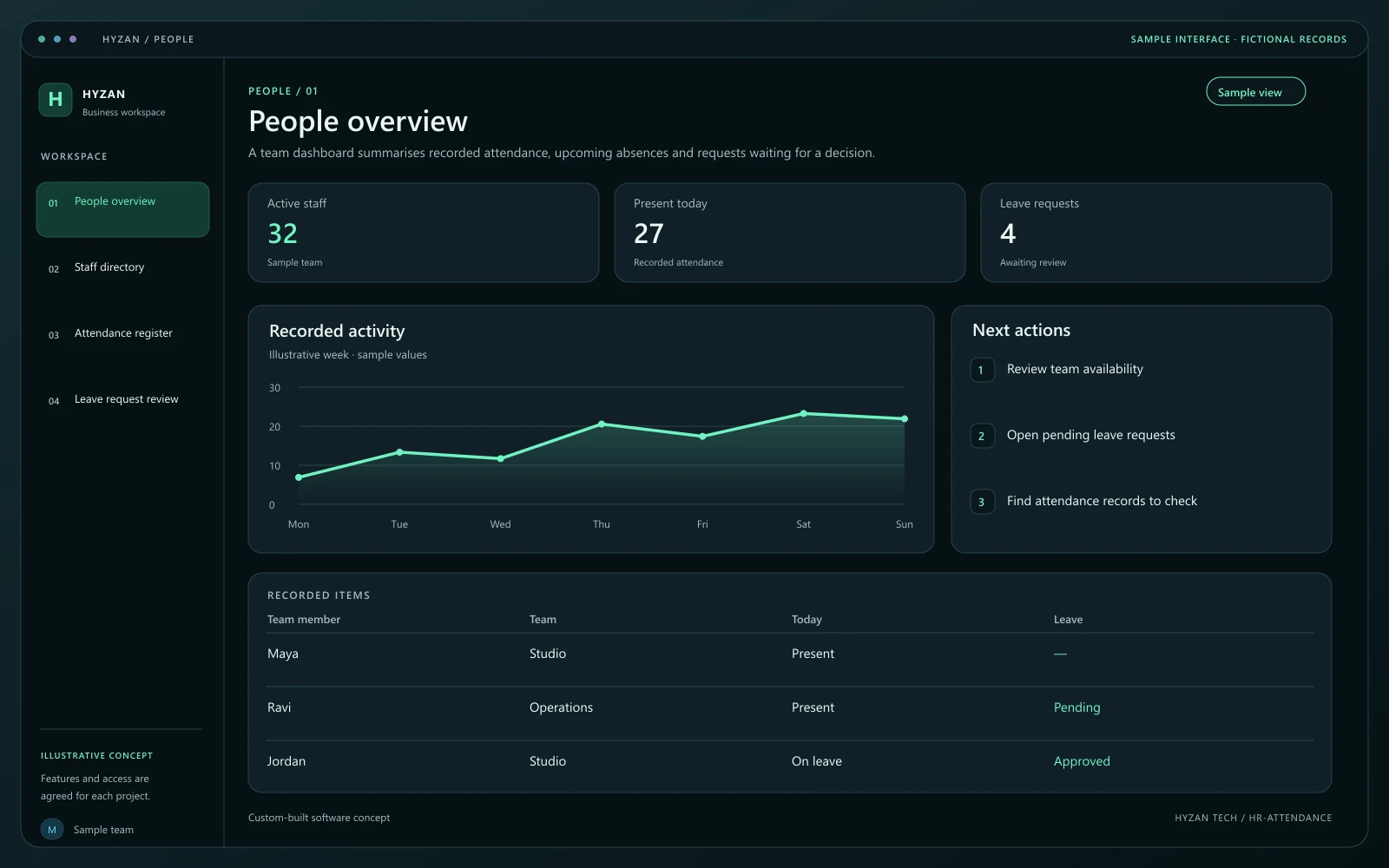 Dashboard + 3 working screens
Custom-built solution
Organize employee records and time off.
Tell us how your team works today and what you want to improve. Your selected solution will be included in the enquiry.
Discuss this solution