
Contact records
Bring customer details and conversation notes into a shared record.
Custom-built solution
Keep leads and follow-ups in one place.
A system we can develop and tailor to your business, with features and delivery arrangements agreed together.
Discuss this solutionSample interface with fictional records. This illustrates a possible layout, not an existing product or a confirmed feature set.
A CRM should make the next customer action obvious. Contacts, opportunities, conversation notes and follow-up tasks belong together, so a lead has a responsible owner and an understandable path from first enquiry to a recorded outcome.
A studio receives an enquiry from Cedar Studio. The sales lead records the requirement, schedules a discovery call and moves the opportunity to proposal only when the brief is ready.
Illustrative concept screens, not live software demos. The examples use fictional data. Final screens and functionality depend on the agreed project scope.
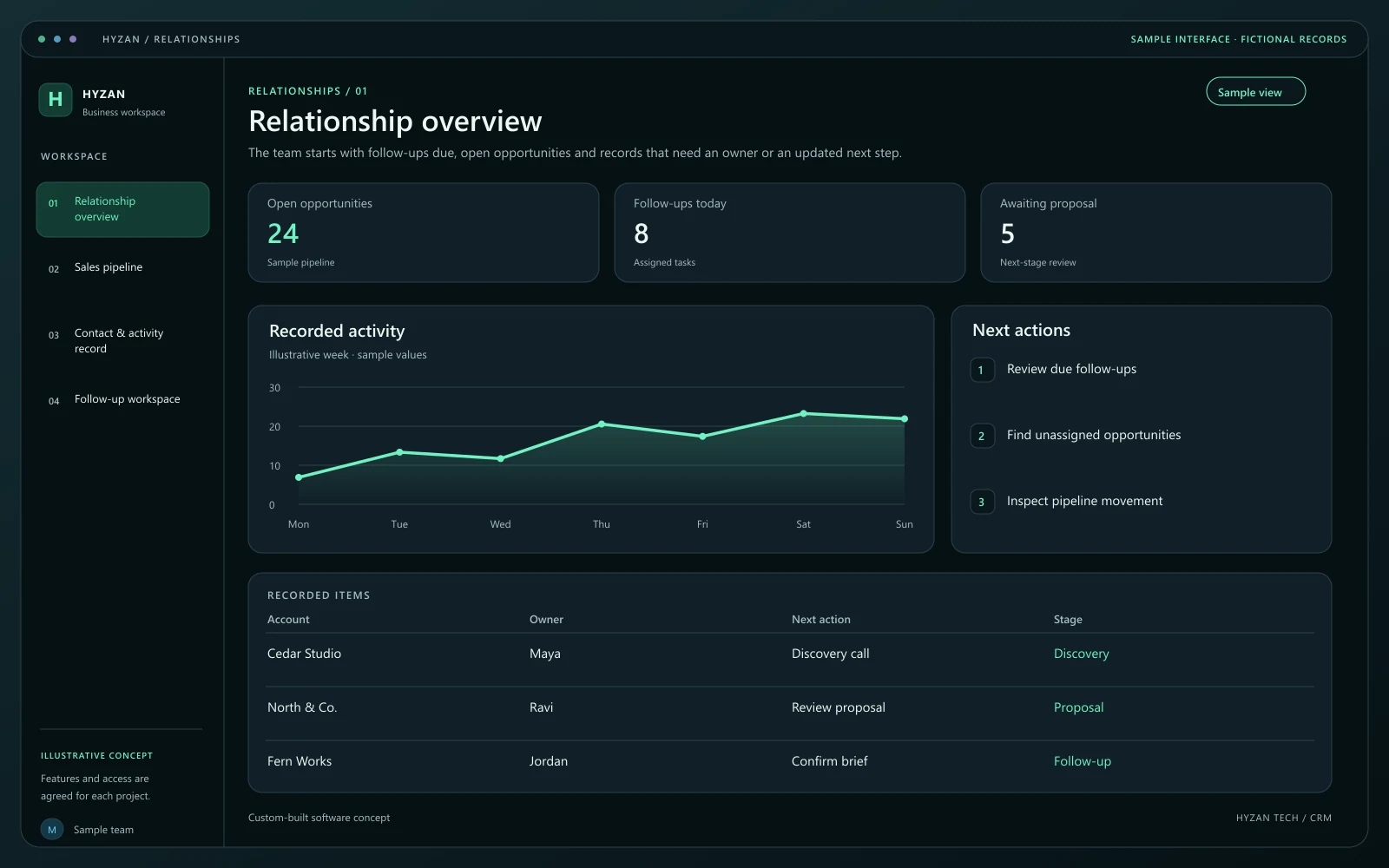
The team starts with follow-ups due, open opportunities and records that need an owner or an updated next step.
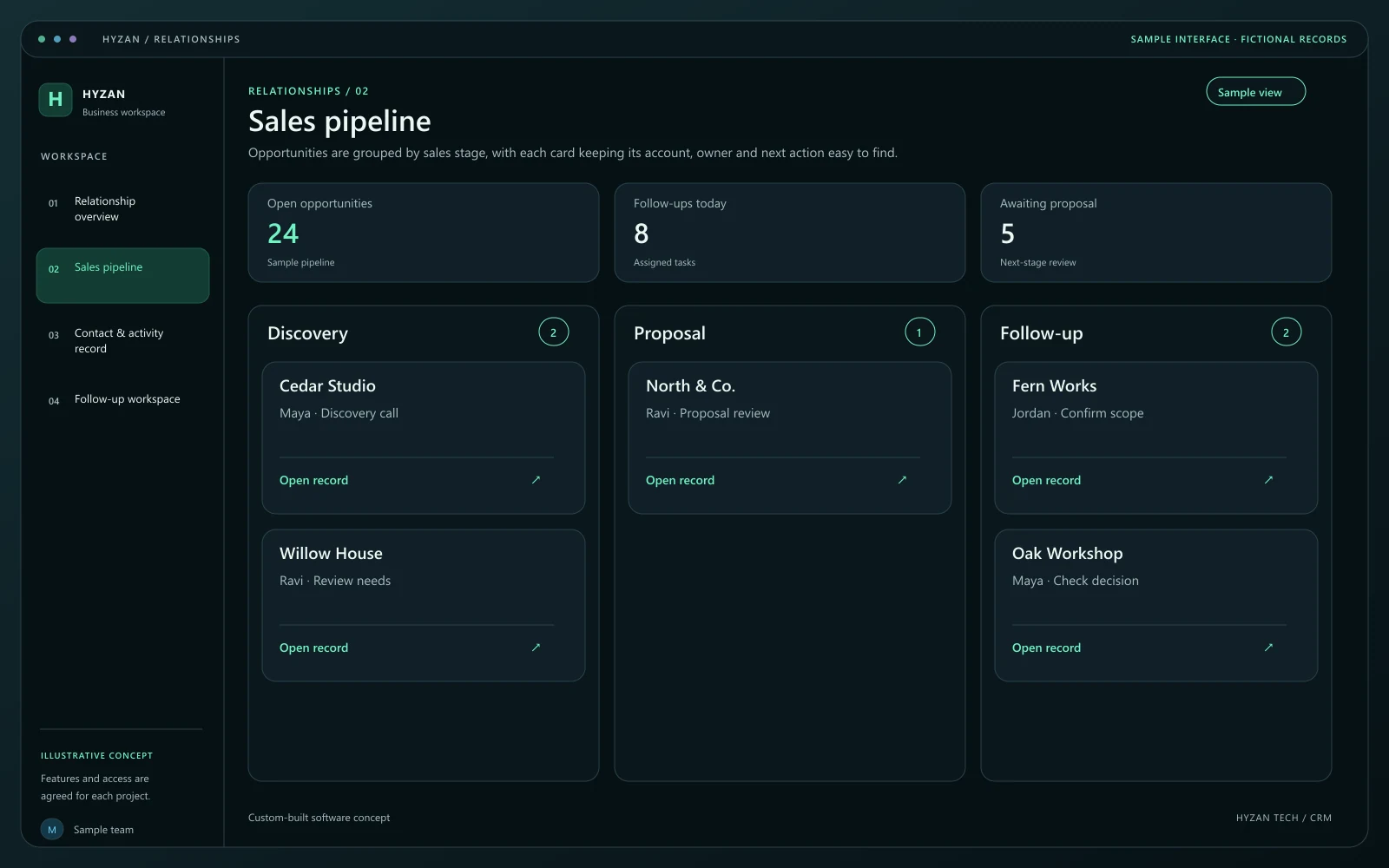
Opportunities are grouped by sales stage, with each card keeping its account, owner and next action easy to find.
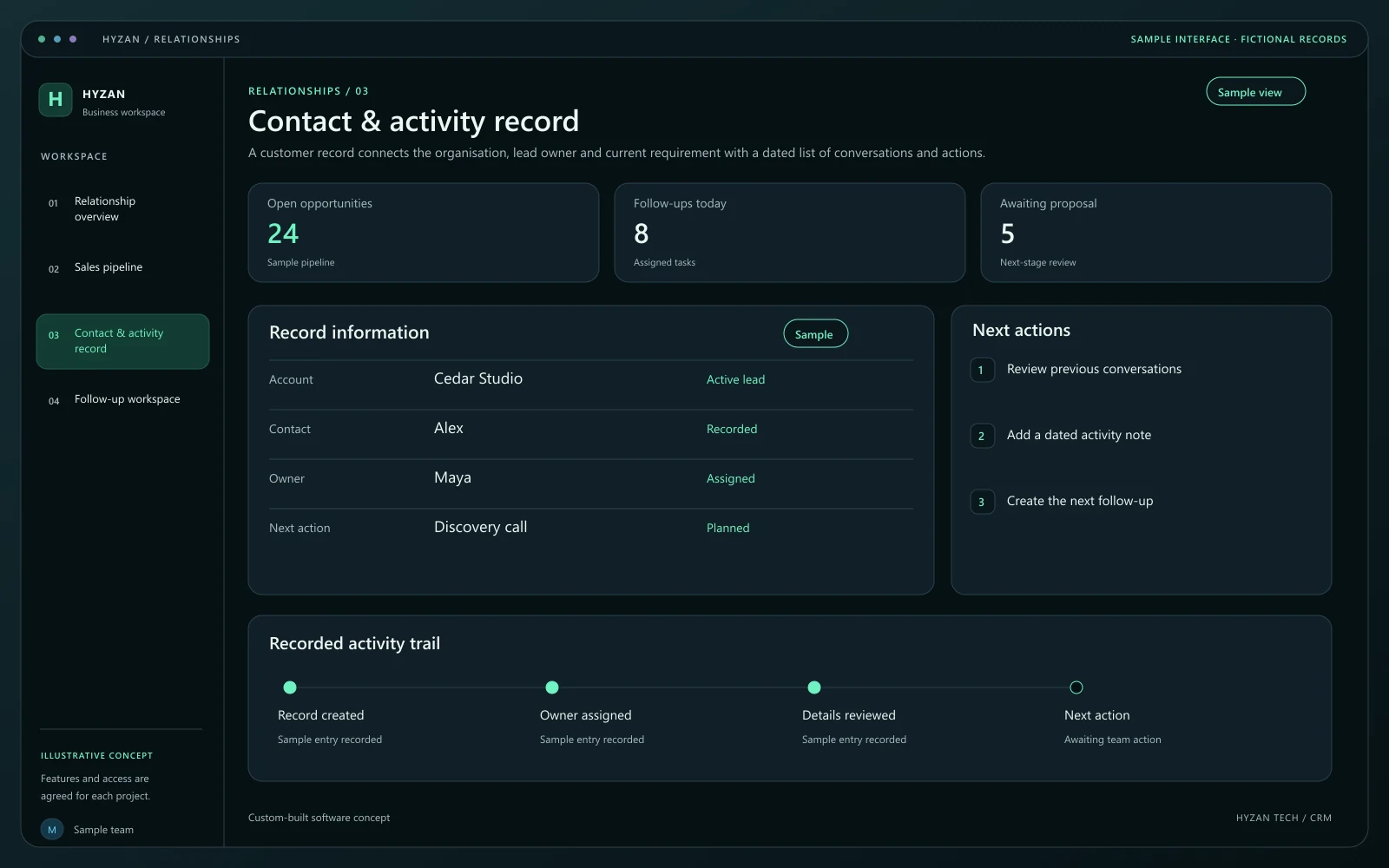
A customer record connects the organisation, lead owner and current requirement with a dated list of conversations and actions.
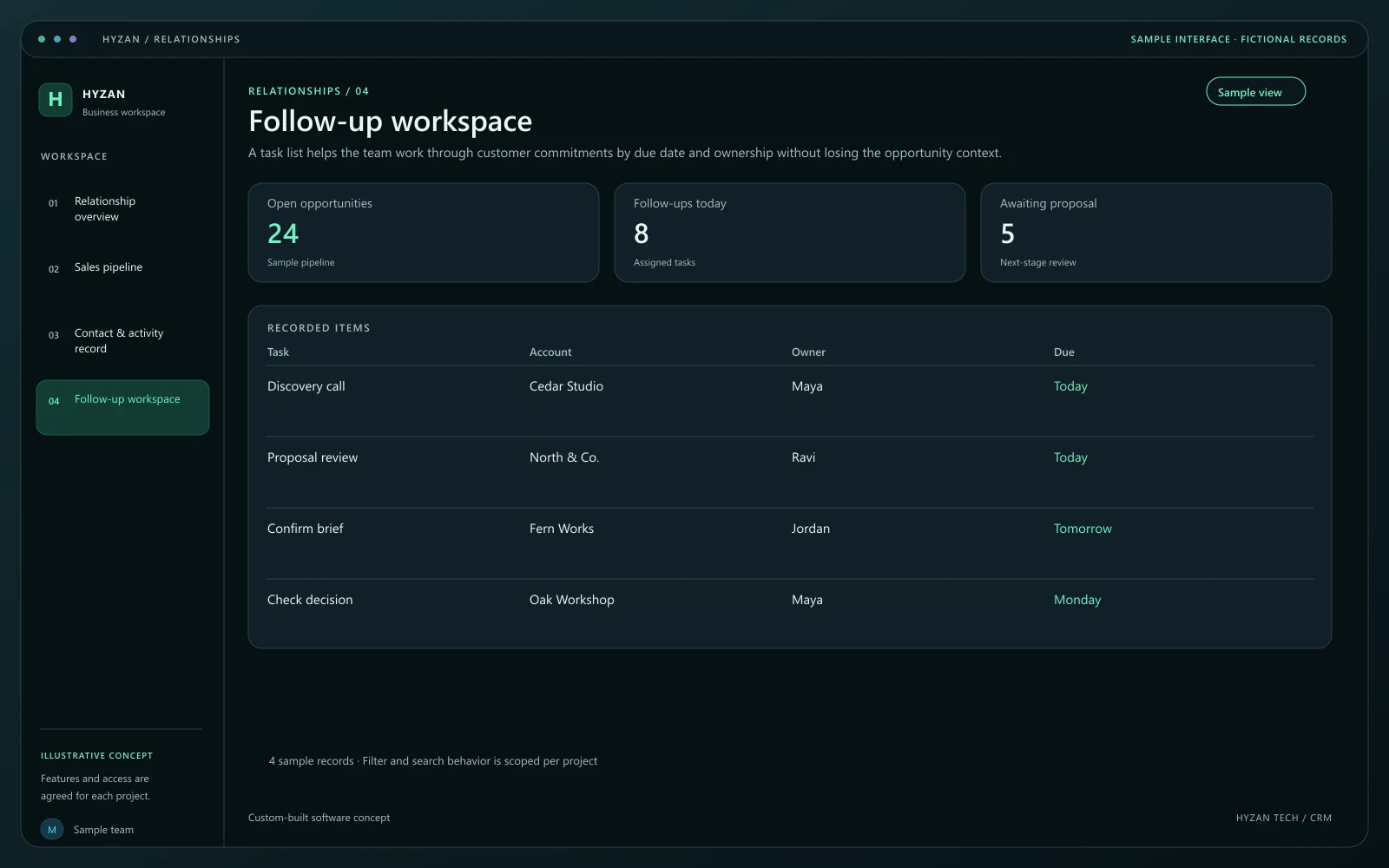
A task list helps the team work through customer commitments by due date and ownership without losing the opportunity context.
Customer details live in separate spreadsheets.
Promising leads are missed when follow-ups slip.
The team cannot see who owns a sales conversation.
Bring customer details and conversation notes into a shared record.
Track opportunities through stages that match your sales process.
Assign next steps and due dates to a responsible team member.
Keep a dated record of progress and agreed customer actions.
Create or find the contact before adding a new opportunity. Record the business need and the channel through which the enquiry arrived.
Give the opportunity an owner, a stage and a dated follow-up. A pipeline card should always lead back to its full contact record.
Record meetings, notes and decisions as activities. Update the opportunity stage when the agreed sales milestone is actually reached.
Mark the opportunity won, lost or on hold with a reason. Keep the history for future customer conversations and internal review.
We agree the features, user access, data handling, integrations and delivery arrangements before work begins. External integrations depend on available access and setup confirmed during scoping. Pricing, timing and ongoing support are agreed for your project.
The right screens depend on who uses them. These example responsibilities help define the access and decisions to agree before development.
Maintain contacts, opportunities and next actions.
Assign ownership and review stalled opportunities.
Review pipeline activity and recorded outcomes.
Bring a few examples from your current process. They help us agree the records, permissions and first release.
Related software options to consider as your requirements take shape.
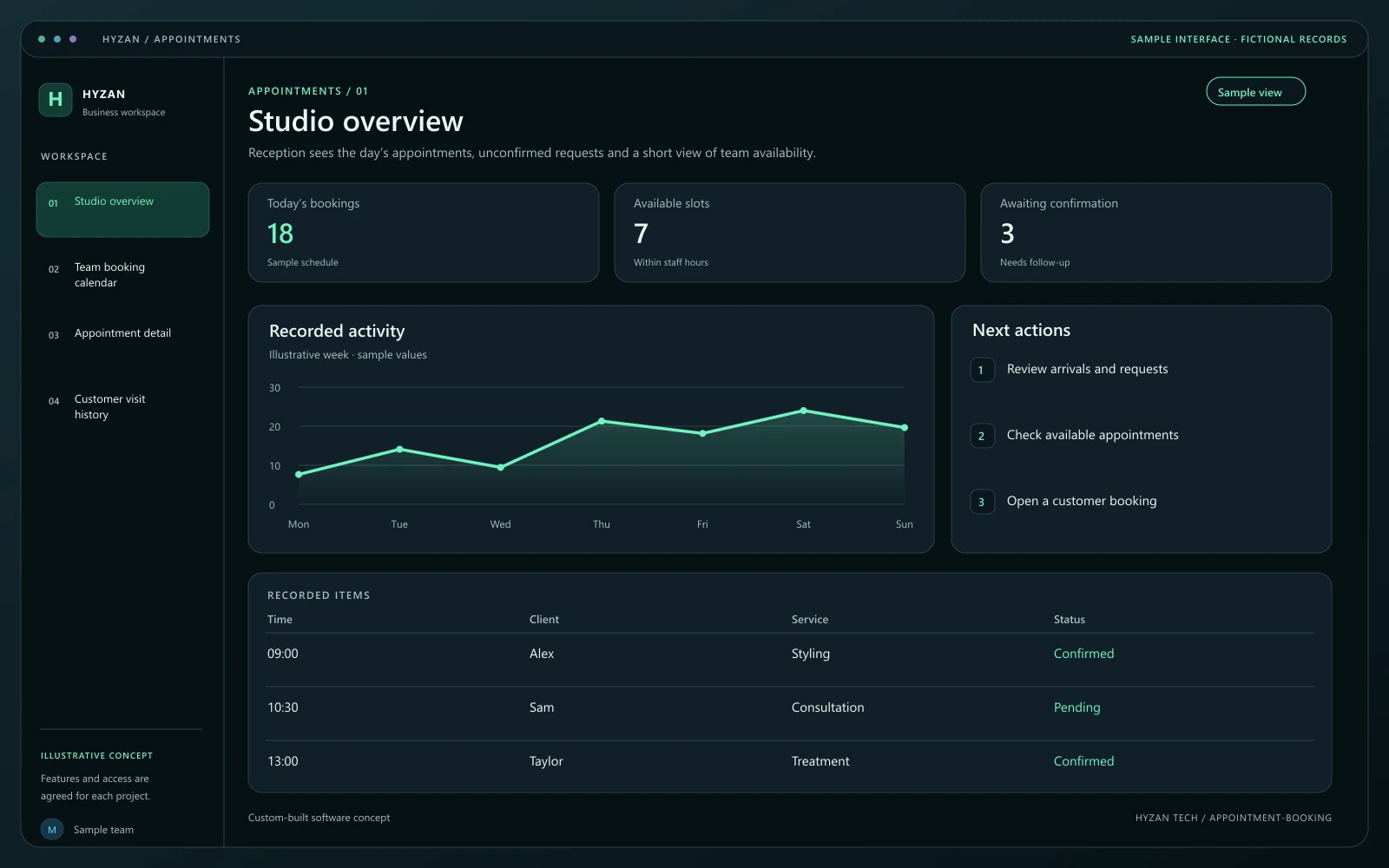 Dashboard + 3 working screens
Custom-built solution
Organize appointments and staff availability.
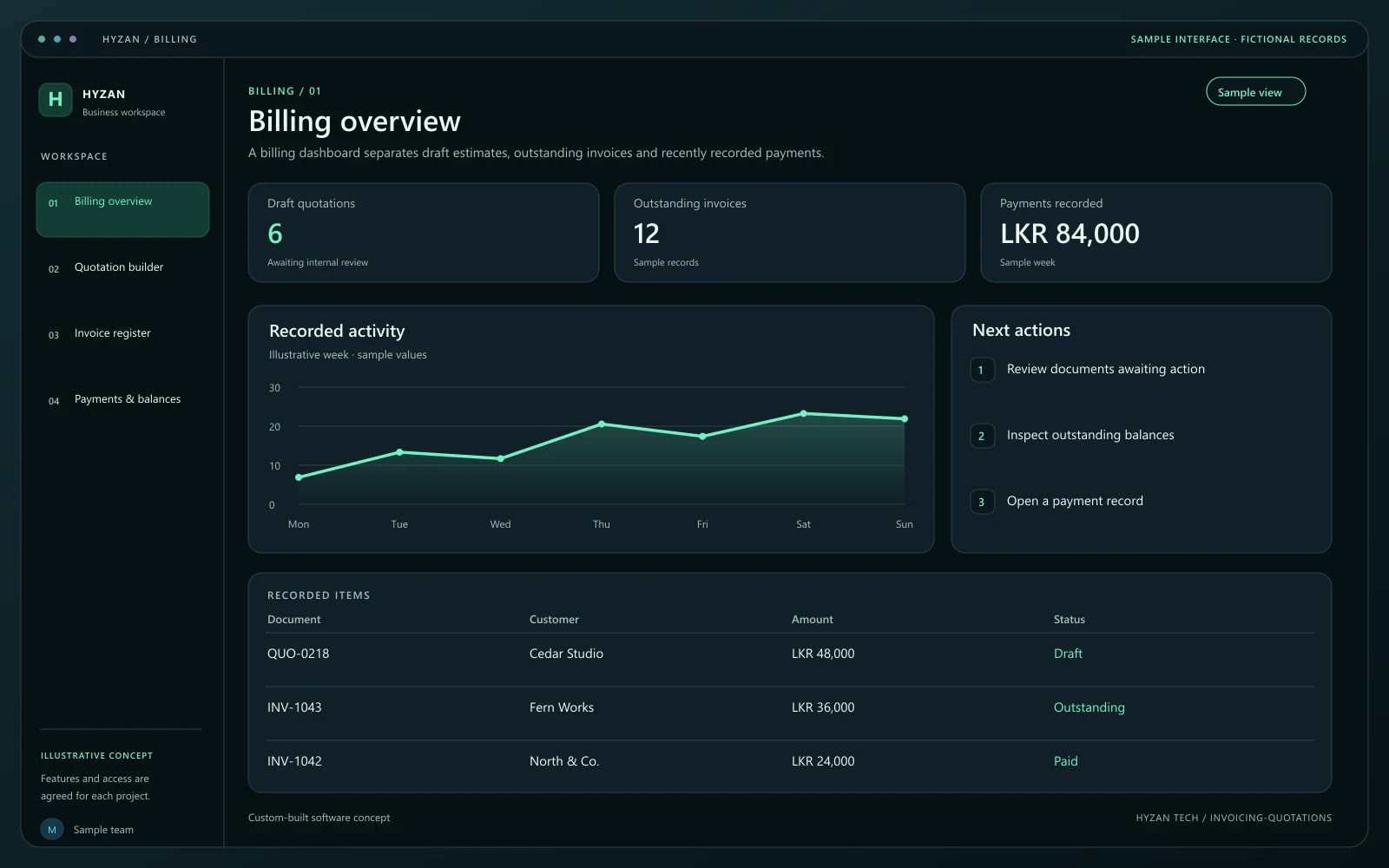 Dashboard + 3 working screens
Custom-built solution
Prepare estimates and track customer payments.
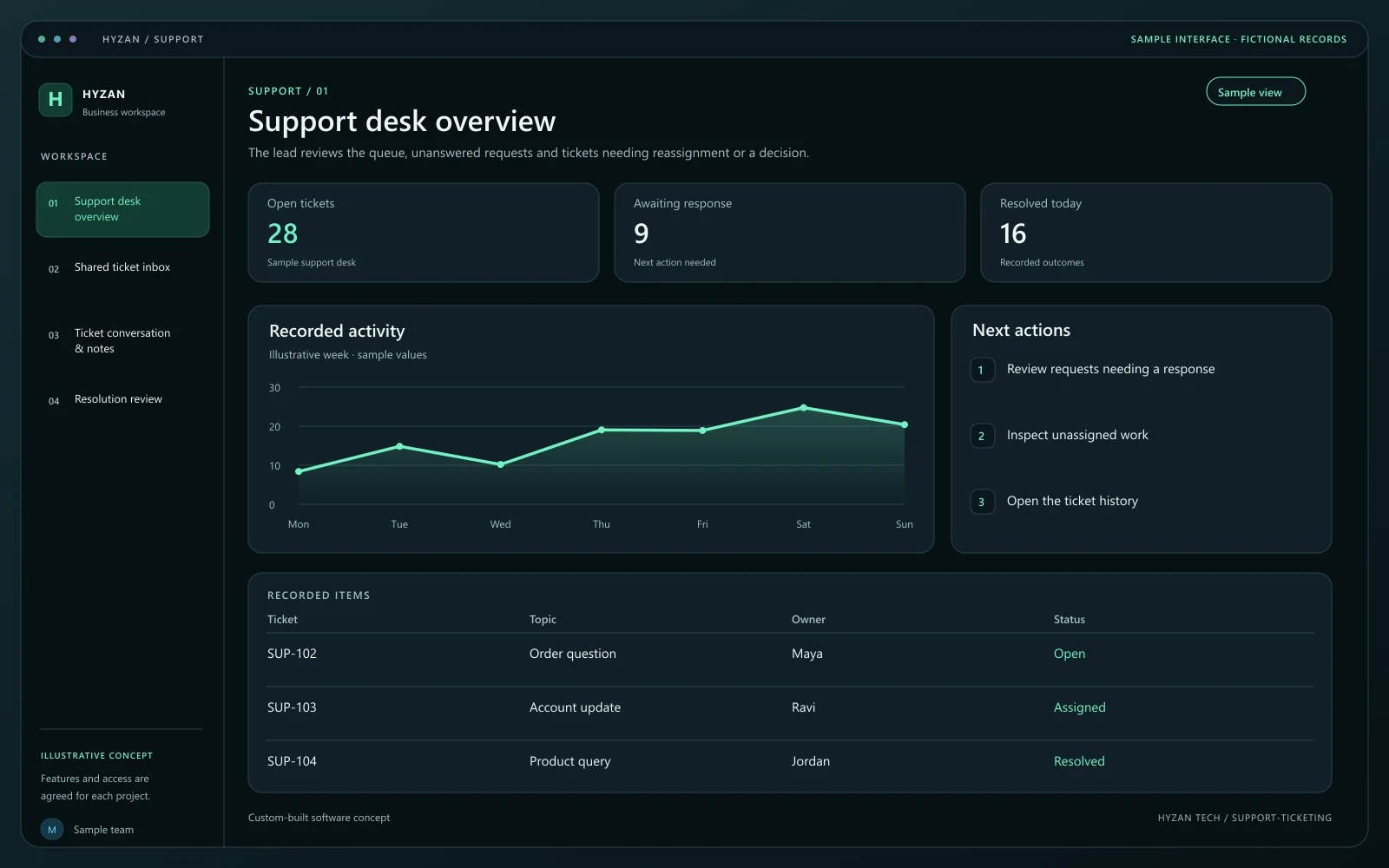 Dashboard + 3 working screens
Custom-built solution
Keep customer requests organized.
Tell us how your team works today and what you want to improve. Your selected solution will be included in the enquiry.
Discuss this solution