
Booking calendar
Review appointments by day and service with clear booking states.
Custom-built solution
Organize appointments and staff availability.
A system we can develop and tailor to your business, with features and delivery arrangements agreed together.
Discuss this solutionSample interface with fictional records. This illustrates a possible layout, not an existing product or a confirmed feature set.
A booking system should connect the service, customer and staff member in a single appointment record. A shared calendar makes availability easier to understand, while visit notes and a clear status history help the team handle changes consistently.
A salon receptionist finds an available styling slot, assigns Maya and records the client’s request. The client changes the time, so the team reschedules the same booking and retains its history.
Illustrative concept screens, not live software demos. The examples use fictional data. Final screens and functionality depend on the agreed project scope.
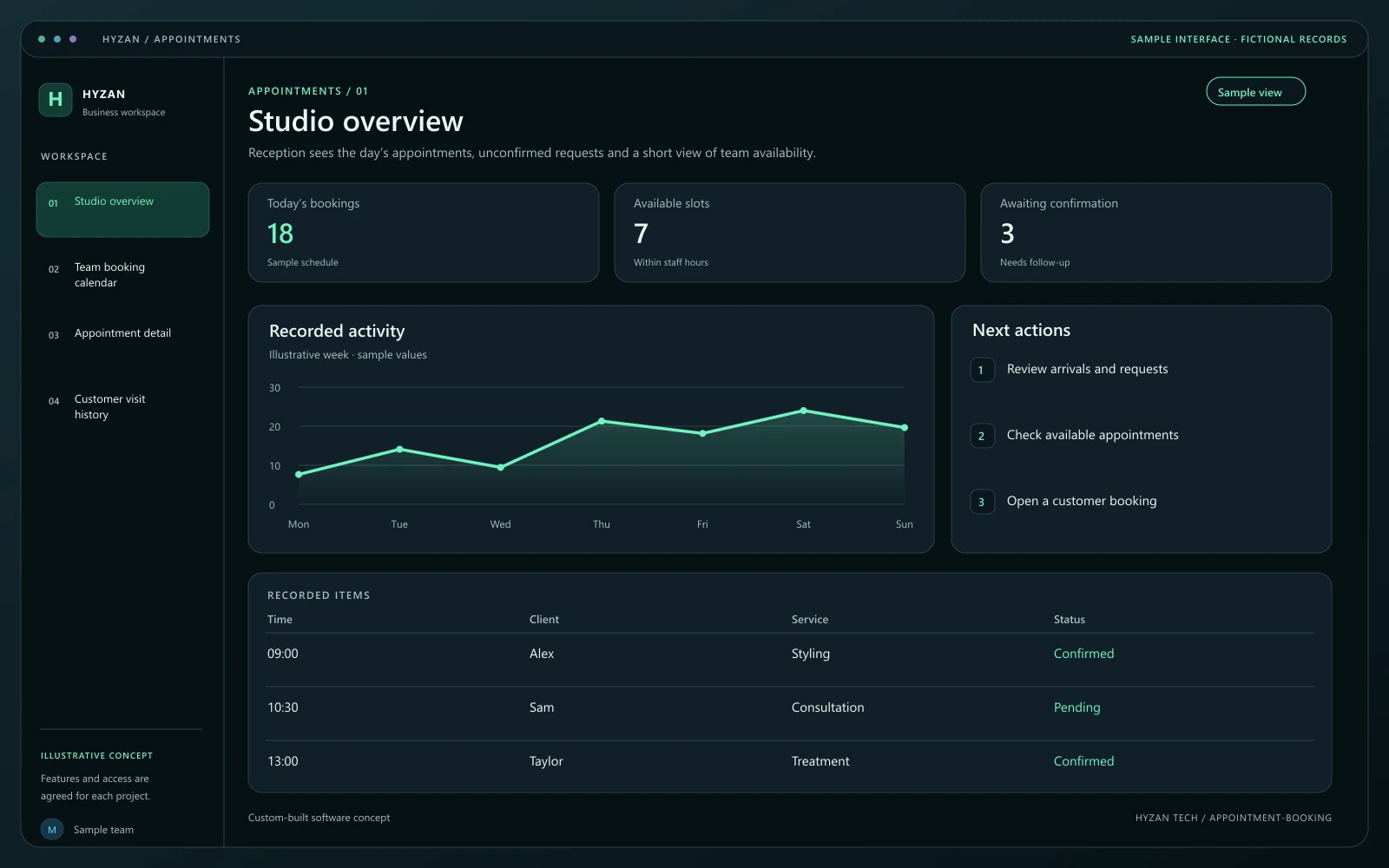
Reception sees the day’s appointments, unconfirmed requests and a short view of team availability.
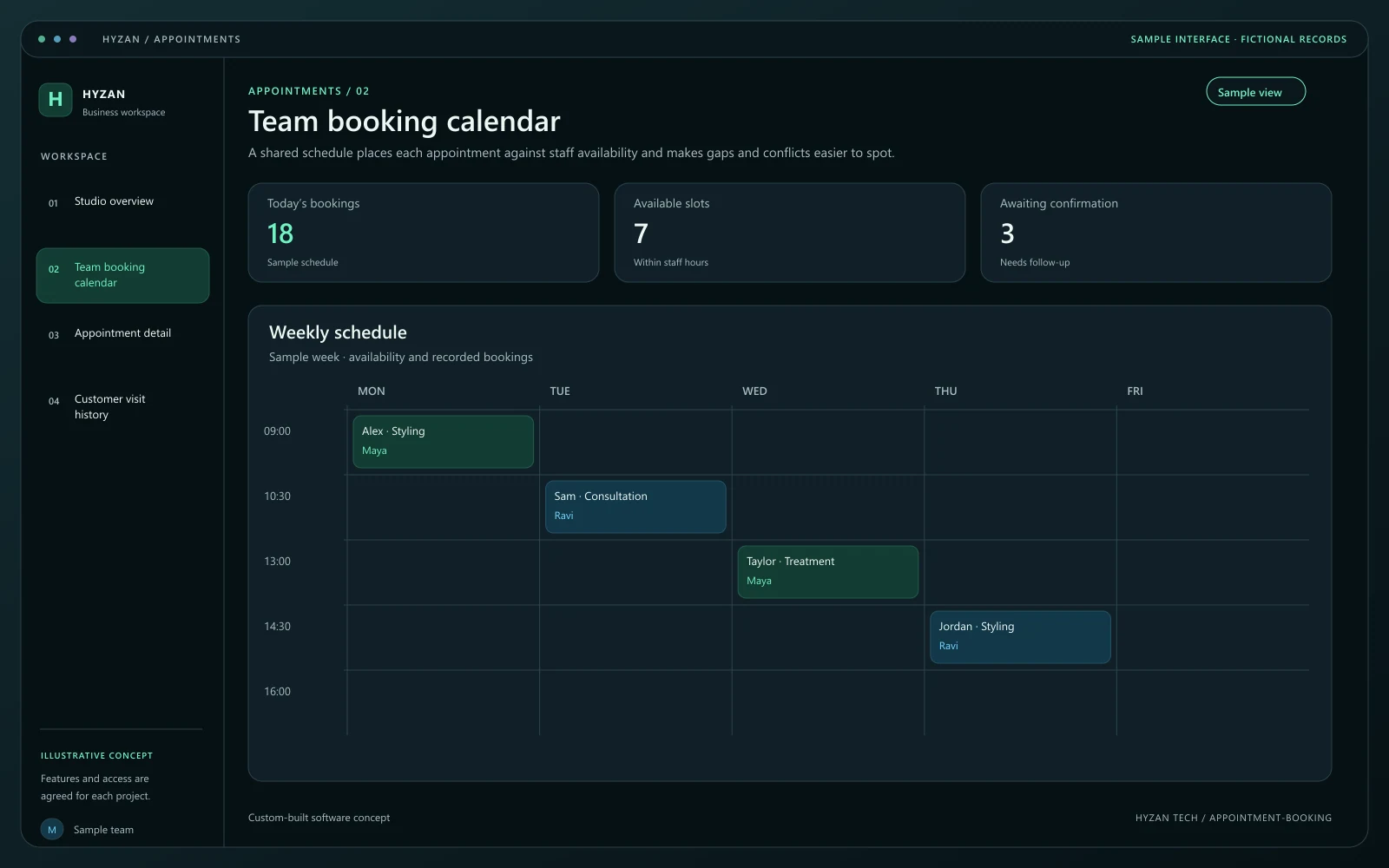
A shared schedule places each appointment against staff availability and makes gaps and conflicts easier to spot.
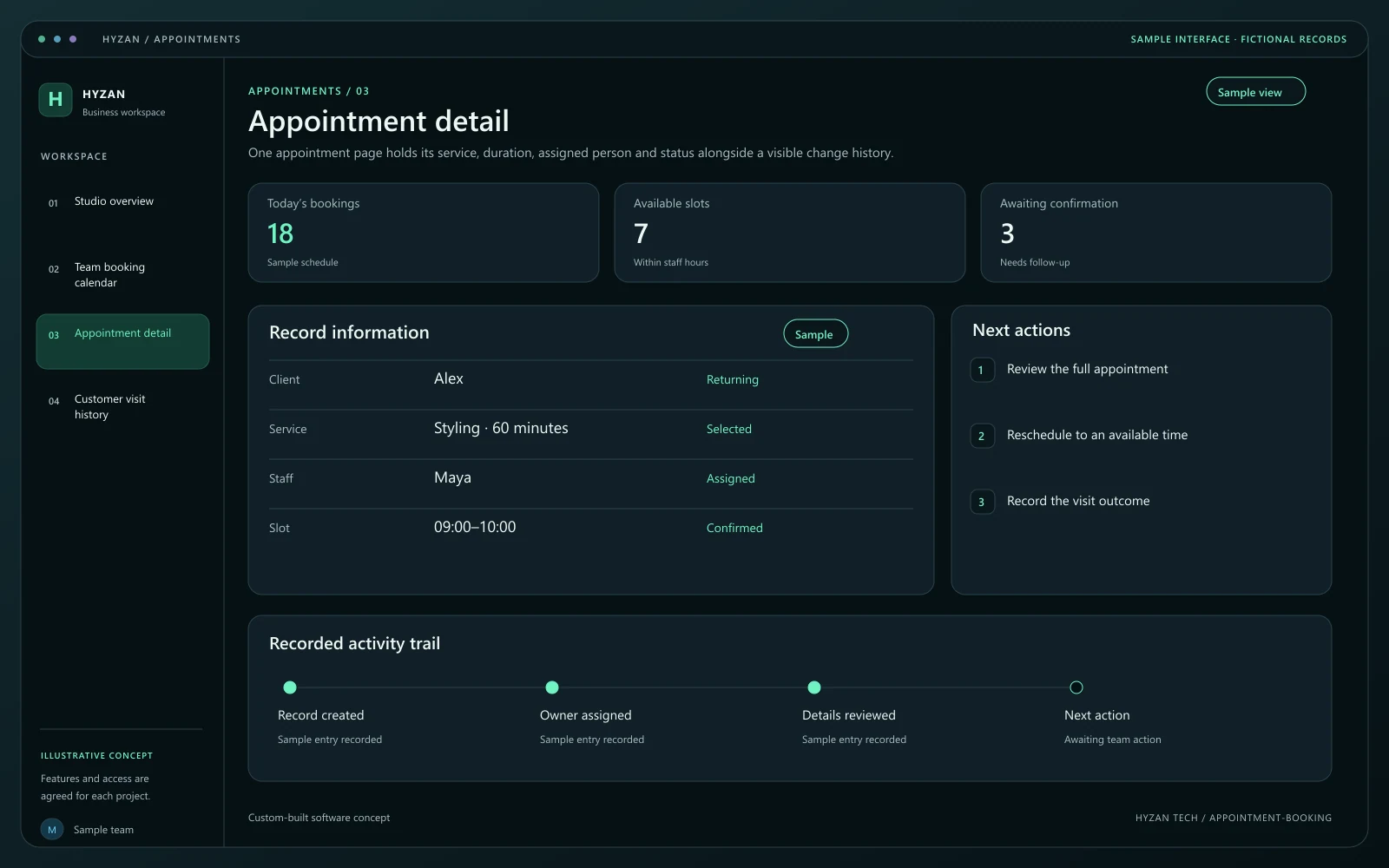
One appointment page holds its service, duration, assigned person and status alongside a visible change history.
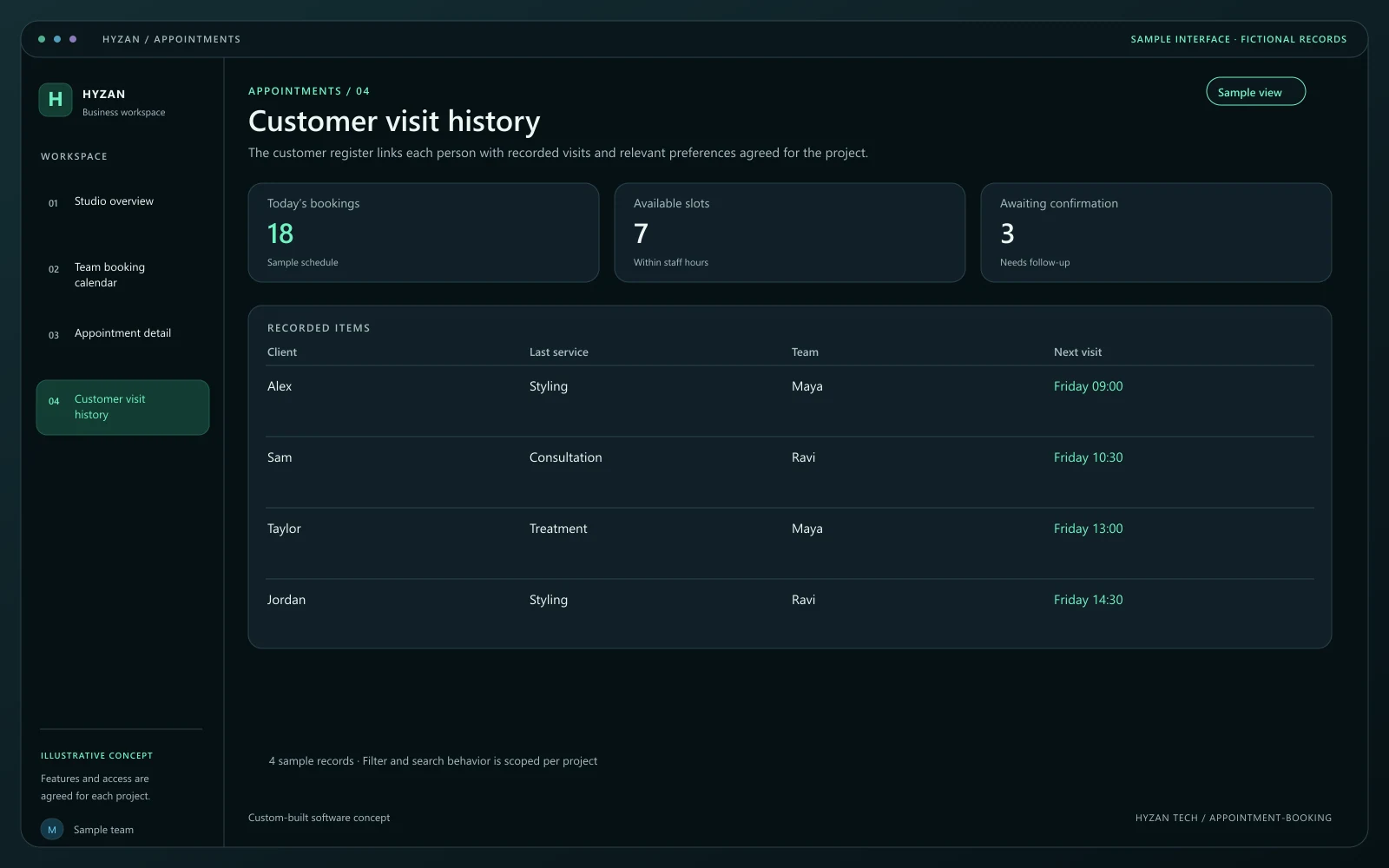
The customer register links each person with recorded visits and relevant preferences agreed for the project.
Appointments are scattered across messages.
Staff availability is difficult to see at a glance.
Customer preferences are lost between visits.
Review appointments by day and service with clear booking states.
Define availability and assign appointments to the right person.
Keep visit history and relevant preferences in one place.
Move or cancel bookings while retaining their status history.
Define services, durations, staff working hours and breaks. Availability should be derived from these rules and the bookings already recorded.
Select the service, customer, staff member and available time. Show the duration and essential notes before confirmation.
Check the new slot before rescheduling. Keep cancelled and moved appointments distinguishable so staff can follow what happened.
Record whether the appointment was completed, cancelled or missed. Keep relevant visit notes accessible only to the agreed team roles.
We agree the features, user access, data handling, integrations and delivery arrangements before work begins. External integrations depend on available access and setup confirmed during scoping. Pricing, timing and ongoing support are agreed for your project.
The right screens depend on who uses them. These example responsibilities help define the access and decisions to agree before development.
Create bookings, check availability and handle changes.
Review assigned appointments and record completion notes.
Maintain services, availability rules and team access.
Bring a few examples from your current process. They help us agree the records, permissions and first release.
Related software options to consider as your requirements take shape.
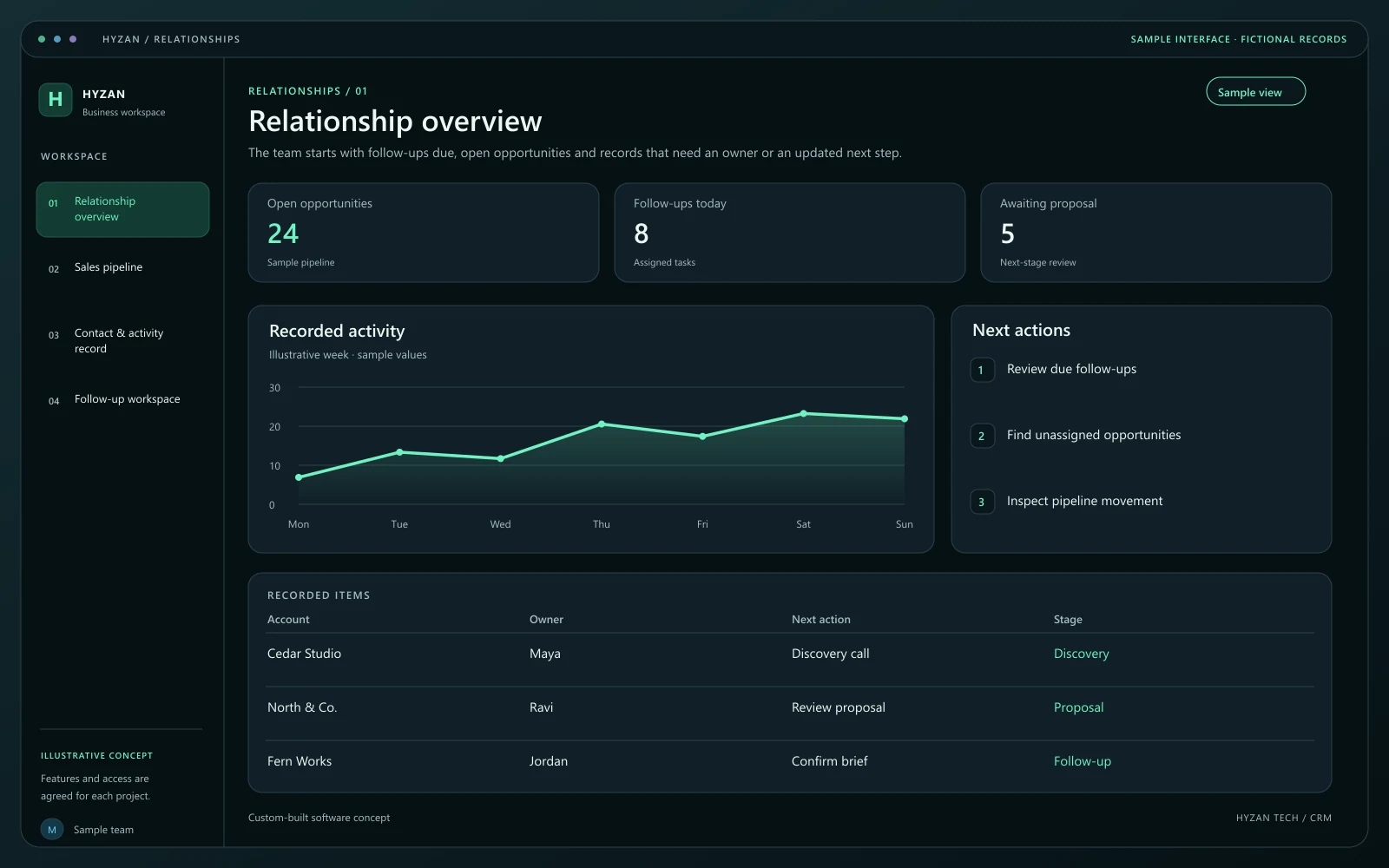 Dashboard + 3 working screens
Custom-built solution
Keep leads and follow-ups in one place.
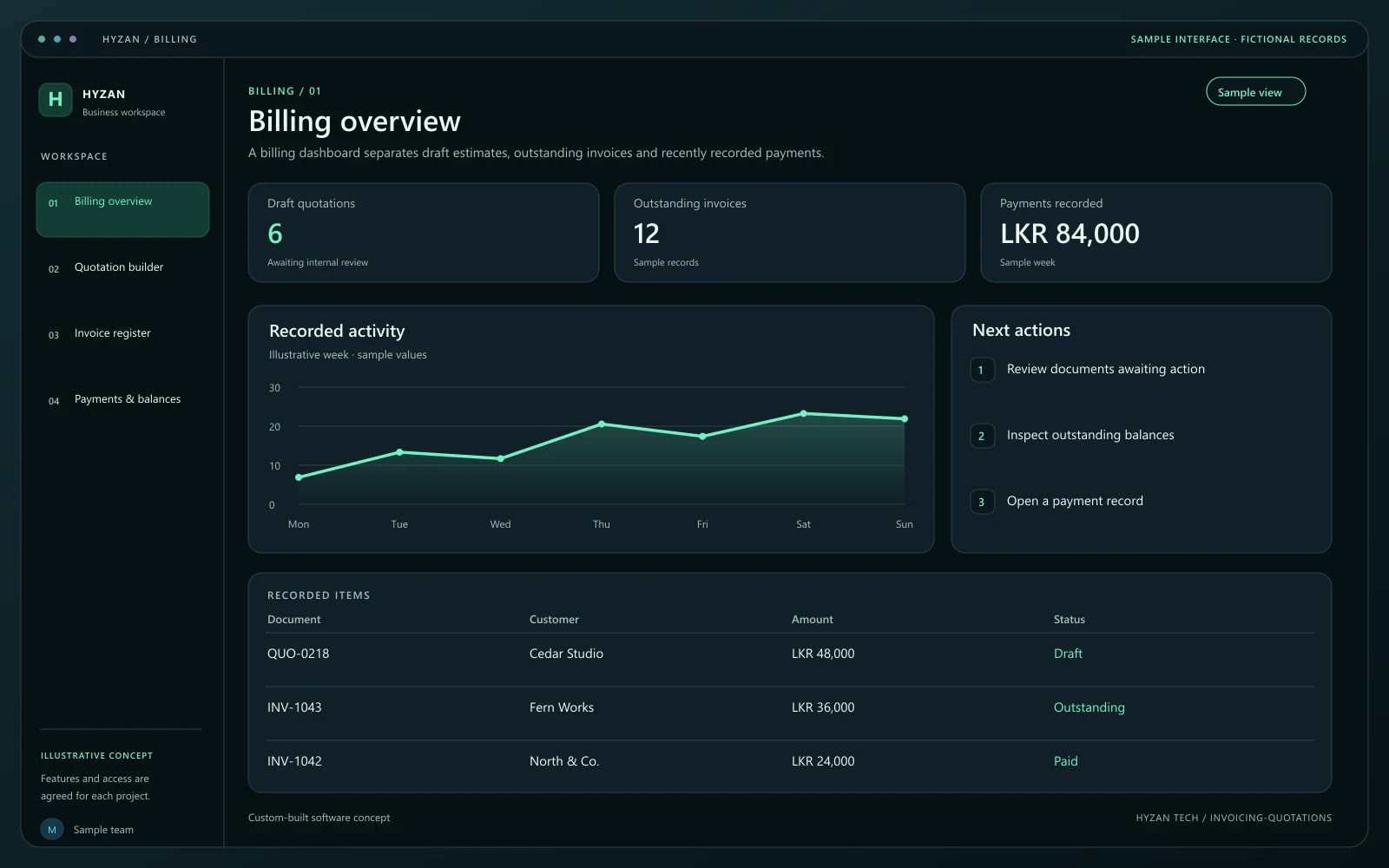 Dashboard + 3 working screens
Custom-built solution
Prepare estimates and track customer payments.
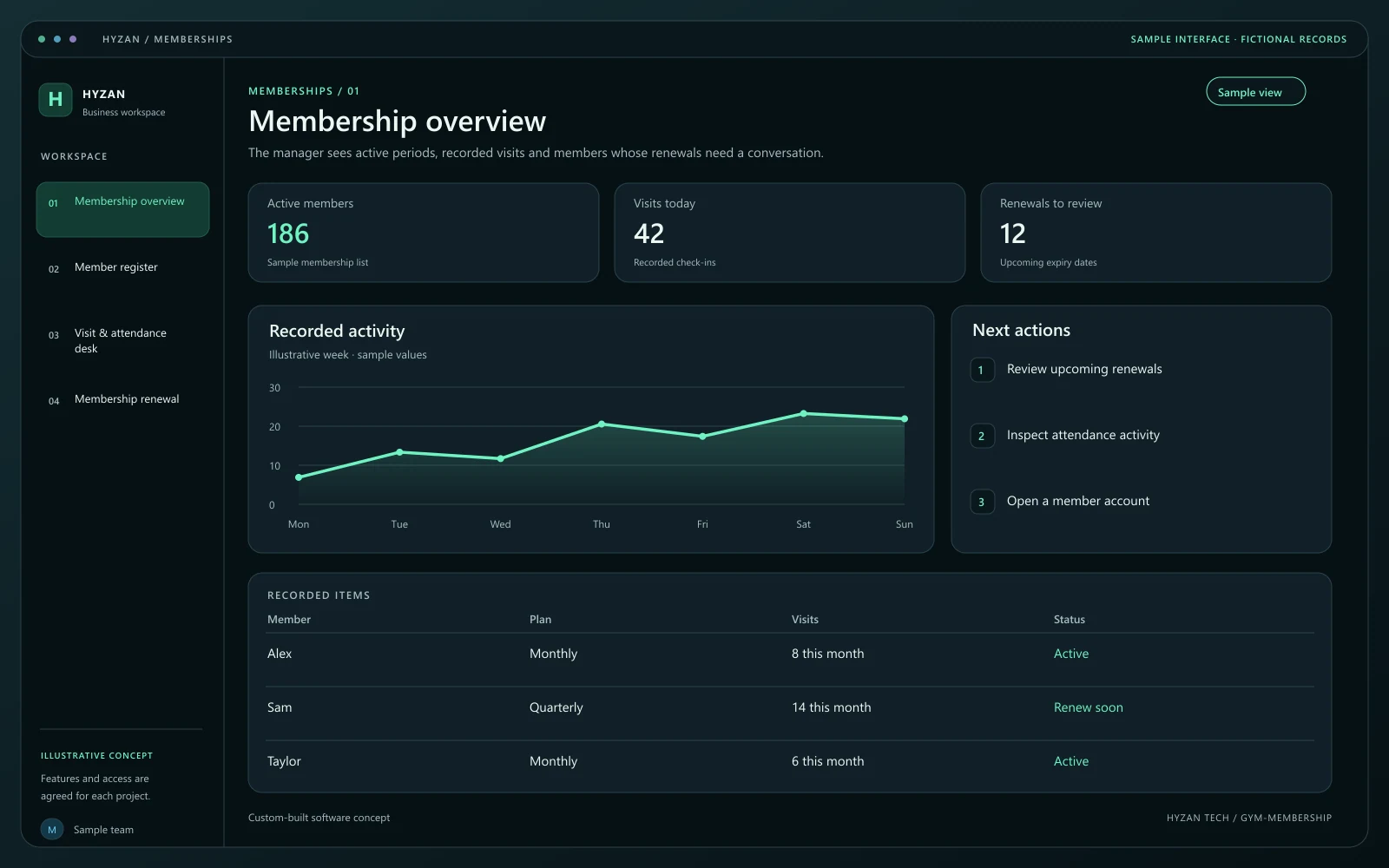 Dashboard + 3 working screens
Custom-built solution
Track memberships and renewals.
Tell us how your team works today and what you want to improve. Your selected solution will be included in the enquiry.
Discuss this solution