
Ticket inbox
Bring recorded support requests into a clear shared queue.
Custom-built solution
Keep customer requests organized.
A system we can develop and tailor to your business, with features and delivery arrangements agreed together.
Discuss this solutionSample interface with fictional records. This illustrates a possible layout, not an existing product or a confirmed feature set.
A support system should turn a customer request into an owned, traceable piece of work. The shared queue needs to show priority, the last recorded response and what must happen next, while keeping the full request history available to the assigned team.
A customer asks about an order. The support desk records a ticket, assigns an owner and checks the order context. The response and resolution are recorded before the ticket is closed.
Illustrative concept screens, not live software demos. The examples use fictional data. Final screens and functionality depend on the agreed project scope.
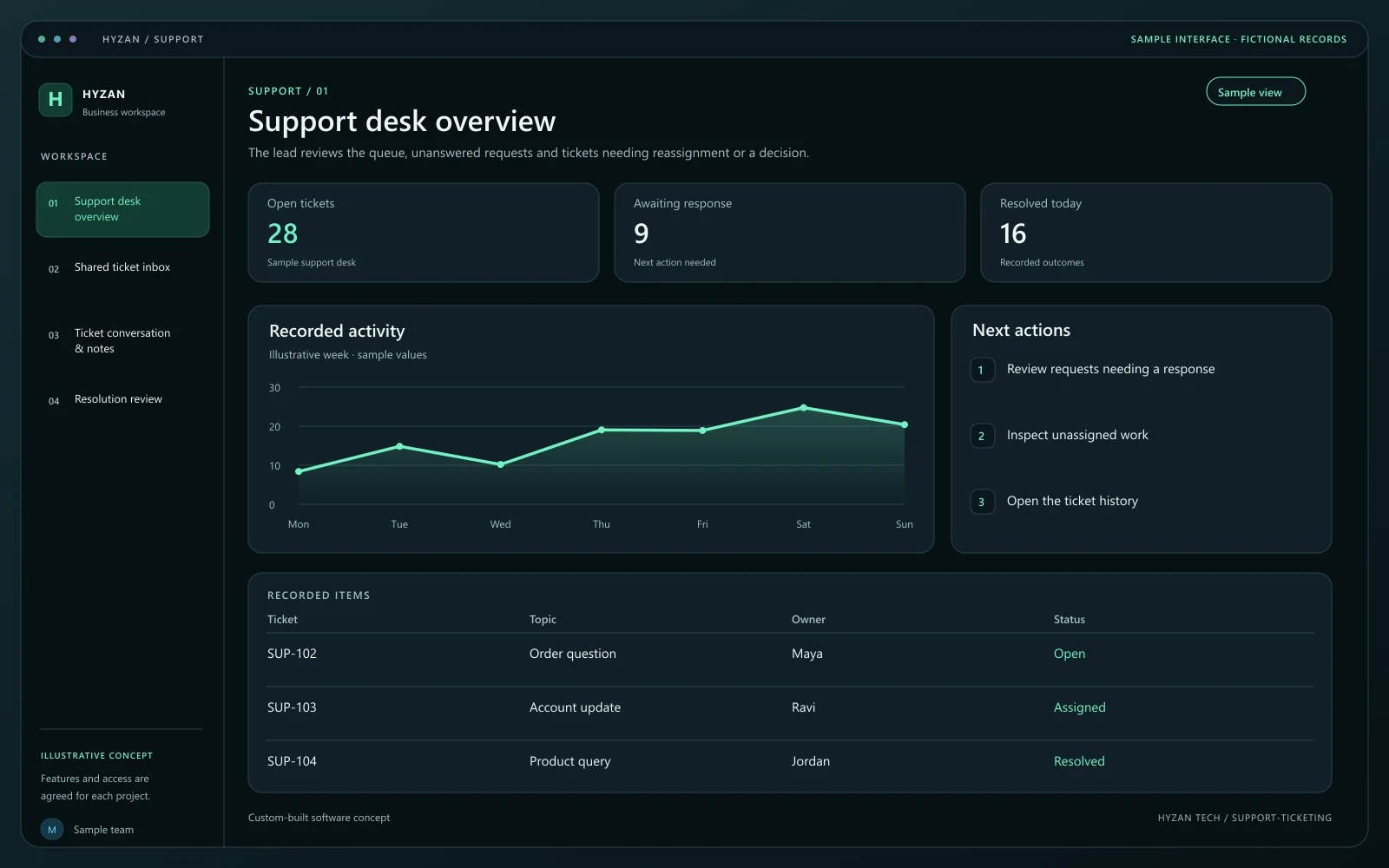
The lead reviews the queue, unanswered requests and tickets needing reassignment or a decision.
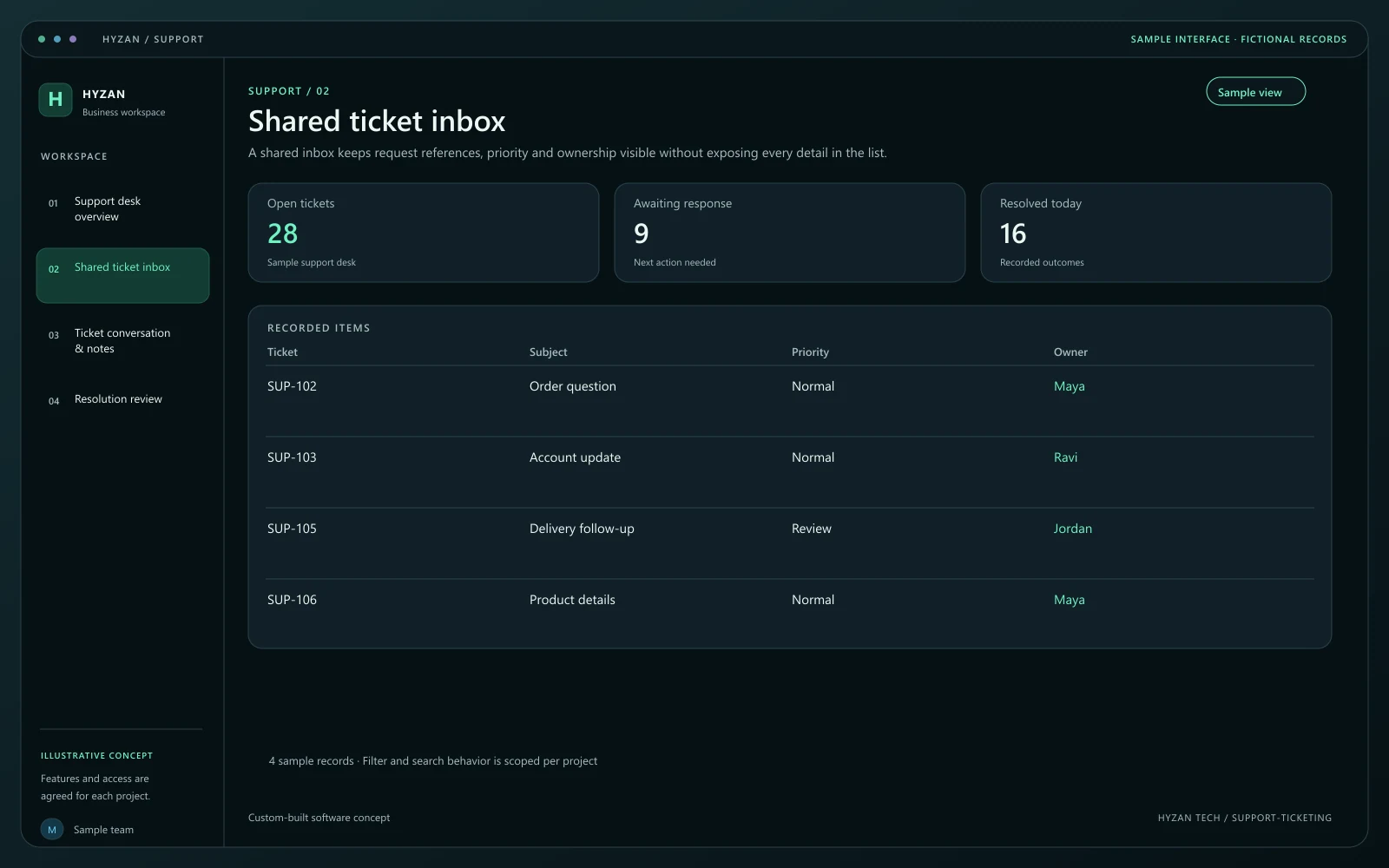
A shared inbox keeps request references, priority and ownership visible without exposing every detail in the list.
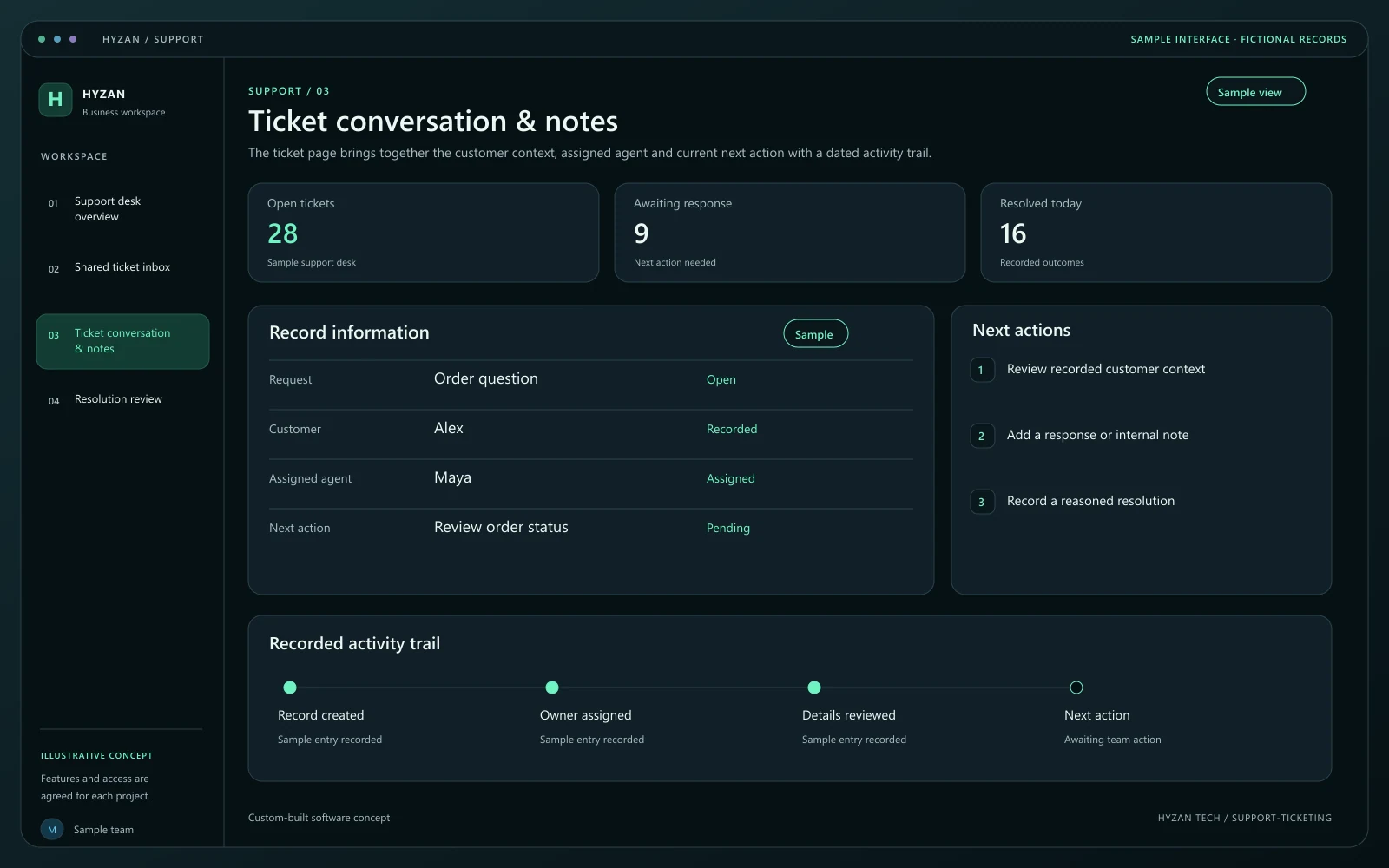
The ticket page brings together the customer context, assigned agent and current next action with a dated activity trail.
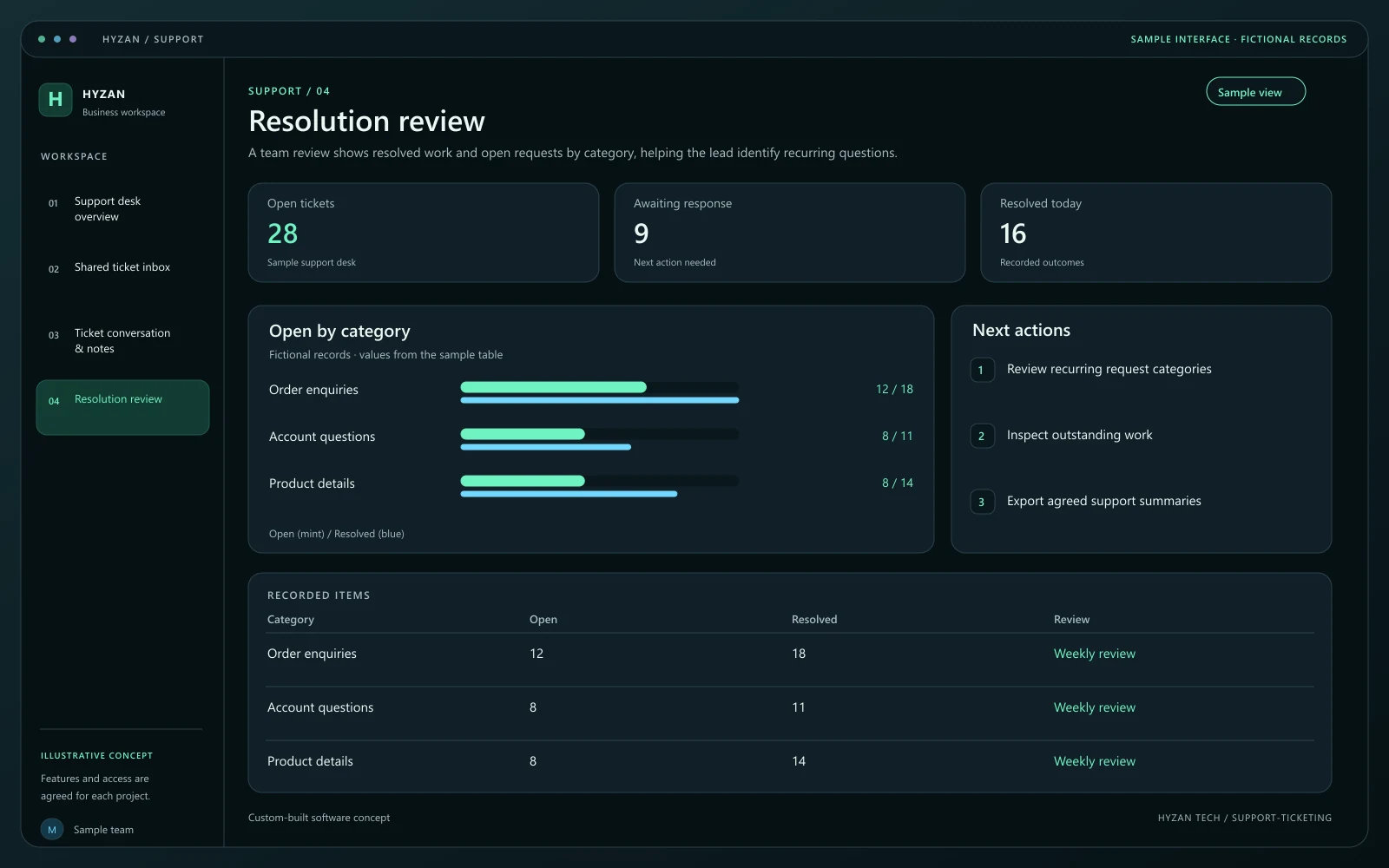
A team review shows resolved work and open requests by category, helping the lead identify recurring questions.
Customer requests are lost between team members.
Nobody is sure who owns the next response.
Recurring issues are difficult to review.
Bring recorded support requests into a clear shared queue.
Give each request an owner and agreed priority.
Track open, waiting and resolved requests.
Keep notes and recorded responses attached to the issue.
Capture the customer reference, issue and relevant supporting context. Check whether an existing ticket already covers the same request.
Give the request an owner and the agreed priority. Make the next action visible in the queue.
Keep notes, recorded responses and handoffs attached to the ticket. A waiting state should explain what the team is waiting for.
Record the outcome and resolution notes before closure. Agree when a resolved request can be reopened and how its earlier history is retained.
We agree the features, user access, data handling, integrations and delivery arrangements before work begins. External integrations depend on available access and setup confirmed during scoping. Pricing, timing and ongoing support are agreed for your project.
The right screens depend on who uses them. These example responsibilities help define the access and decisions to agree before development.
Record requests, add responses and maintain next actions.
Assign priorities and review unresolved work.
Maintain categories, access and agreed workflow rules.
Bring a few examples from your current process. They help us agree the records, permissions and first release.
Related software options to consider as your requirements take shape.
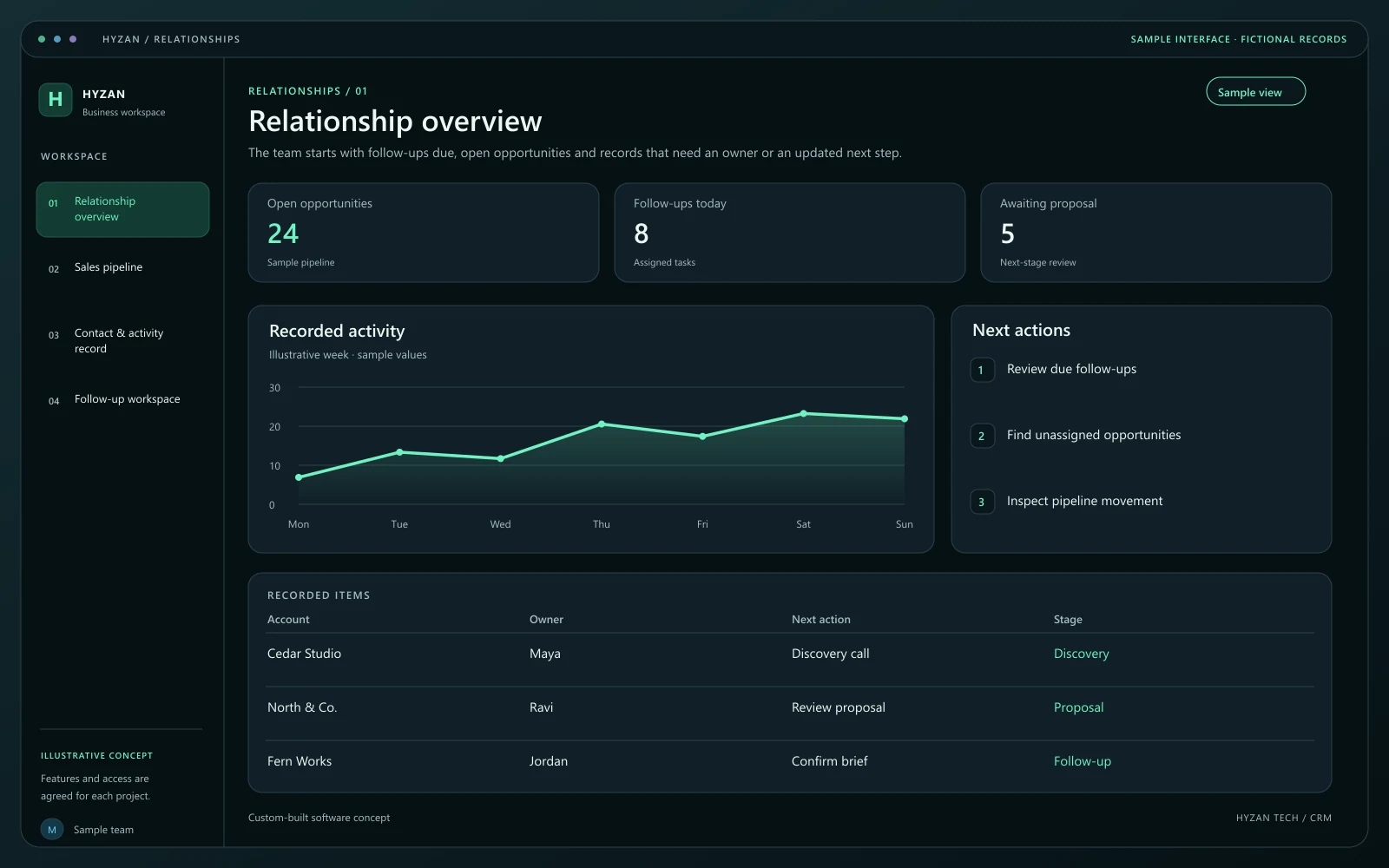 Dashboard + 3 working screens
Custom-built solution
Keep leads and follow-ups in one place.
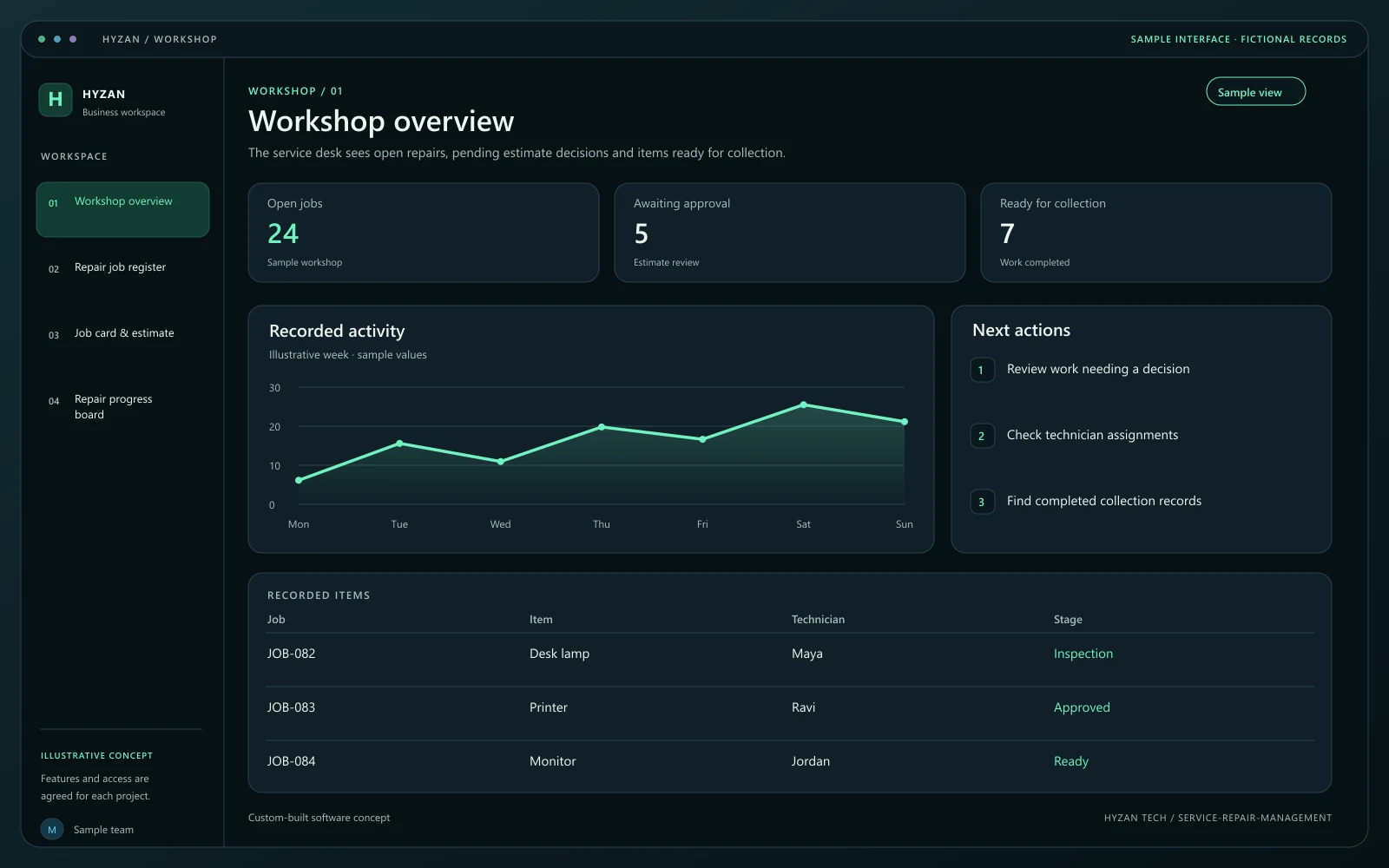 Dashboard + 3 working screens
Custom-built solution
Track repair jobs from intake to completion.
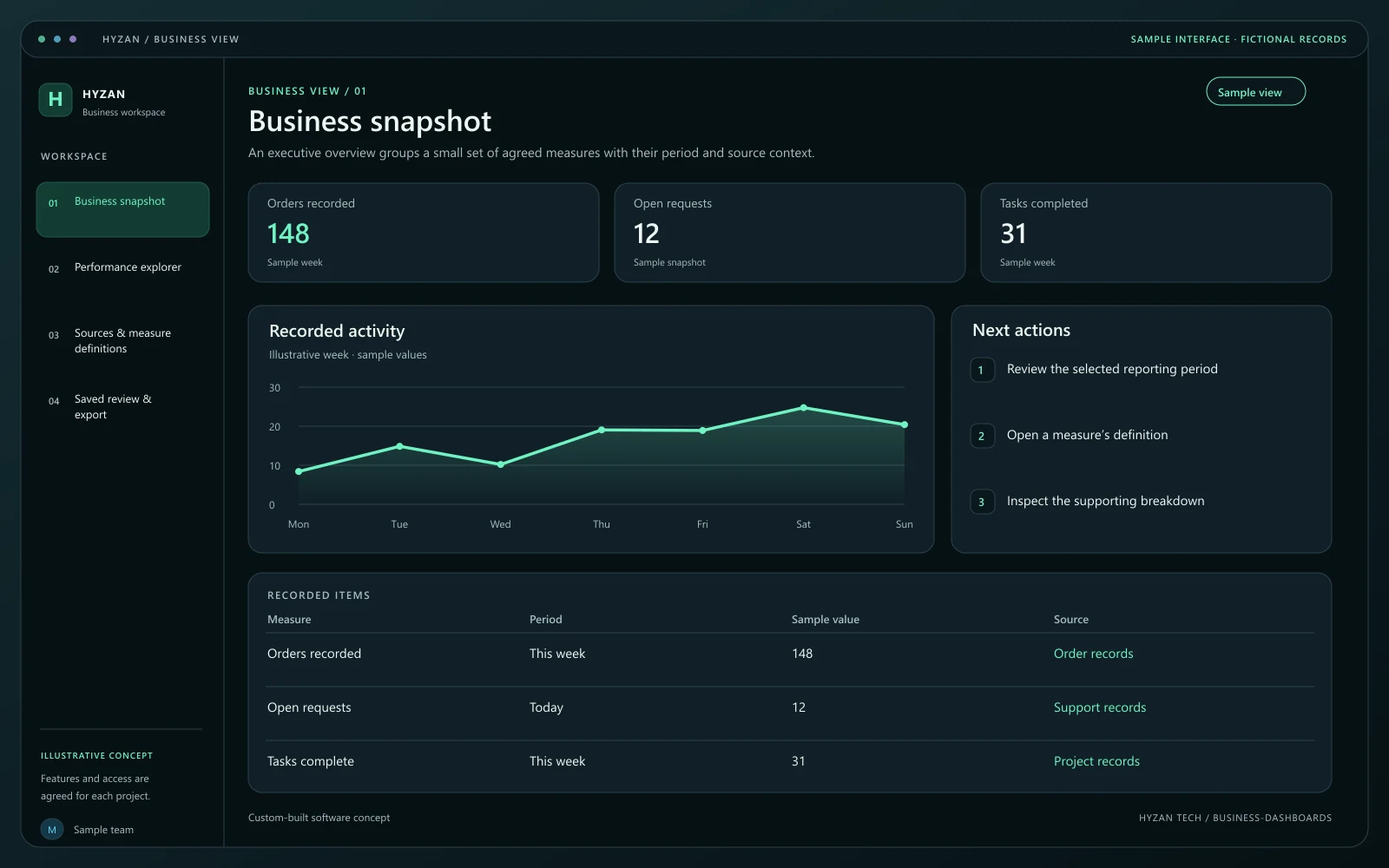 Dashboard + 3 working screens
Custom-built solution
Bring important business information together.
Tell us how your team works today and what you want to improve. Your selected solution will be included in the enquiry.
Discuss this solution