
Delivery assignments
Assign deliveries to team members with clear handoff details.
Custom-built solution
Coordinate dispatch and delivery progress.
A system we can develop and tailor to your business, with features and delivery arrangements agreed together.
Discuss this solutionSample interface with fictional records. This illustrates a possible layout, not an existing product or a confirmed feature set.
Delivery software should coordinate assignments and recorded progress from dispatch to completion. A clear delivery reference links the order, responsible team member and outcome, so office staff can follow exceptions without searching through message threads.
A retailer marks an order ready for dispatch. The coordinator creates the delivery record, assigns Ravi and records collection and completion updates against that same reference.
Illustrative concept screens, not live software demos. The examples use fictional data. Final screens and functionality depend on the agreed project scope.
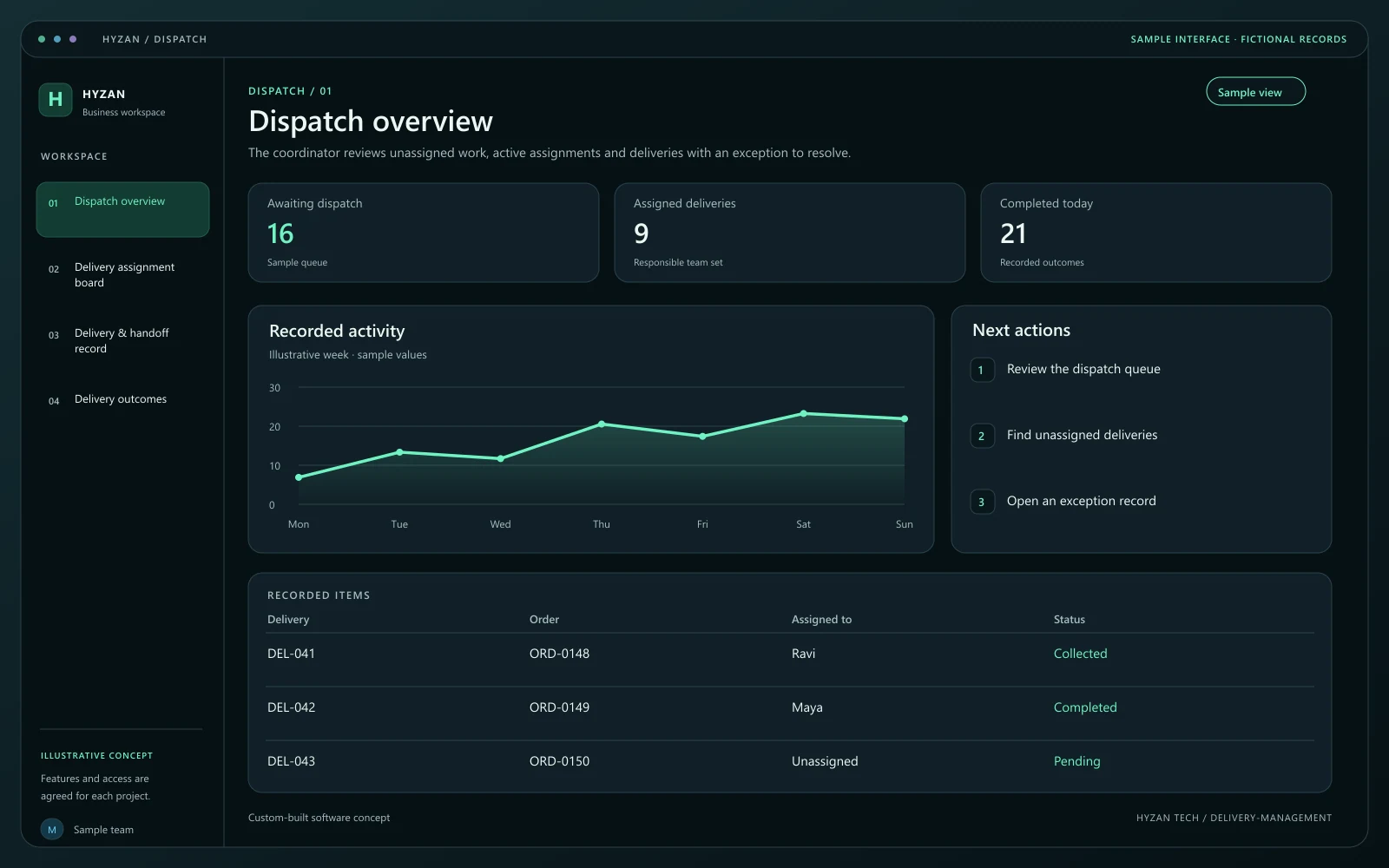
The coordinator reviews unassigned work, active assignments and deliveries with an exception to resolve.
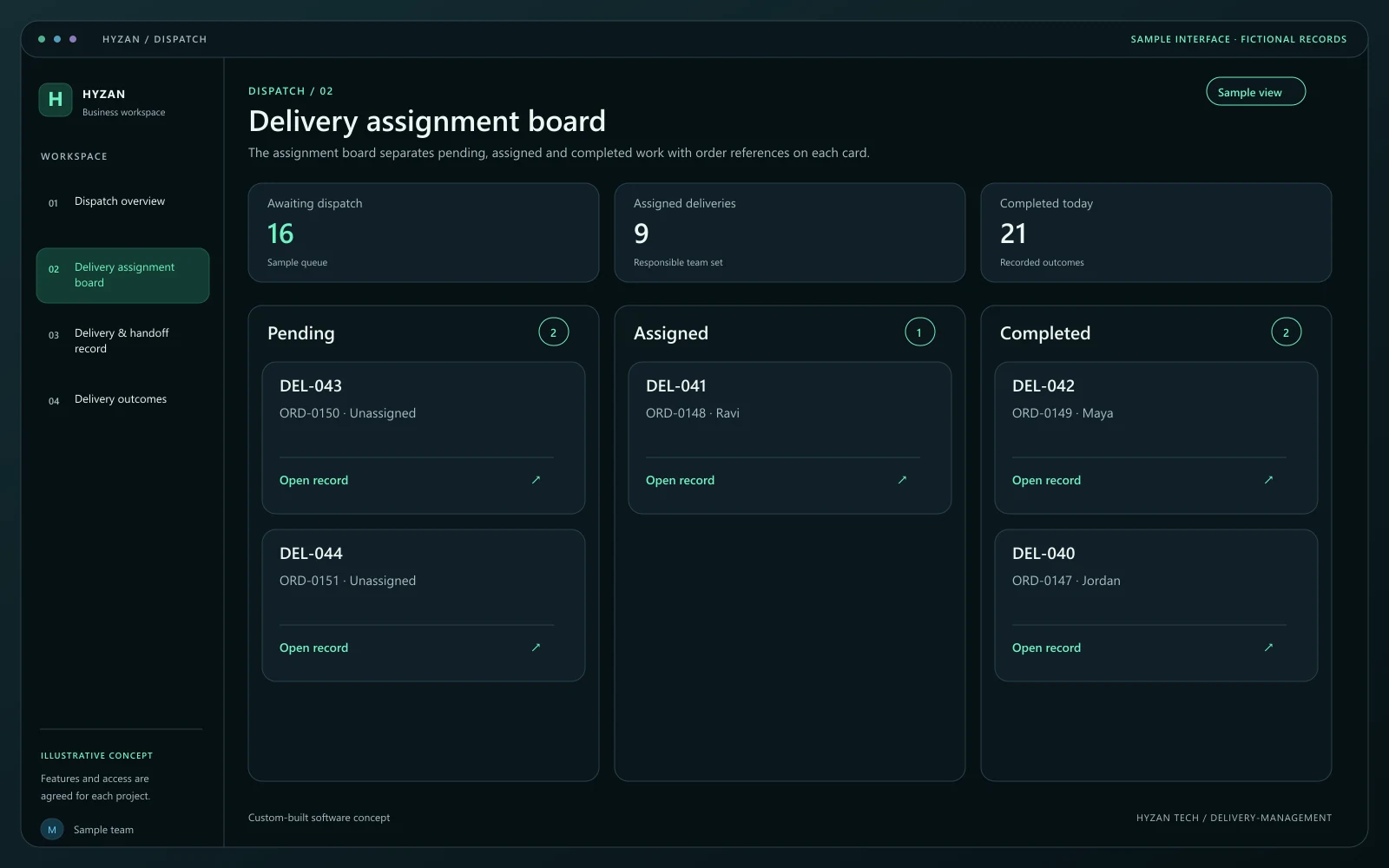
The assignment board separates pending, assigned and completed work with order references on each card.
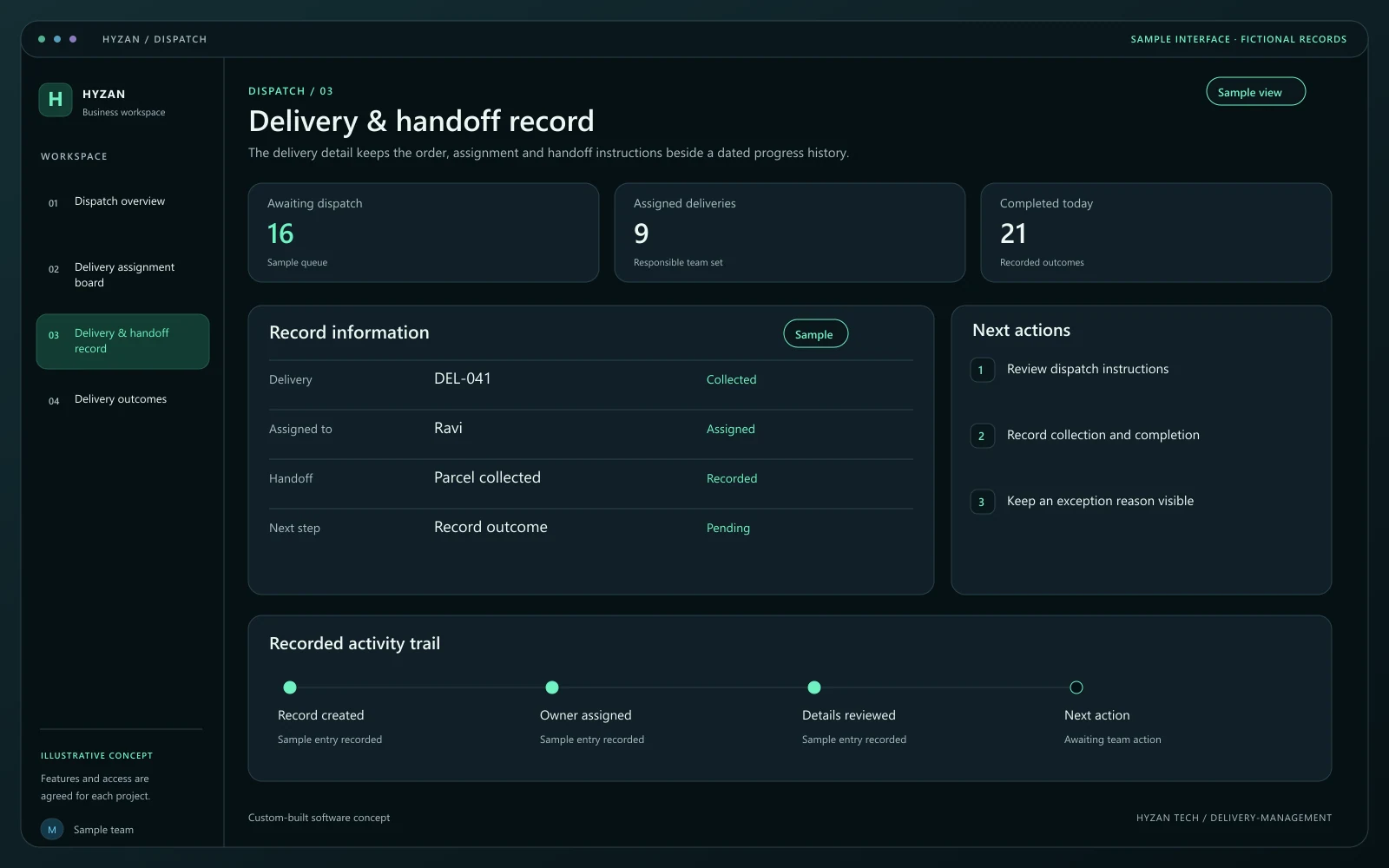
The delivery detail keeps the order, assignment and handoff instructions beside a dated progress history.
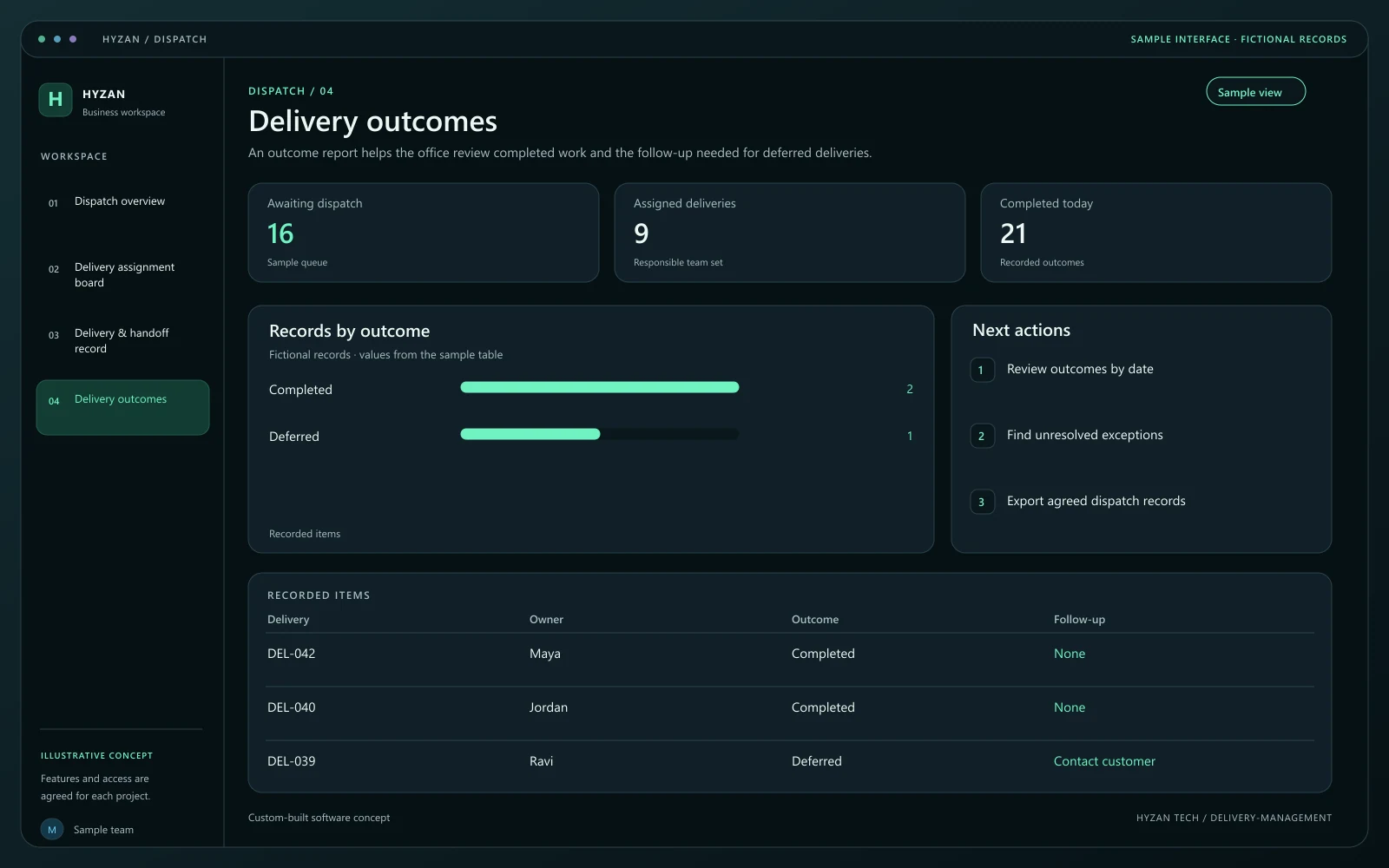
An outcome report helps the office review completed work and the follow-up needed for deferred deliveries.
Dispatch assignments are managed in message threads.
Delivery status updates are inconsistent.
Completed delivery records are difficult to locate.
Assign deliveries to team members with clear handoff details.
Record progress through agreed delivery stages.
Keep completion notes and relevant order references.
Review pending, assigned and completed deliveries together.
Create the delivery from the confirmed order details and agreed destination fields. Check the handoff instructions before assigning it.
Select the responsible team member and planned dispatch period. Keep assignment changes visible to the office team.
Update collected, in-progress and completed states according to the agreed workflow. These are recorded updates, not a promise of live location tracking.
Retain completion notes or the reason a delivery could not be completed. Give exceptions an owner and a follow-up action.
We agree the features, user access, data handling, integrations and delivery arrangements before work begins. External integrations depend on available access and setup confirmed during scoping. Pricing, timing and ongoing support are agreed for your project.
The right screens depend on who uses them. These example responsibilities help define the access and decisions to agree before development.
Review ready orders and assign delivery work.
Record the agreed collection and completion states.
Review exceptions and completed delivery records.
Bring a few examples from your current process. They help us agree the records, permissions and first release.
Related software options to consider as your requirements take shape.
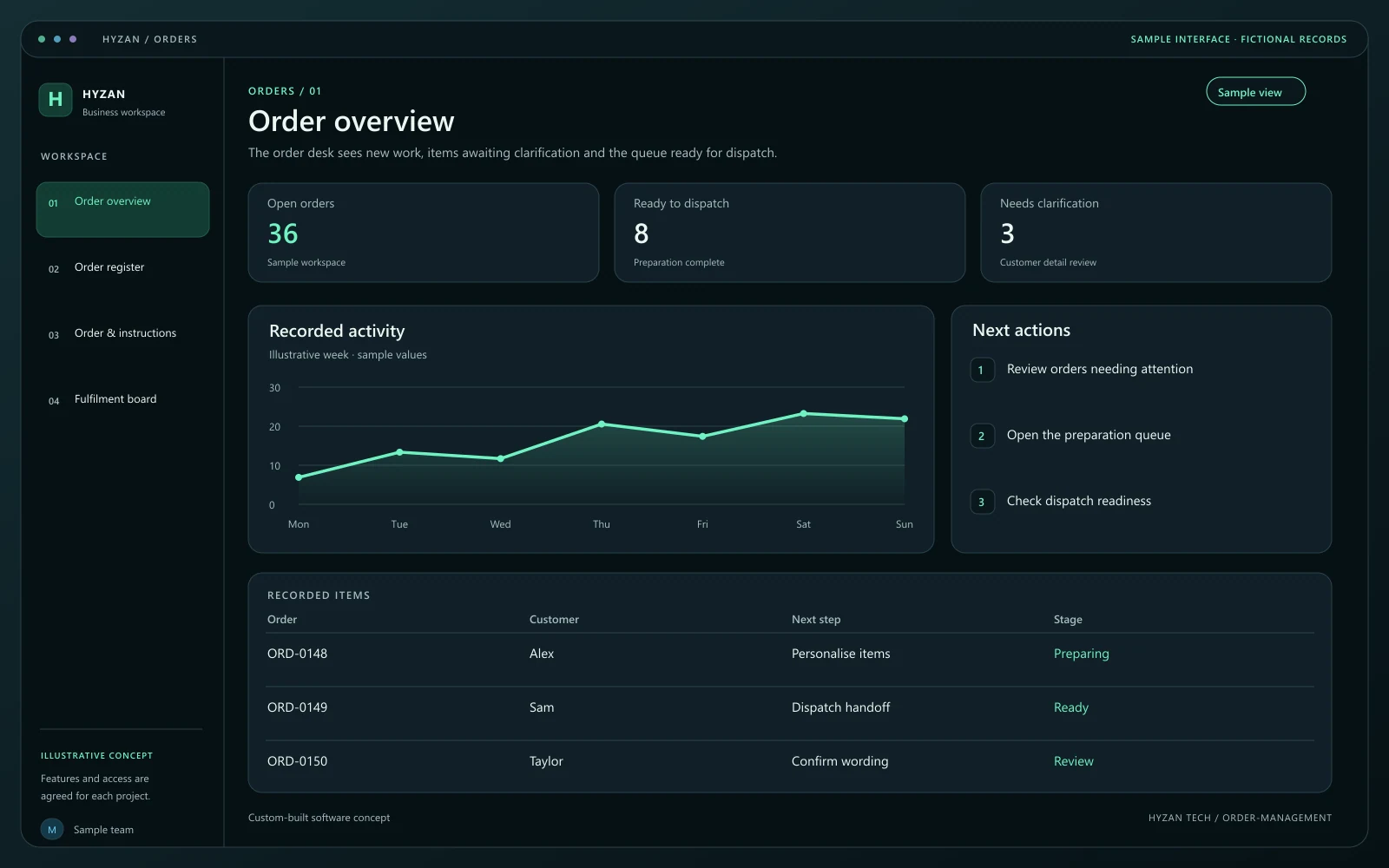 Dashboard + 3 working screens
Custom-built solution
Follow orders from enquiry to fulfilment.
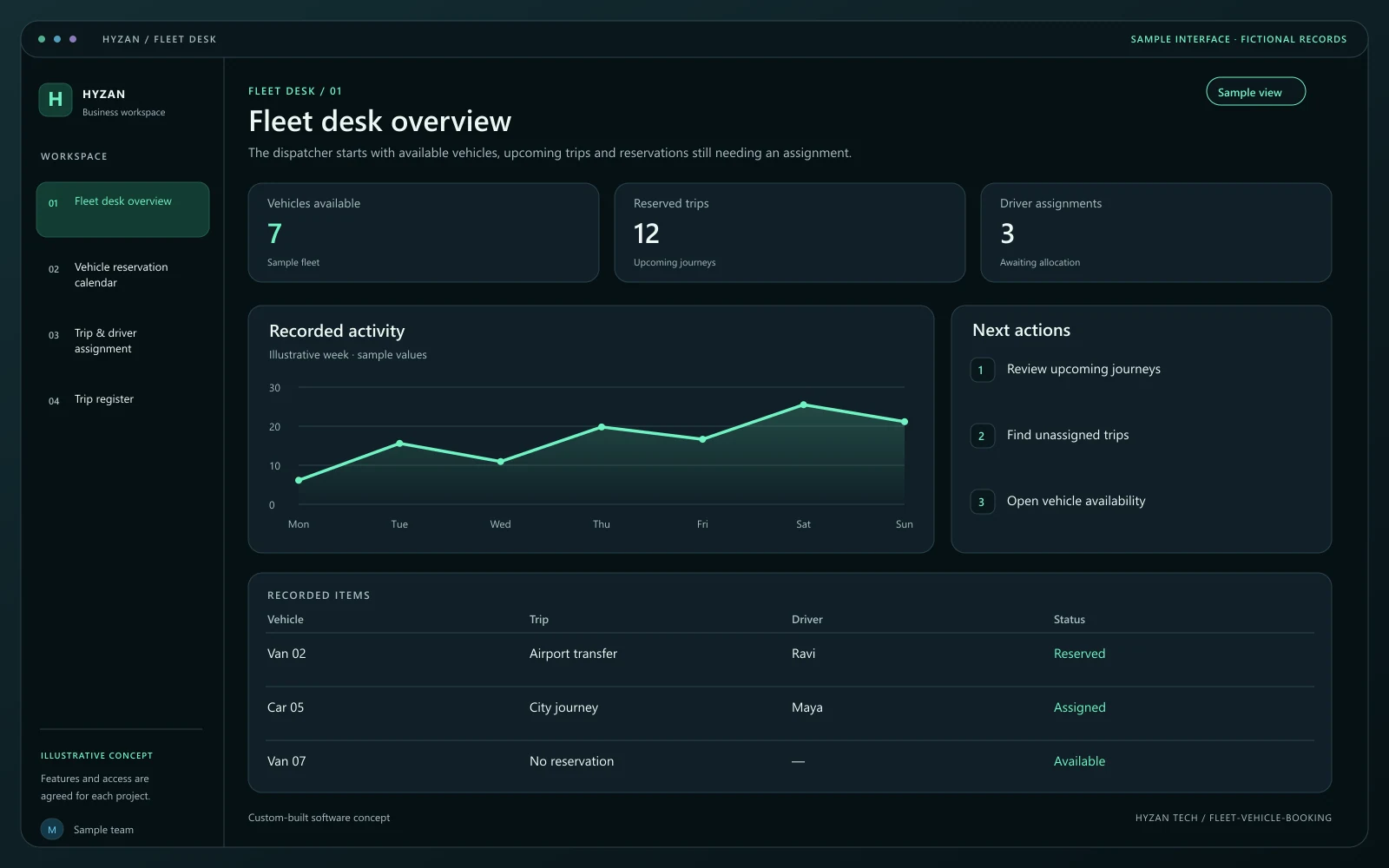 Dashboard + 3 working screens
Custom-built solution
Coordinate vehicle availability and trips.
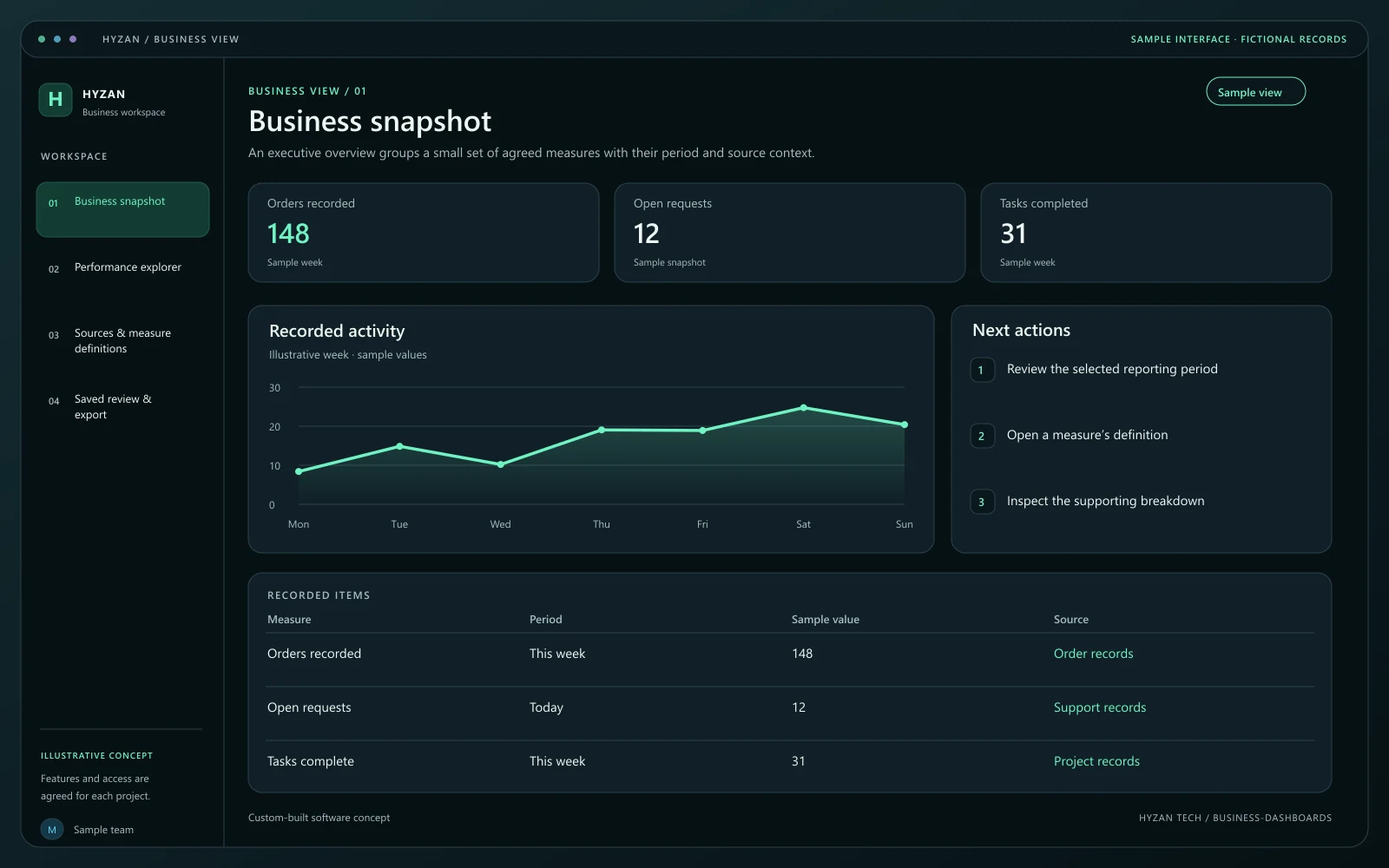 Dashboard + 3 working screens
Custom-built solution
Bring important business information together.
Tell us how your team works today and what you want to improve. Your selected solution will be included in the enquiry.
Discuss this solution